ENGLISH
6060
The Camcorder : Advanced Recording
Selecting the Audio Mode for Camcorder Use
✤
You can select the Audio recording mode in REC mode.
✤
This camcorder records audio signals in two ways.
- 12bit: You can record two 12bit stereo sound tracks along with the tape.
The original stereo sound can be recorded onto the MAIN (SOUND1) track and an additional soundtrack can be dubbed
onto the SUB (SOUND2) track. For audio dubbing, refer to page 77.
- 16bit: You can record one high quality stereo track using the 16bit recording mode. Audio dubbing is not available for
video using 16bit sound.
1. Turn your camcorder on by setting the Power Switch to REC mode.
2. Press the MENU button.
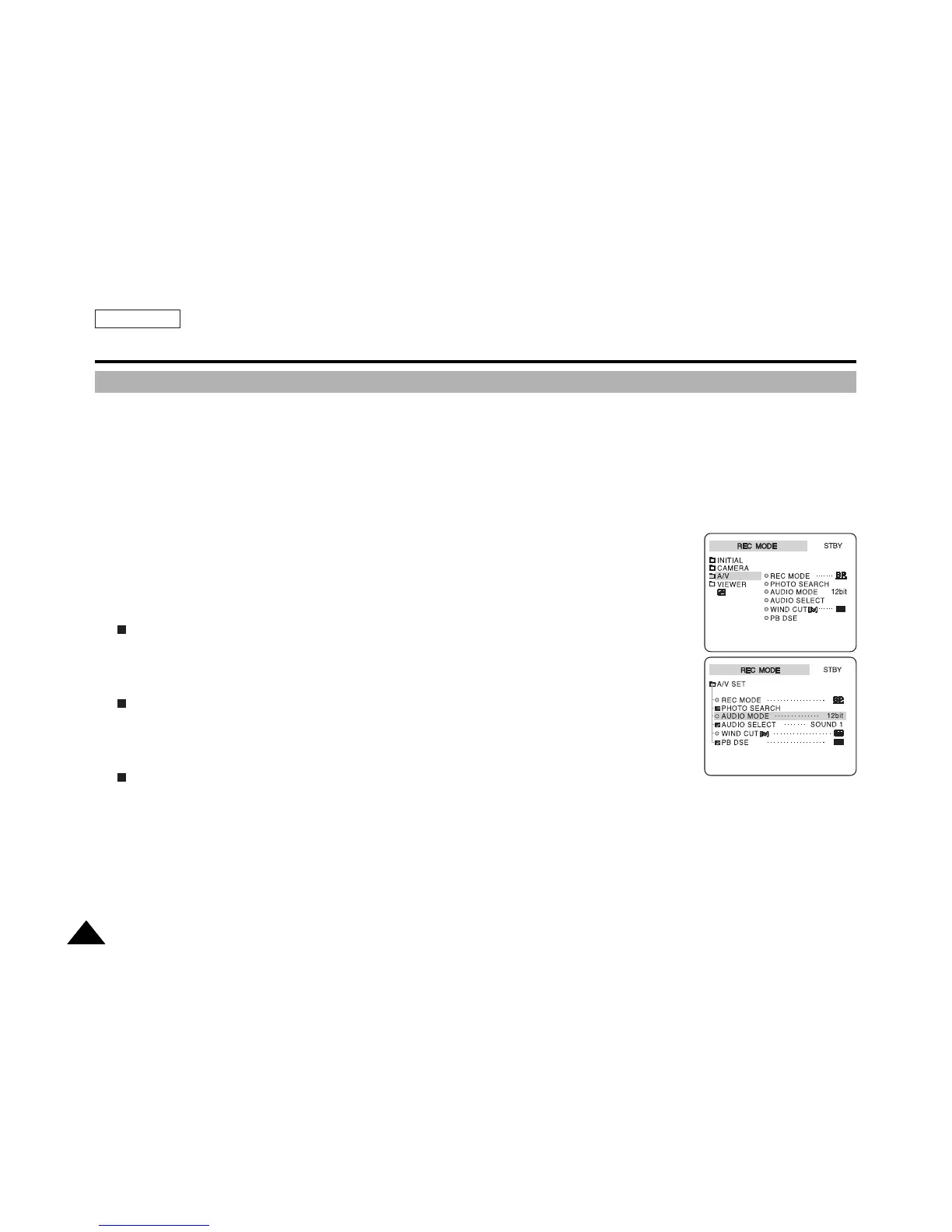
The top menu including A/V is displayed.
3. Press the DOWN button to select A/V , then press the OK button.
The submenu including AUDIO MODE is displayed.
4. Press the DOWN or UP button to select AUDIO MODE , then press the OK button.
Each press of the OK button toggles the AUDIO MODE between 12bit and 16bit.
5. Press the MENU button to exit the menu screen.



 To Next Page