ENGLISH
86
✤
You can use the MEMORY FORMAT functions to completely delete all images and options on a SmartMediaCard and built-in memory,
including protected images.
✤
The format function restores a SmartMediaCard or built-in memory to initial state.
✤
The SmartMediaCard supplied with this camcorder has already been formatted.
Attention ●
If you execute the MEMORY FORMAT function, all images will be completely erased and erased images can not be recovered.
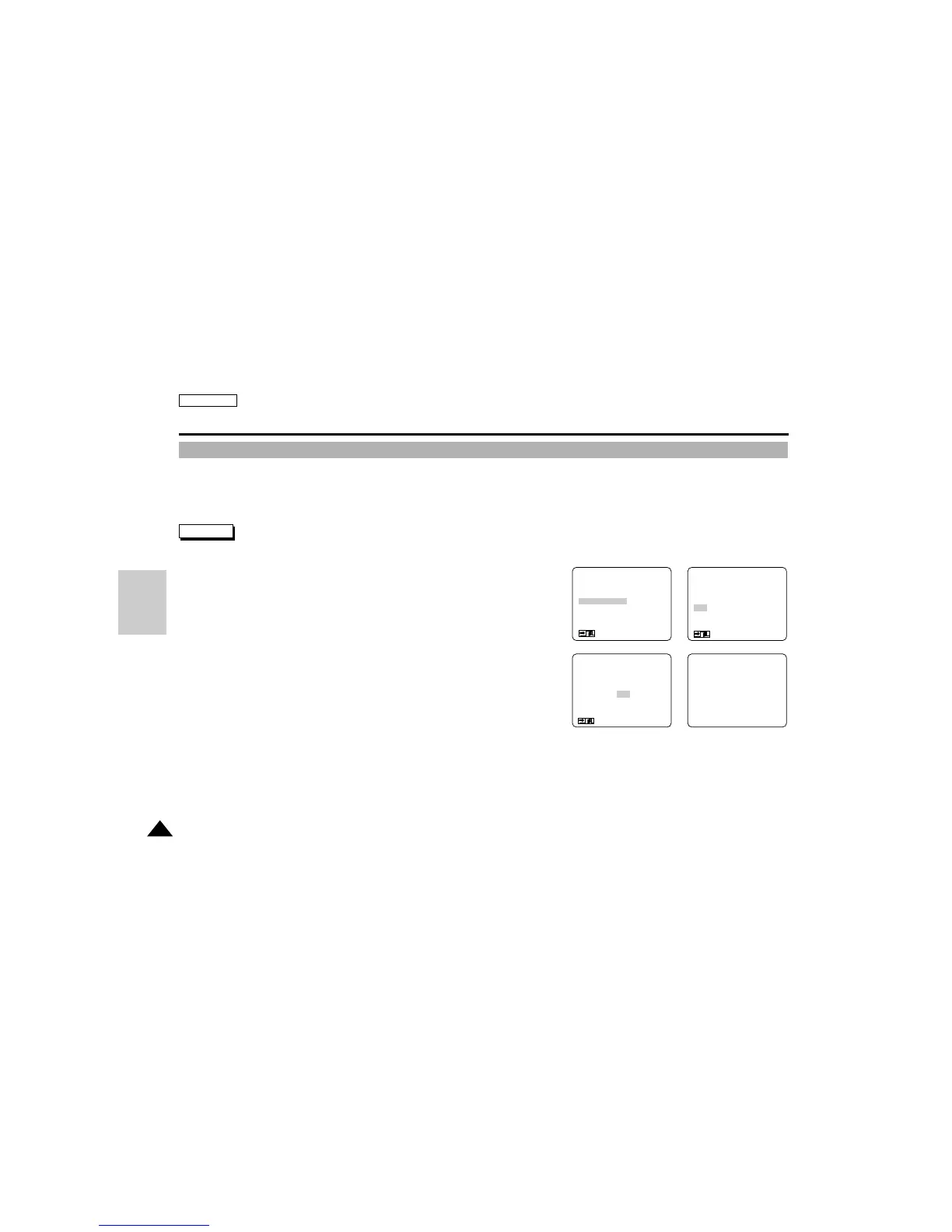
1. Set the mode switch to DSC.
2. Set the power switch to CAMERA mode.
3. Press the ENTER button to enter the menu and select the MEMORY FORMAT.
4. Press the ENTER button.
■
The sub menu appears.
5. Using the MENU DIAL, select the item.
■
NO : To return to main menu
■
YES : To start formatting.
6. Press the ENTER button.
■
“DO YOU FORMAT” appears on the screen.
7. Using the MENU DIAL, select YES or NO and press the ENTER button.
■
If you select YES, formatting starts and “MEMORYFORMAT” blinks on the screen.
■
If you select NO, you are returned to the sub menu.
8. To exit the menu, press the MENU ON/OFF button.
Digital Still Camera mode (SCD75/D77 only)
Formatting a SMC or built-in memory
(MENU)
PHOTO MODE.........FIELD
QUALITY..................ECONOMIC
MEMORY FORMAT
LCD ADJUST
CUSTOM SET
DIS............................OFF
: MENU
●
MEMORY FORMAT
●
NO
YES
SEL : ENTER
: MENU
MEMORY FORMATDO YOU FORMAT?
NO
YES
: MENU
D
S
C



 To Next Page