Basics
25
Sharing content between applications
You can easily share content between applications, such as
Email
and
Internet
, by dragging
and dropping them.
Some applications may not support this feature.
1
Launch
Email
and
Internet
in a split screen Multi Window.
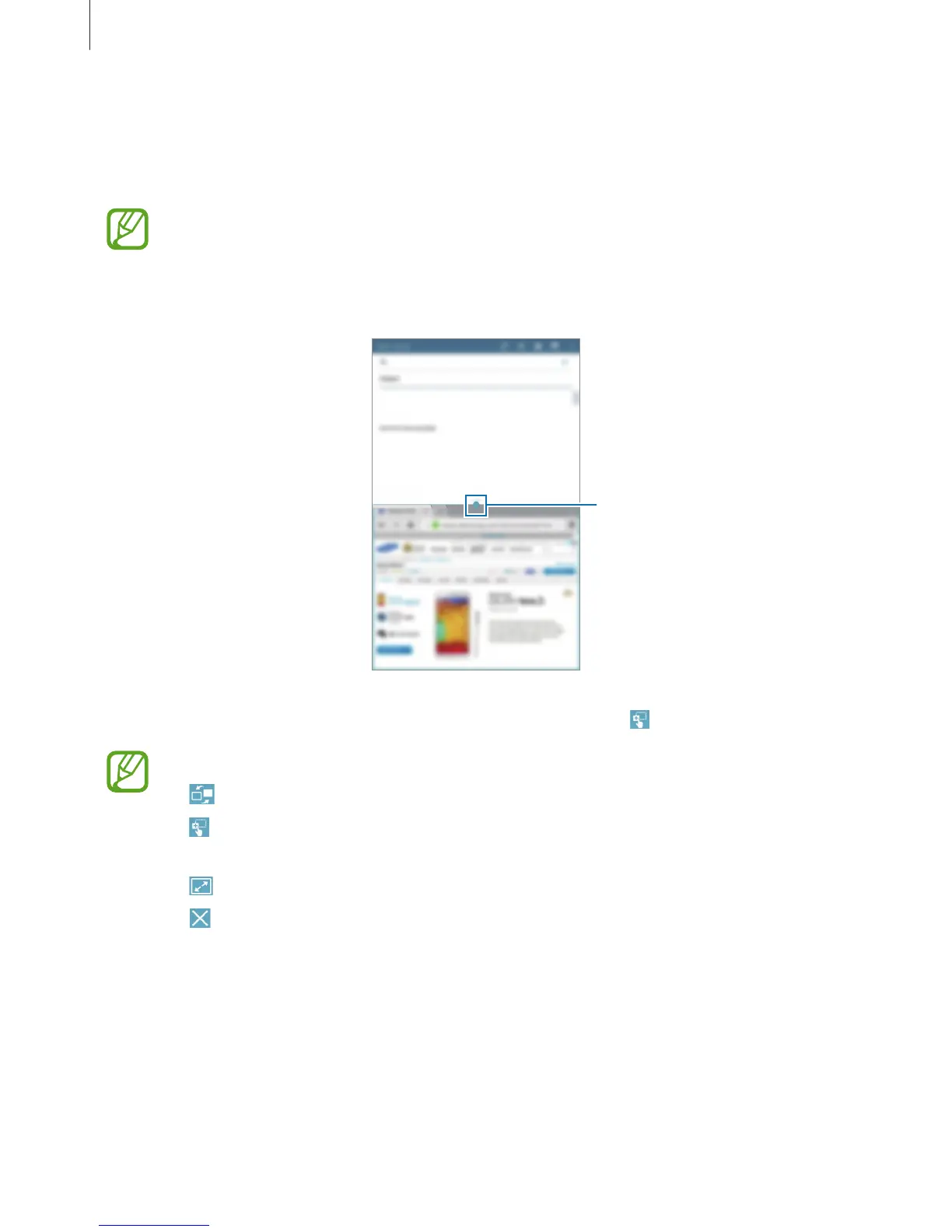
Access the Multi Window
options
2
Tap the circle between the application windows, and then tap .
Tap the circle between application windows to access the following options:
•
: Switch locations between Multi Window applications.
•
: Share items, such as images, text, or links, between application windows by
dragging and dropping them.
•
: Maximise the window.
•
: Close the application.












 To Next Page