Basics
26
3
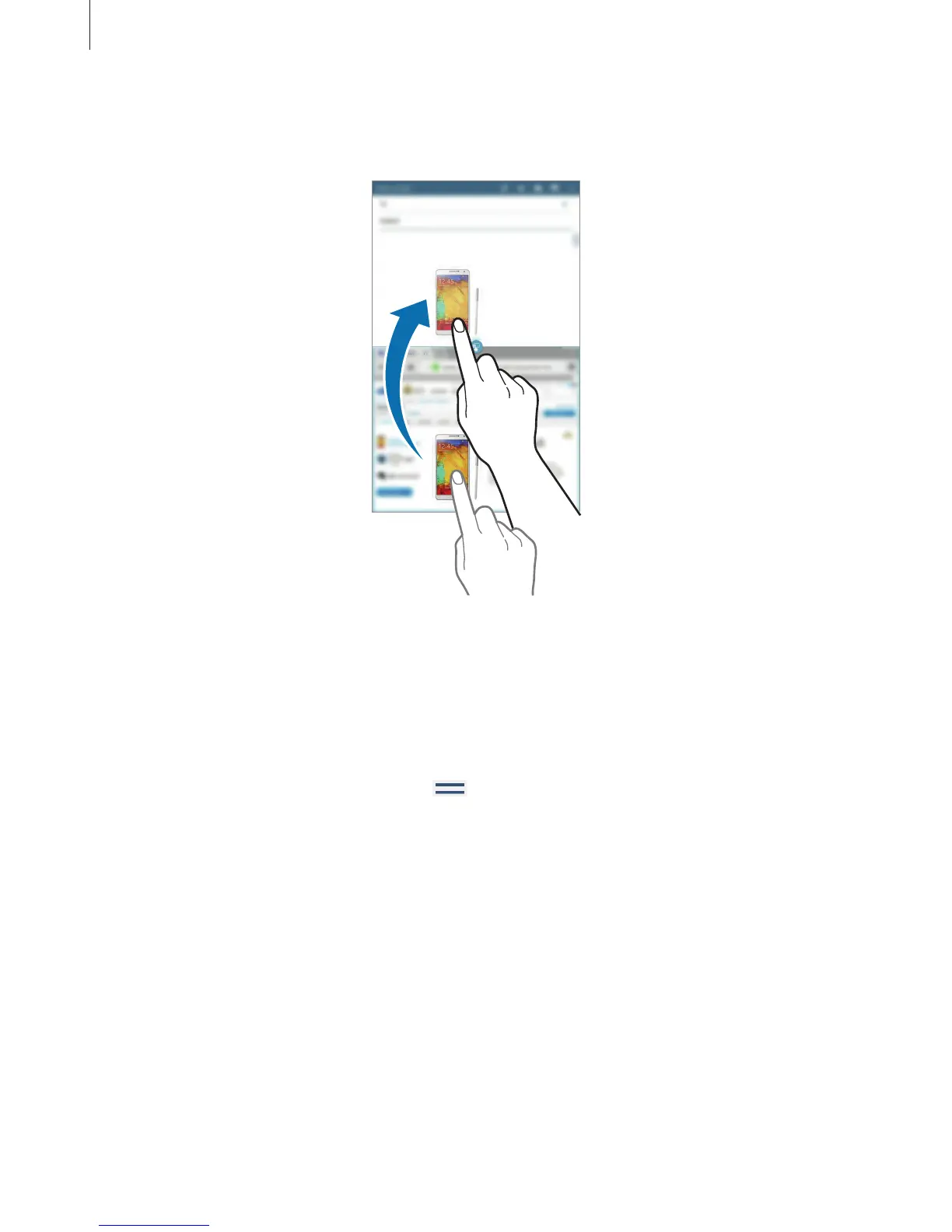
Tap and hold an item in the Internet window and drag it to a location in the Email
window.
Creating a Multi Window combination
Use this feature to save currently-running Multi Window applications as a combination.
1
Launch multiple applications in a split screen Multi Window.
2
Open the Multi Window tray and tap
→
Create
.
3
Enter a title and tap
OK
.
The currently-running Multi Window combination is added to the Multi Window tray.
To launch applications using a saved combination, select the combination from the Multi
Window tray.












 To Next Page