Utilities
85
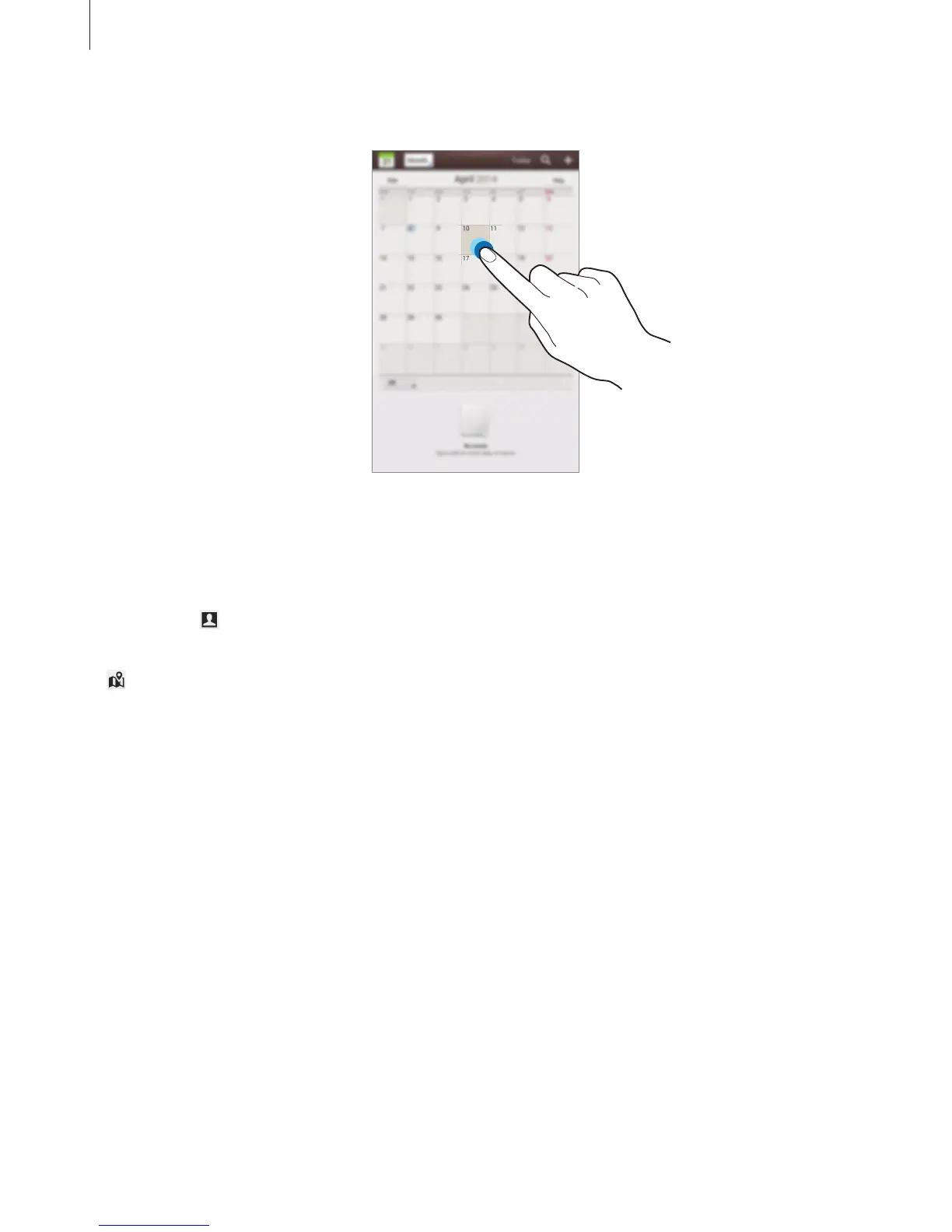
To add an event or task more briefly, tap a date to select it and tap it again.
Enter a title and specify which calendar to use or sync with. Then tap
Edit event details
or
Edit task details
to add more details, such as how often the event repeats, when it has an
advance alert, or where it takes place.
Invite others to the event by sending an email. Enter the email address to the
Participants
field, or tap
to open the contacts list.
Attach a map showing the location of the event. Enter the location in the
Location
field, tap
next to the field, and then pinpoint the precise location by tapping and holding on the
map that appears.
Attach an image. Tap
Images
, and then take a photo or select one of the existing images.












 To Next Page