Utilities
86
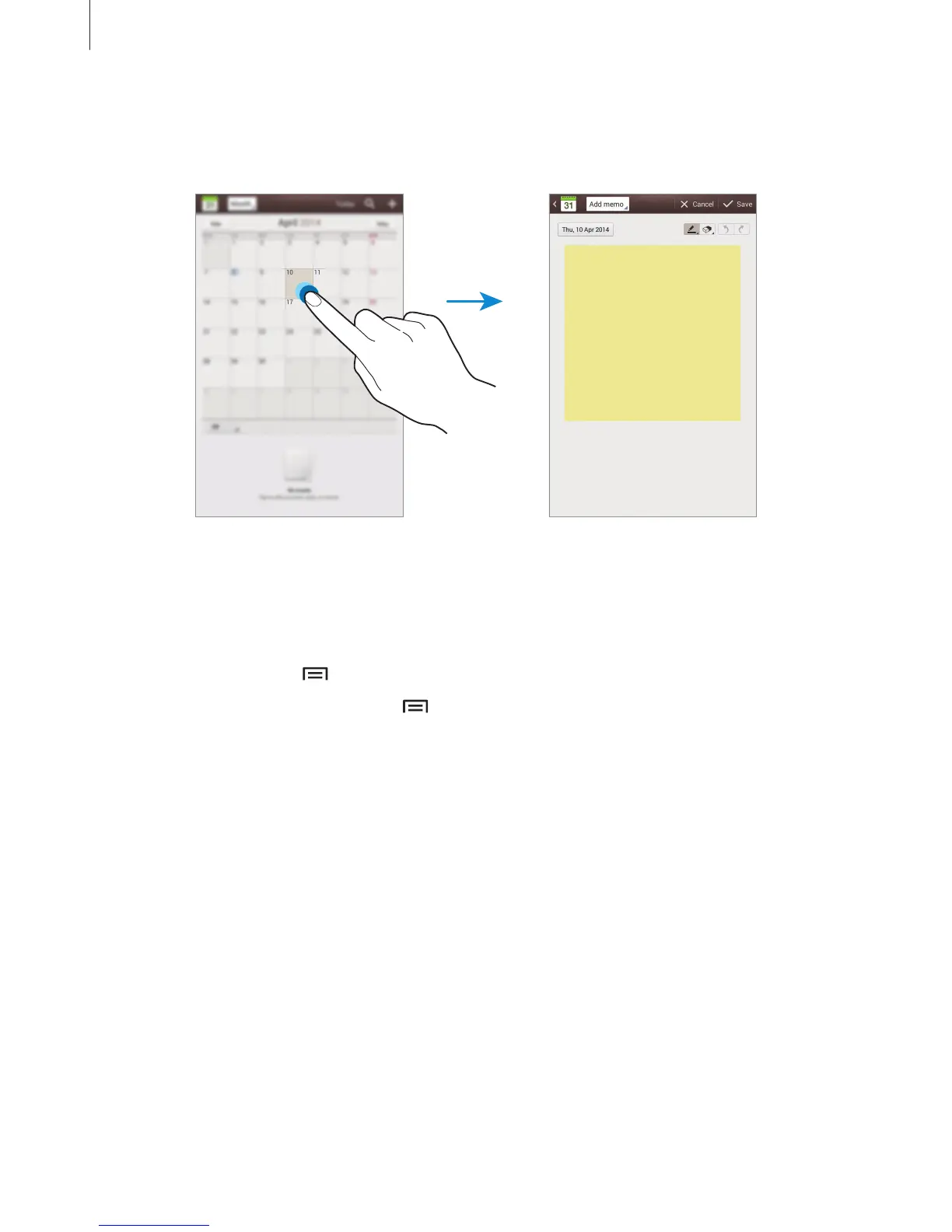
Attaching memos to a date
Tap and hold a date to select it and the memo pad appears.
Syncing with Google Calendar
On the Applications screen, tap
Settings
→
Google
under
Accounts
, select the Google
account, and then tick
Sync Calendar
. To manually sync for updating, on the Applications
screen, tap
S Planner
→
→
Sync
.
To display synced events or tasks, tap
→
Settings
→
View settings
→
Calendars
→
Display
, select the Google account, and then tap
OK
.
Changing calendar type
Tap the top left of the screen, and then select one from among different types of calendars
including month, week, and others. A pinch gesture can be used to change calendar type. For
example, pinch to change from the monthly calendar to the yearly calendar, and spread apart
to change yearly calendar back to monthly calendar.












 To Next Page