English _91
● WEB VIEWER
Menu Functions
PTZ
Controls connect PTZ camera(s).
OSD Menu
Goes to the relevant menu screen of a camera, which supports OSD menu and changes
the menu.
Display Pane
Displays the video of camera connected to DVR.
Logout
Click Logout icon for logout.
User ID
Displays the user's ID.
M
Dual Stream selection: Right click on any of live channels, there will be a drop-down menu profile1/profile2. The
default setting is profile1, that's to say, video displayed as profile1 resolution. If you select profile2, Video will be
displayed as profile2 resolution.
profile1: Live transfer resolution, Profile 2: Recording resolution
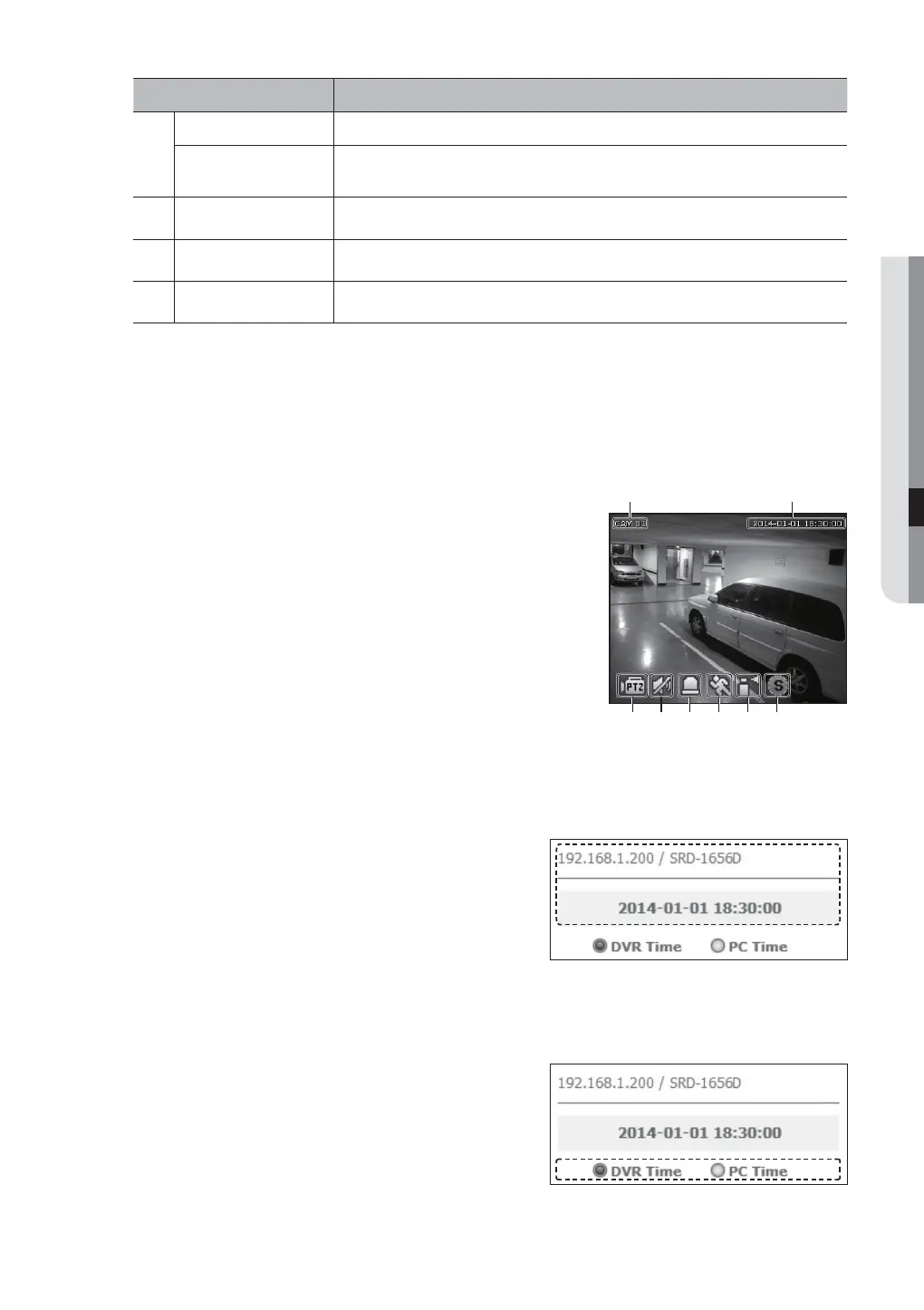
OSD Information Display
The channel number of the connected DVR are displayed.
b Either the <DVR Time> or the <PC Time> will be displayed as the
current date and time, according to your configuration.
c It displays whether the PTZ controls are active.
Shows Audio On/Off status.
Alarm icon appears when alarm is issued.
It disappears when pressed the [ALARM] button of the DVR.
Motion icon appears when a motion is detected.
Tampering icon appears when a tampering is detected.
Shows the recording status.
M
If you have set PTZ cameras for the DVR, “PTZ” is displayed on the
screen. Select a PTZ camera channel and use the [PTZ] button for
camera control.
Connected DVR
This displays the IP address and the status of the connecting
DVR.
M
Connection failure message
No Response : Appears when the DVR does not respond.
Access Denied : Appears when the maximum number of
users is exceeded.
The number of simultaneous connections are limited to 10.
Setting the Display of the OSD Time Information
Select <DVR Time> or <PC Time> for the OSD time
information display setting.
• DVR Time : Based on the time of the connected DVR
• PC Time : Based on the time of the PC currently running
the Web Viewer.
b
c



 To Next Page