92_ web viewer
web viewer
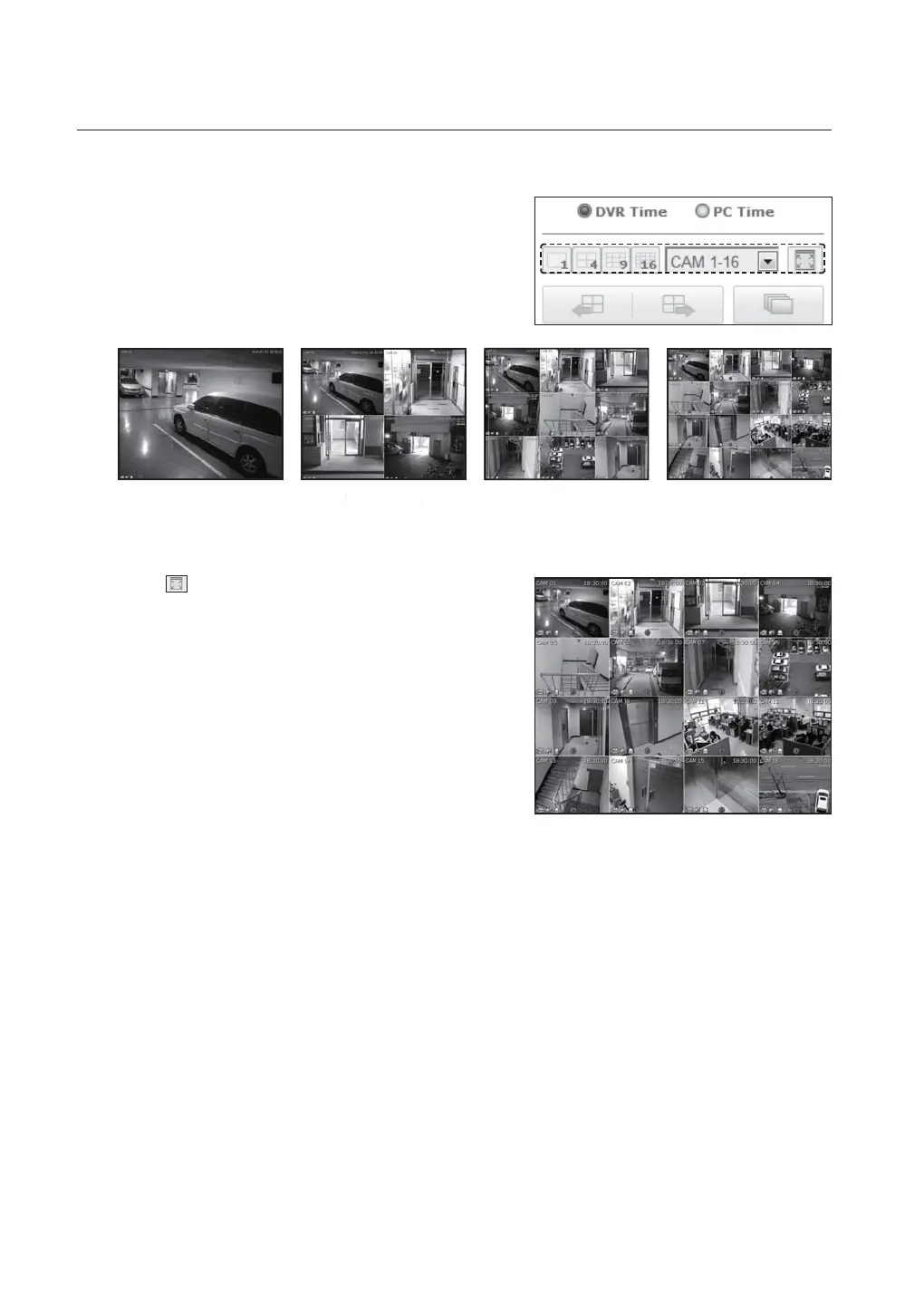
Split-Screen
Click split mode selection button to switch to the
corresponding screen mode.
To switch to full screen mode
Click <
>.
Current split screen appears in full screen.
Press the [ESC] key to exit the full screen mode.
SIXTEEN MODENINE MODESINGLE MODE
QUAD MODE



 To Next Page