English _93
● WEB VIEWER
Changing the Live Screen Mode
16-split mode does not support “Sequence”, “Previous” and
“Next”.
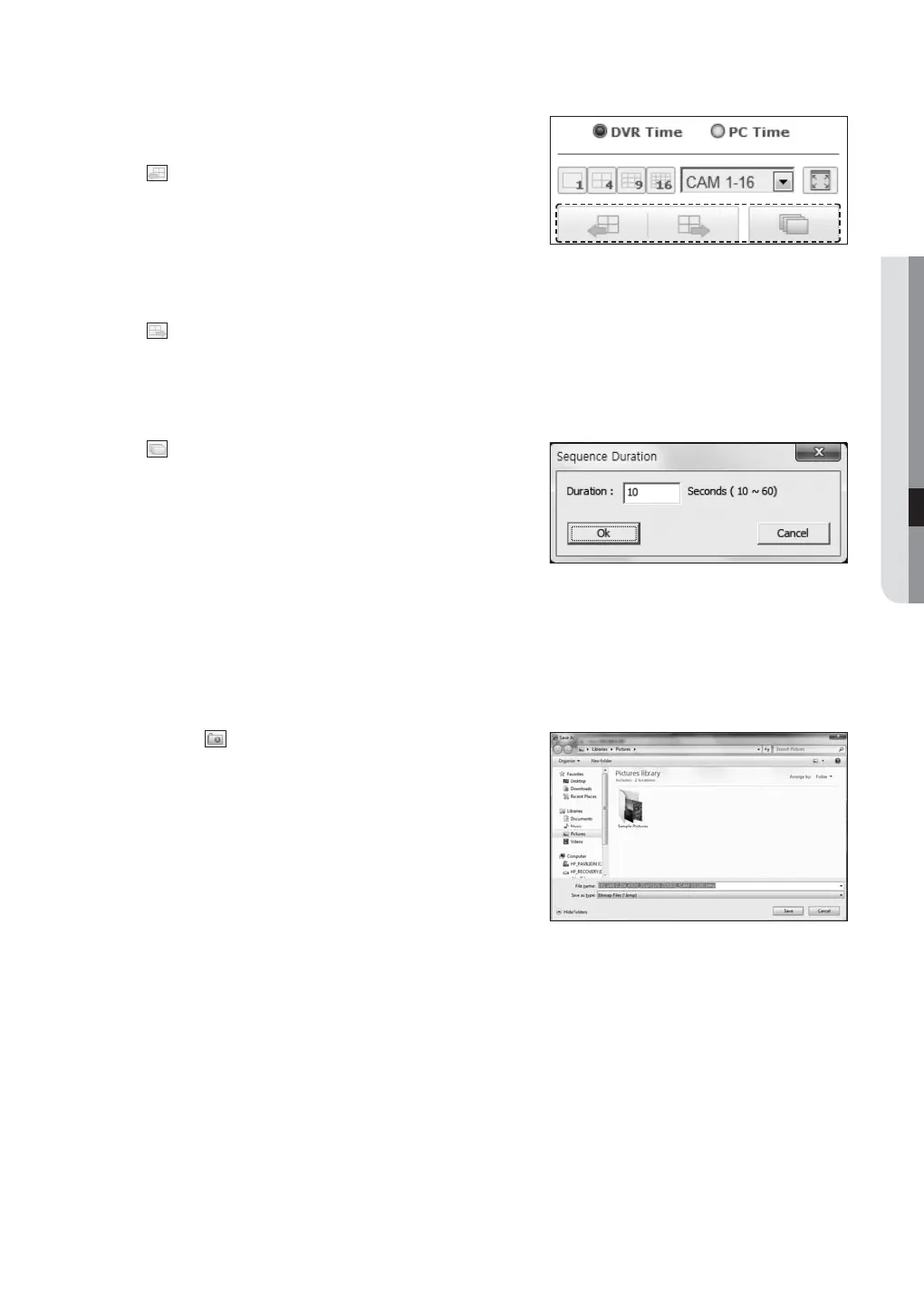
• : When this button is clicked, the previous screen
appears.
- In SINGLE MODE, the channel numbers are switched in
reverse order.
- In QUAD MODE, the screens are changed like 1st 4 channels (1~4) 2nd 4 channels (5~8)
3rd 4 channels (9~12) 4th 4 channels (13~16).
- In NINE MODE, the screens are changed from 9 channels (1~9) to 7 channels (10~16).
•
: When this button is clicked, the next screen appears.
- In SINGLE MODE, the channel numbers are sequentially switched from 1 to 16.
- In QUAD MODE, the screens are changed like 1st 4 channels (1~4) 2nd 4 channels (5~8)
3rd 4 channels (9~12) 4th 4 channels (13~16).
- In NINE MODE, the screens are changed from 9 channels (1~9) to 7 channels (10~16).
•
: When this button is clicked, screens are switched at a
preset interval.
- In SINGLE MODE, the channel numbers are sequentially
switched from 1 to 16.
- In QUAD MODE, the screens are changed like
1st 4 channels (1~4) 2nd 4 channels (5~8)
3rd 4 channels (9~12) 4th 4 channels (13~16).
- In NINE MODE, the screens are changed from 9 channels (1~9) to 7 channels (10~16).
Default setting time (10 seconds)
To capture a screen
1. Click <
> button.
When a pop-up window appears, select the saving path
for captured image.
2. Select the path and name the file. And then click the
<Save> button.
3. Save current camera’s video image as .bmp, .jpg or .png
file.
J
If the browser does not operate in admin mode for Windows
vista/7, when you save the capture file, there can be problems in saving it as bmp, jpg or png.



 To Next Page