E3
ConfiguringtheSupport Menu
Self Diagnosis
Picture Test
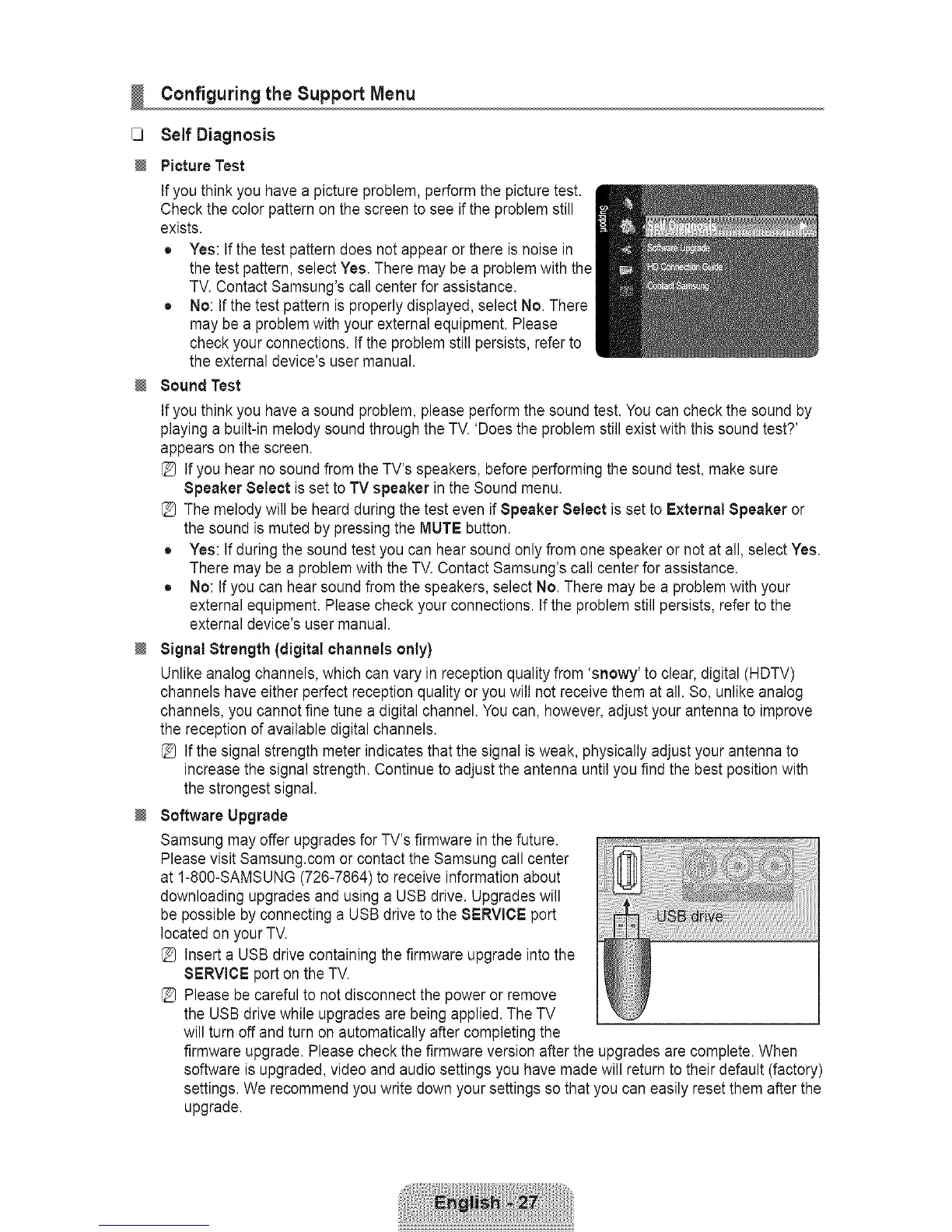
Ifyou think you have a picture problem, perform the picture test.
Check the color pattern on the screen to see if the problem still
exists.
® Yes: If the test pattern does not appear or there is noise in
the test pattern, select Yes. There may be a problem with the
TV. Contact Samsung's call center for assistance.
® No: If the test pattern is properly displayed, select No. There
may be a problem with your external equipment. Please
check your connections. If the problem still persists, refer to
the external device's user manual.
Sound Test
Ifyou think you have a sound problem, please perform the sound test. You can check the sound by
playing a built-in melody sound through the TV. 'Does the problem still exist with this sound test?'
appears on the screen.
[_ If you hear no sound from the TV's speakers, before performing the sound test, make sure
Speaker Select is set to TV speaker in the Sound menu.
[_ The melody will be heard during the test even if Speaker Select is set to External Speaker or
the sound is muted by pressing the MUTE button.
® Yes: If during the sound test you can hear sound only from one speaker or not at all, select Yes.
There may be a problem with the TV. Contact Samsung's call center for assistance.
® No: If you can hear sound from the speakers, select No. There may be a problem with your
external equipment. Please check your connections. If the problem still persists, refer to the
external device's user manual.
Signal Strength (digital channels only)
Unlike analog channels, which can vary in reception quality from 'snowy' to clear, digital (HDTV)
channels have either perfect reception quality or you will not receive them atall. So, unlike analog
channels, you cannot fine tune a digital channel. You can, however, adjust your antenna to improve
the reception of available digital channels.
[_ If the signal strength meter indicates that the signal isweak, physically adjust your antenna to
increase the signal strength. Continue to adjust the antenna until you find the best position with
the strongest signal.
Software Upgrade
Samsung may offer upgrades for TV's firmware in the future.
Please visit Samsung.com or contact the Samsung call center
at 1-800-SAMSUNG (726-7864) to receive information about
downloading upgrades and using a USB drive. Upgrades will
be possible by connecting a USB drive to the SERVICE port
located on your TV.
[_ Insert a USB drive containing the firmware upgrade into the
SERVICE port onthe TV.
[_ Please be careful to not disconnect the power or remove
the USB drive while upgrades are being applied. The TV
will turn off and turn on automatically after completing the
firmware upgrade. Please check the firmware version after the upgrades are complete. When
software is upgraded, video and audio settings you have made will return to their default (factory)
settings. We recommend you write down your settings so that you can easily reset them after the
upgrade.









 To Next Page