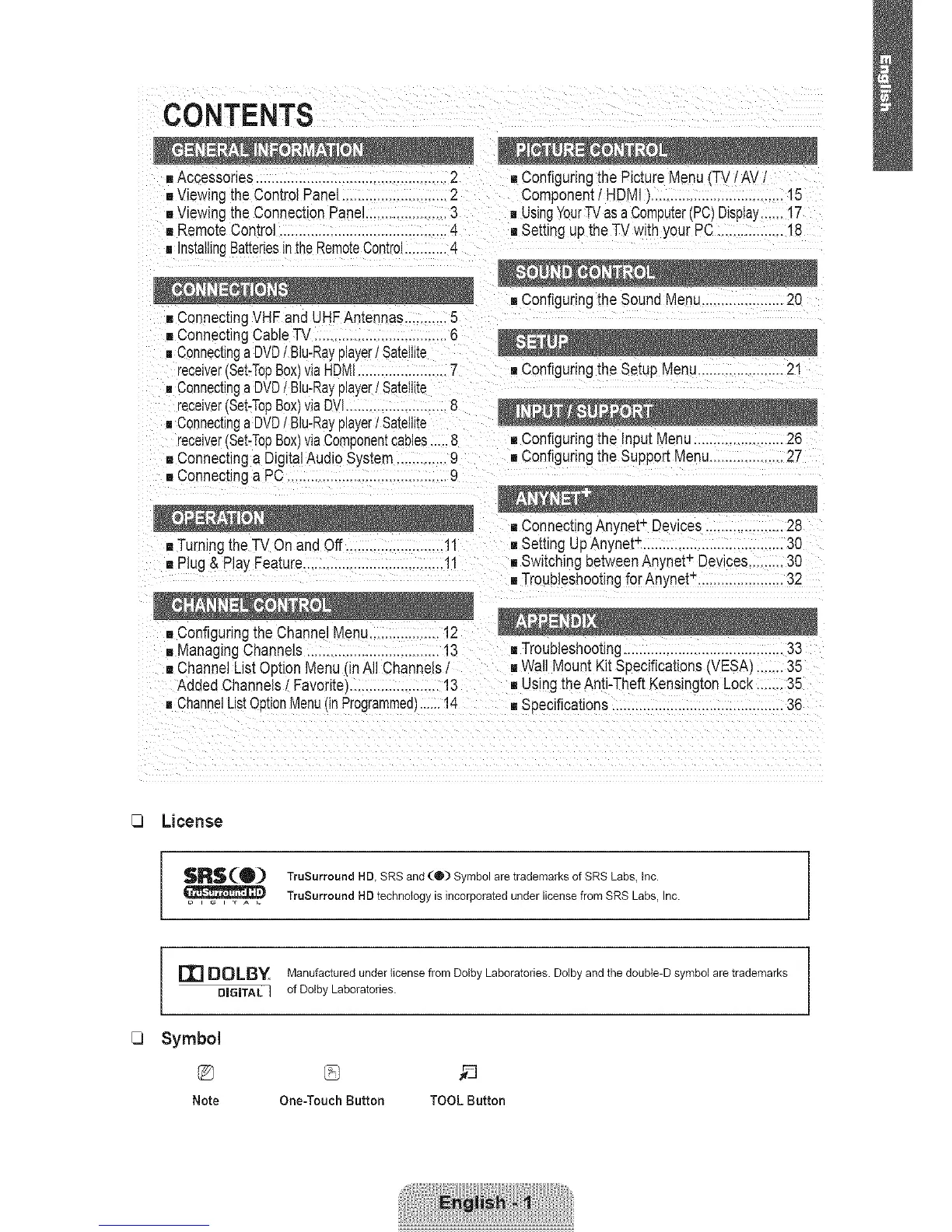
CONTENTS
mAccessones................................. 2
[]Viewingthe Control Panel ..................2
[]Viewinc theConnection Panel.....................3
= RemoteControl ...........................................4
= InstallingBatteriesinthe RemoteControl...........4
[] Configuringthe Picture Menu TVtAV,
Component/HDM] ]..................................15
mUsingYourTVas aComputer(PC)Display...... t7
[] Setting up the TV with your PC.................18
[] ConnectingVHF and UHFAntennas...........5
[] ConnectingCableTV ..................6
•, Connectinga DVD/ Blu-Rayplayer/Satellite
receiver(Set-TopBox]viaHDMI.......................7 [] Configuringthe Setup Menu......................21
gConnectinga DVD/ Blu-Rayplayer/Sateillte
receiver(Set-TopBox]viaDVl..........................8
[]Connectinga DVD/ Blu-Rayplayer/Satellite
receiver(Set-TopBox)viaComponentcables.....8
[] Connectinga DigitalAudio System .............9
[] Connecunga PC .........................................9
[]Turningthe TV On andOff .........................11
[] Plug& Play Fea[ure...................... 11
[] Configuringthe Input Menu...................... 28
[] Configuringthe Support Menu...................27
[] ConnectingAnynet+ Devices ....................28
[] Setting Up Anynet_....................................30
[] Switching betweenAnynet+ Devices.........30
[] TroubleshootingforAnynet-. .....................32
[] ManagingChannels ................. 13 [] Troubleshooting.........................................33
[] ChannelListOption Menu (inAll Channelsi [] Wall Mount KitSpecifications(VESA)....... 35
Added ChannelsI Favoritej ................13 [] Using the Anti-Theft KensingtonLock....... 35
=ChannelListOptionMenu(inProgrammed)......14 [] Sr_ecifications............................................38
[3
[3
License
$R$(®)
Symbol
%
Note
TruSurround HD, SRS and (O) Symbol are trademarks of SRS Labs, inc.
TruSurround HD technology is incorporated under license from SRS Labs, Inc.
Manufactured under license from Dolby Laboratories. Dolby and the double-D symbol are trademarks
of Dolby Laboratories.
One-Touch Button TOOL Button









 To Next Page