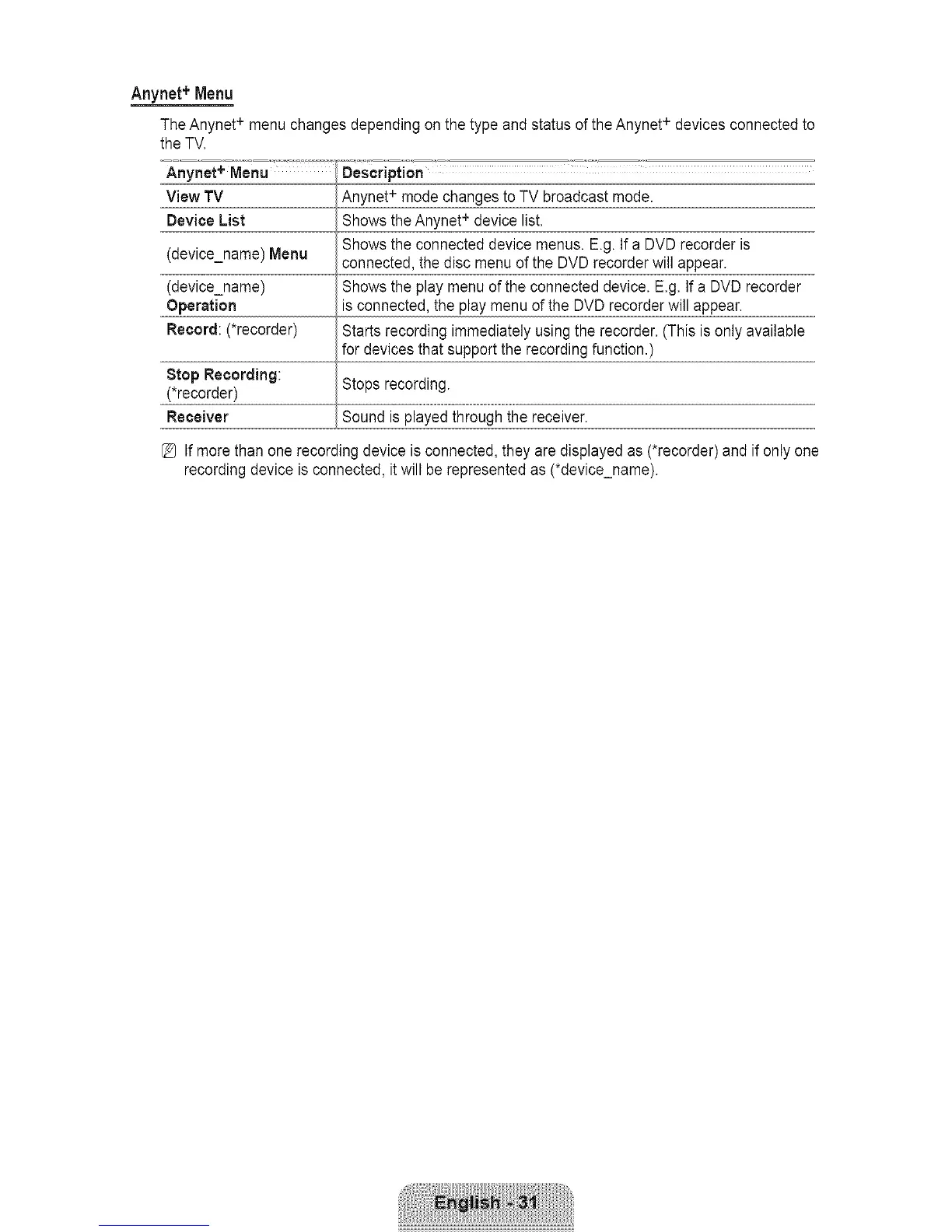
Artynet+ Menu
TheAnynet+ menuchangesdependingonthetypeandstatusoftheAnynet+ devicesconnectedto
Description
Anynet + mode changes to TV broadcast mode.
Shows the Anynet + device list.
Shows the connected device menus. E.g. If a DVD recorder is
connected, the disc menu of the DVD recorder will appear.
Shows the play menu of the connected device. E.g. If a DVD recorder
is connected, the play menu of the DVD recorder will appear.
Starts recording immediately using the recorder. (This is only available
for devices that support the recording function.)
Stop Recording:
(*recorder)
Receiver
the TV.
Anynet+ Menu
View TV
Device List
(device_name) Menu
(device_name)
Operation
Record: (*recorder)
Stops recording.
Sound is played through the receiver.
[_ If more than one recording device is connected, they are displayed as (*recorder) and if only one
recording device is connected, it will be represented as (*device_name).









 To Next Page