Recalling a Preset Station
Presets 1-3
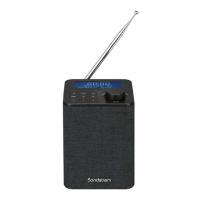
To recall preset stations that are stored in positions 1-3, just press the Preset
1, 2 or 3 button.
Presets 1-10
1. In ON mode, press MENU button, and then turn the +/–VOLUME/
SELECT dial or press button to select Preset. Press the +/–
VOLUME/SELECT dial to conrm.
2. Turn the +/–VOLUME/SELECT dial or press button to select
Recall. Press the +/–VOLUME/SELECT dial to conrm.
3. Turn the +/–VOLUME/SELECT dial or press button to select your
desired preset station number. Press the +/–VOLUME/SELECT dial to
conrm.
The stored stations will be saved into the memory and power
o will not erase it. Storing a new station in a preset location will
erase the previously stored station in that location.
21
SFPDAB17_IB_170303_will.indd 21 6/3/2017 4:07 PM


 To Next Page
 Loading...