53
Auto scanning – FM
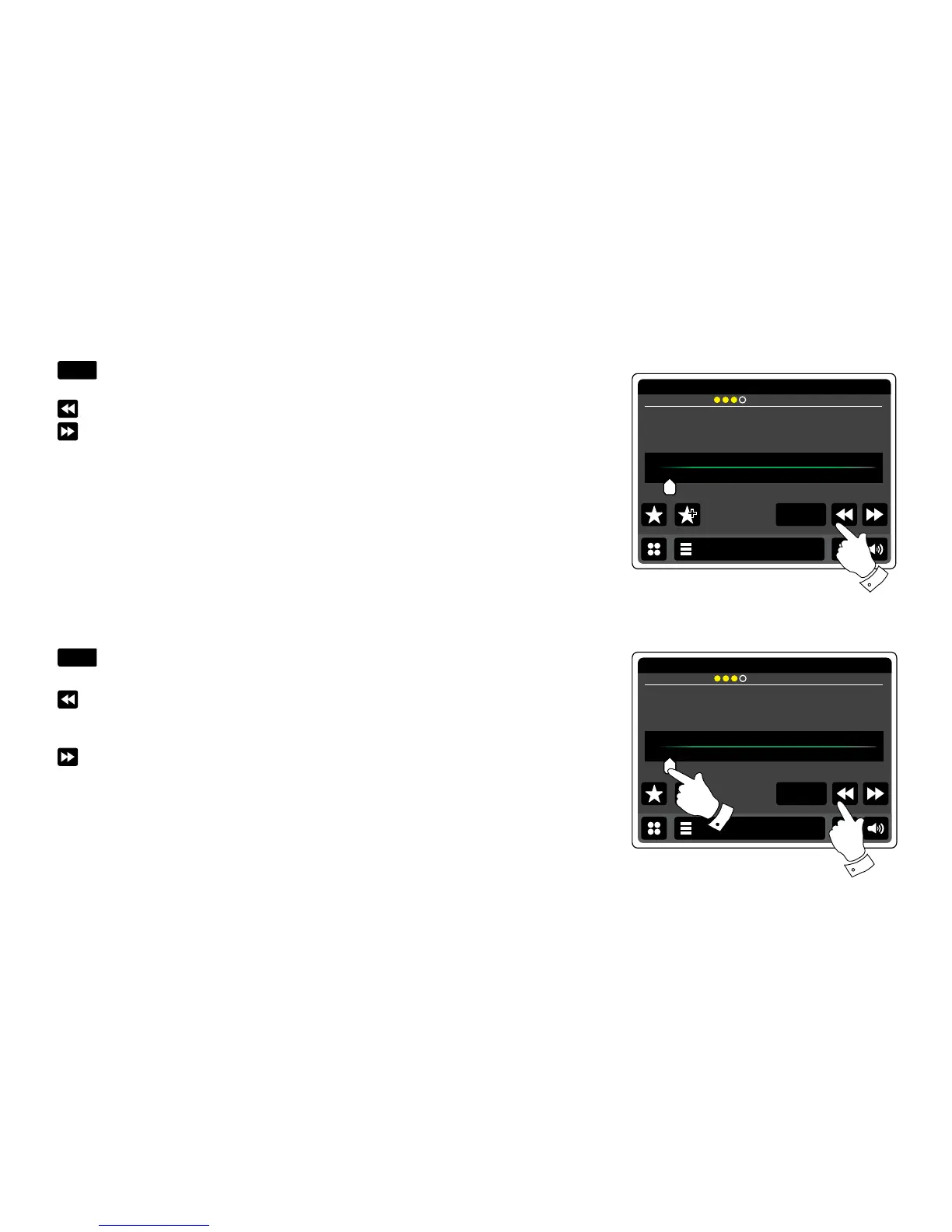
Touch the Auto Scan button until Auto Tune appears in yellow.
Touch the Left or Right buttons to cause the radio to scan to find a station. It will stop
scanning when it nds a radio station of sufcient strength. When the end of the waveband is
reached the radio will recommence tuning from the opposite end of the waveband.
The display will show the frequency of the signal which has been found. If RDS information is
available, after a few seconds the display will show the radio station name. Stereo or Mono
broadcasts are indicated at the top of the screen.
If you only hear hiss or interference, simply touch the Left or Right buttons to scan further. Your
radio may have found a spurious interference signal. The yellow markers at the top of the display
show the relative strength of the FM signal being received.
Manual tuning- FM
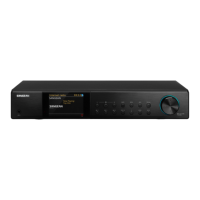
Ensure Autoscan is deselected. (Auto scan will be displayed in white).
Touch to control the frequency that the radio will tune to. The frequency will change in steps
of 50kHz.
When the end of the waveband is reached the radio will recommence tuning from the opposite
end of the waveband.
Alternatively move the dial scale pointer on the screen to manually select the frequency.


 To Next Page