73
Software version display
The software version display is provided for reference and customer support purposes and
cannot be changed.
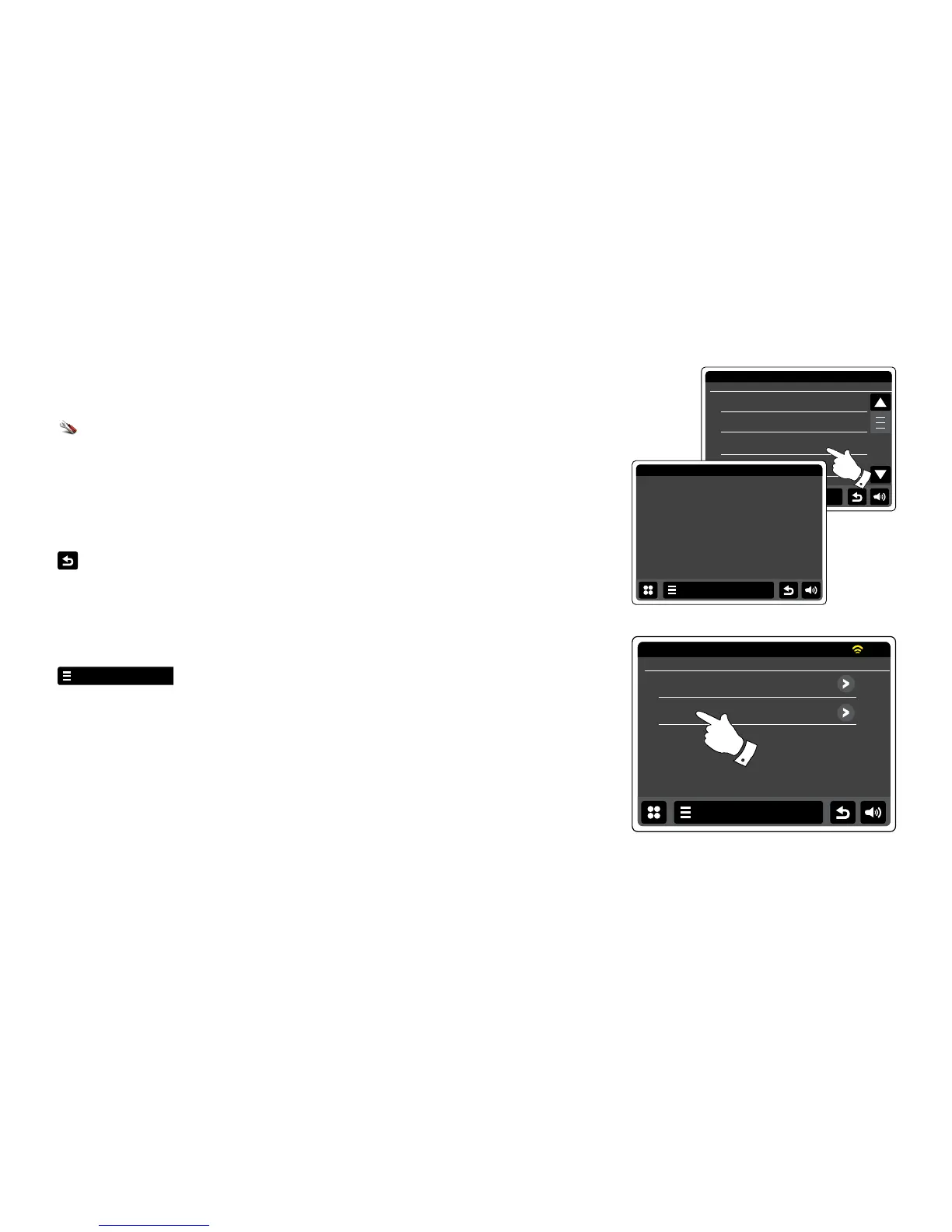
From the home menu press the Settings mode button. The main settings menu will be
displayed.
Select Miscellaneous Settings.
Touch Software version. The software version will be displayed.
Touch the Back button to return to previous screen.
Audio FAQ
Your radio can access some audio help for Internet Radio use.
Touch the Internet menu bar once or twice to enter the Internet menu list.
Touch Browse station list and scroll down and select Help.
Select FAQ to display some frequently asked questions.
Select a question that suit your requirements and listen to the answer. Adjust the volume as
needed.


 To Next Page