GB
56
Clock and Alarms
Automatically updating the clock
Your radio will normally update the clock automatically when connected to the internet.
You may wish to use the radio away from the internet, in which case you may specify that the unit
sets its clock from DAB or FM radio broadcasts. After a power failure the radio will then set its
clock the next time that you turn on the radio in DAB or FM mode.
Alternatively you may specify that the time is not automatically updated. In this case the clock
must always be set manually after a power interruption.
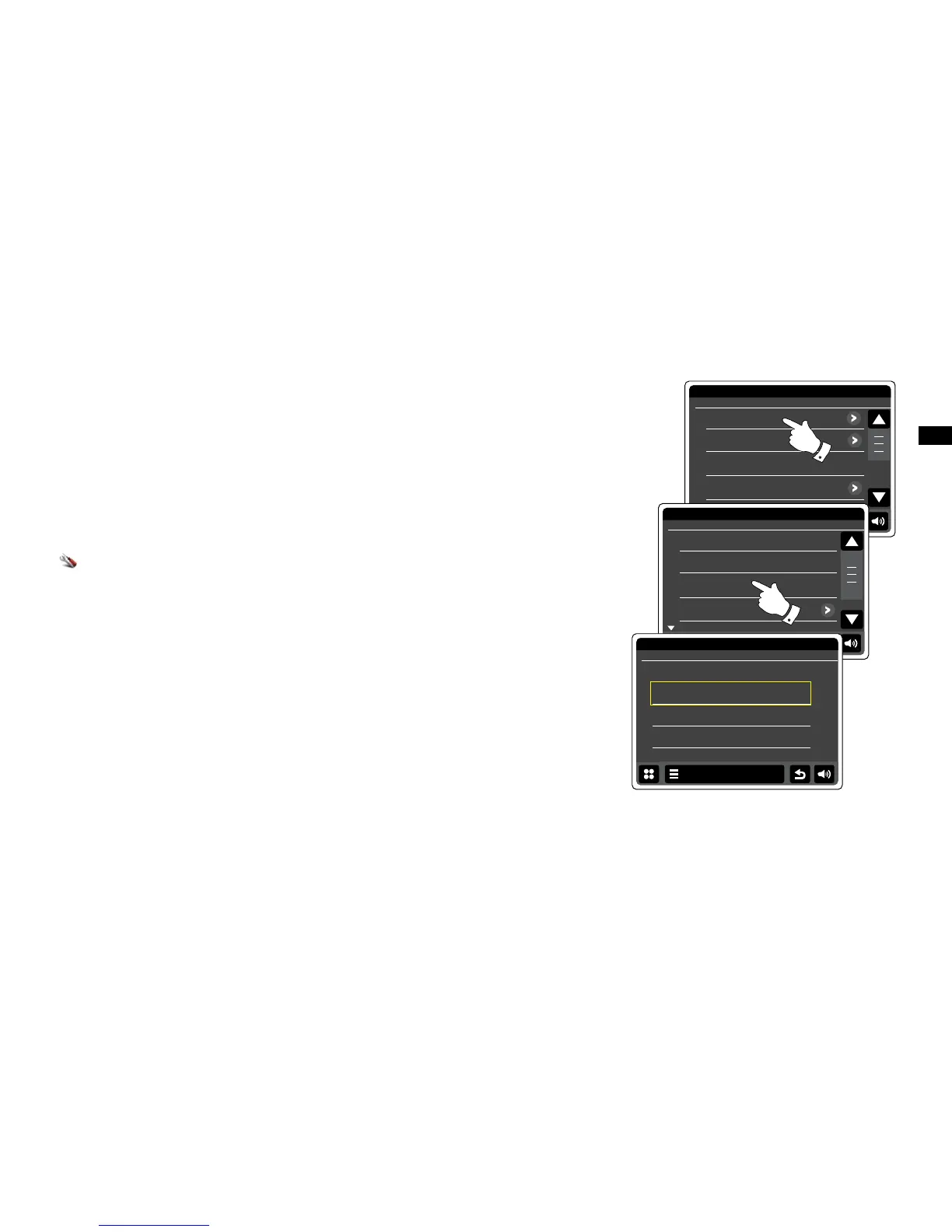
From the home menu press the Settings mode button. The main settings menu will be
displayed.
Touch Time settings.
Select Time Source to enter the time setup. The current time source will be displayed in yellow.
Touch Internet, DAB, FM or None as required. The radio will return to the previous menu display.
If you choose none you will need to set the clock manually, see section of ‘Setting the clock
format’.


 To Next Page