GB
60
Setting the alarm clock cont.
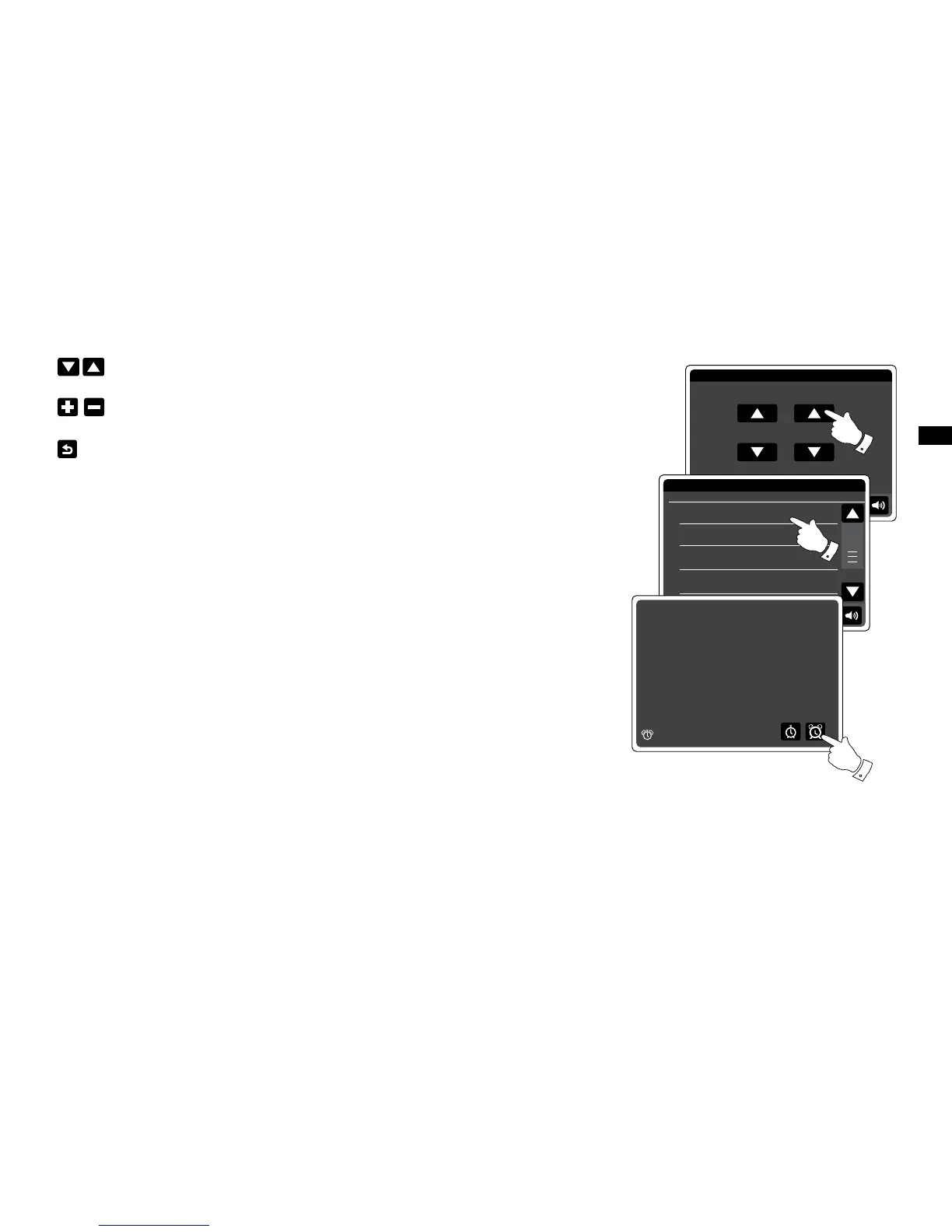
Use the Up and Down arrows to set the time and date option.
Touch the + and – buttons to adjust the alarm volume.
Note: If you make a mistake at any point while setting the alarms or wish to return to the
previous screen touch the Back button.
When the alarm sounds
The buzzer, iPod or radio alarm will sound at the selected times for up to 60 minutes unless
cancelled. The volume used for the alarm will be as specied during the alarm setting procedure.
If the radio cannot connect to the specied radio station, the buzzer alarm will be used instead.
The alarm icon will ash and the radio will automatically switch back to standby mode when the
60 minutes have elapsed.
To cancel an alarm, touch Cancel on the screen to return to standby mode.
Note:
If the radio is switched on because of an alarm you can control basic functions such as volume.


 To Next Page