GB
66
Brightness control
The brightness of the display can be adjusted for when the radio is in Standby and for when it is
in use. If you use the unit in the bedroom, you may prefer a lower standby brightness level than
the standard setting.
From the home menu press the Settings mode button. The main settings menu will be
displayed.
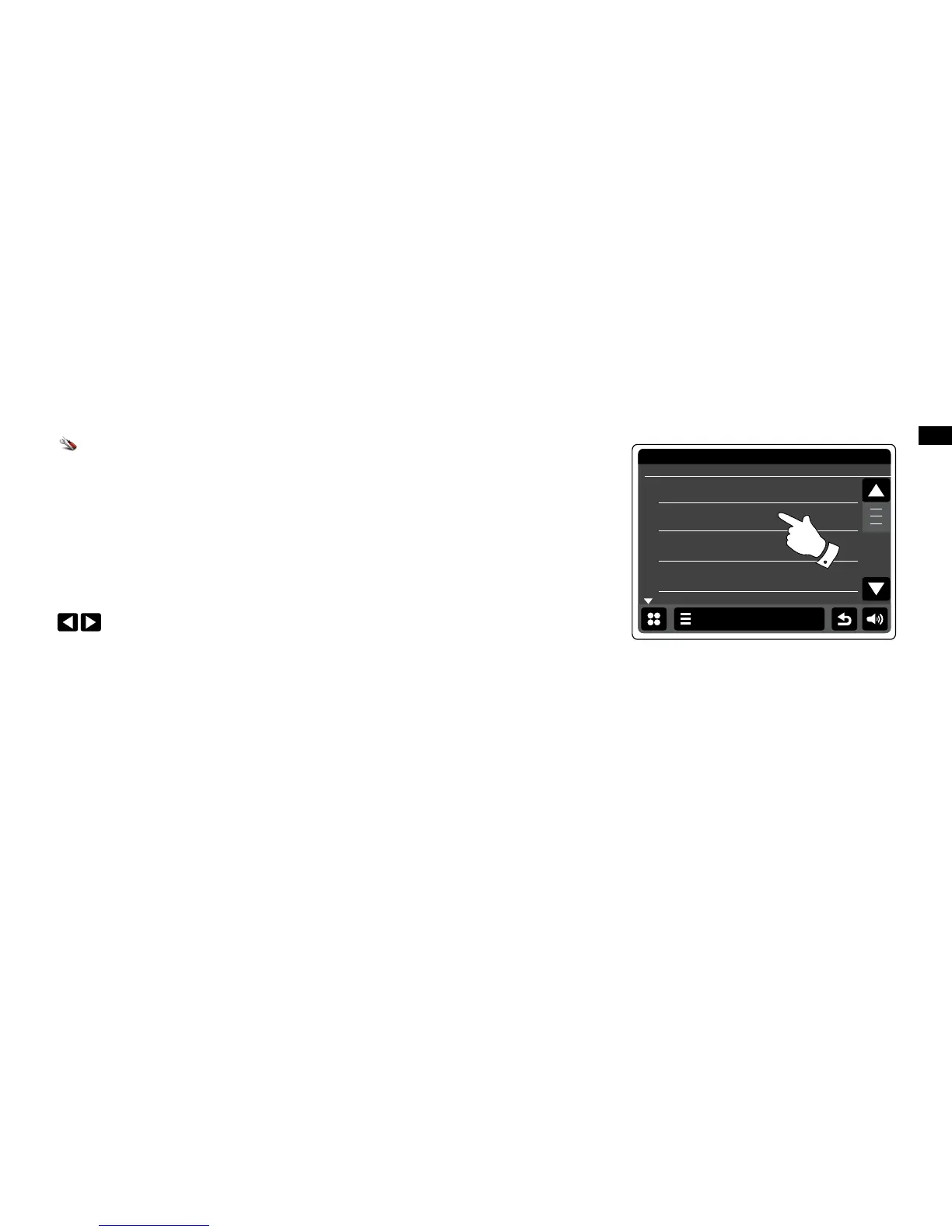
Scroll through the menu and select Miscellaneous Settings and select Display backlight.
To adjust the display brightness when the radio is switched on, adjust 'Power on backlight'.
To adjust the display brightness when the radio is in standby, adjust 'Standby backlight'.
Either use the Left or Right arrows or touch the slider to adjust the backlight level. The
display will change as you adjust the levels.


 To Next Page