65
Setting up your Custom EQ prole and Audio
If you nd the preset equaliser functions not to your liking, you may set up a custom treble and
bass setting as follows:
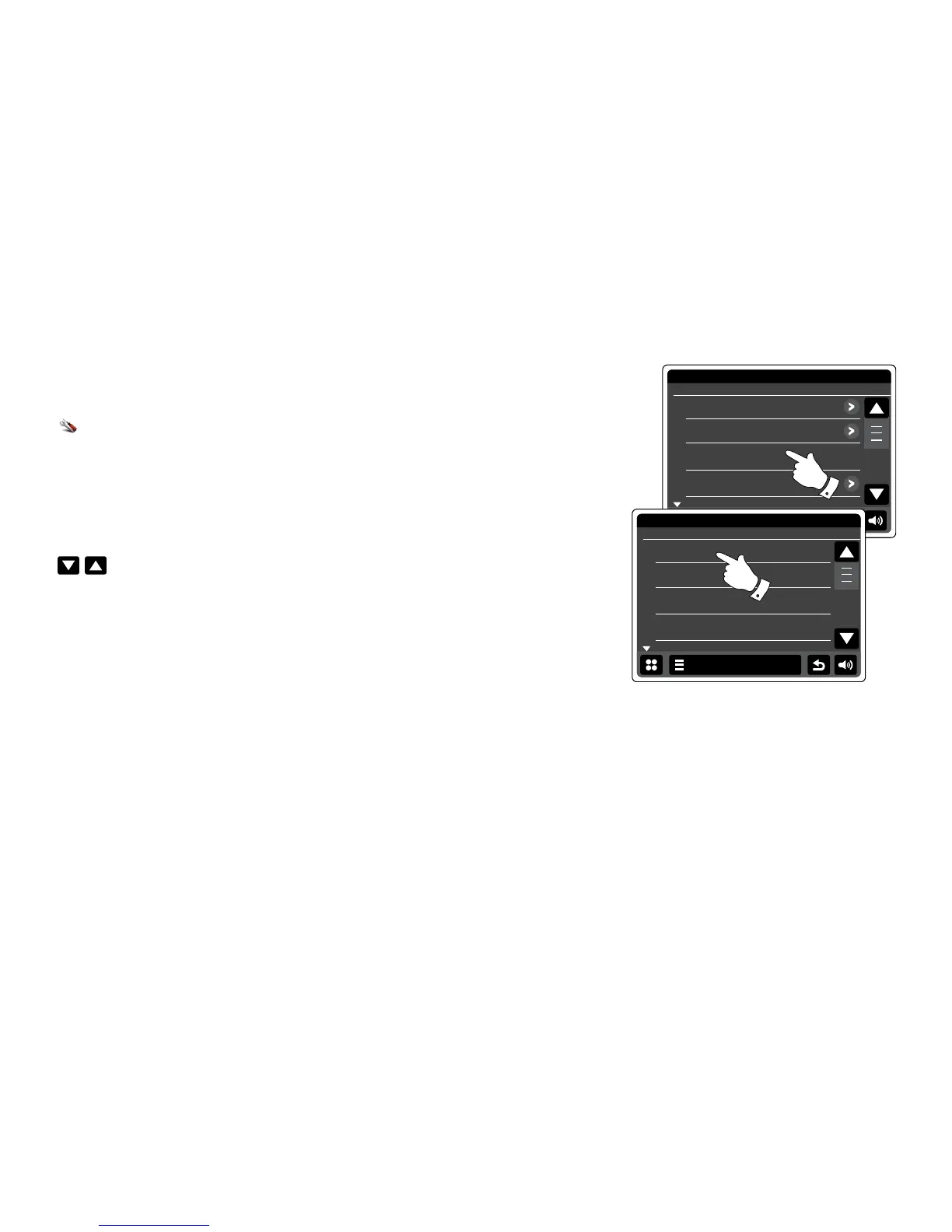
From the home menu press the Settings mode button. The main settings menu will be
displayed.
Select Equaliser settings. The current setting will appear in yellow.
Scroll through the menu and select Custom.
Either use the Up and Down arrows or touch the slider to adjust the bass and treble levels.
The sound will change as you adjust the levels.
To use the Custom prole select Custom.
To quickly cancel the effect the Custom prole touch Normal. The treble and bass settings will be
remembered for the next time that you wish to use the custom equaliser setting.


 To Next Page