GB
64
Display and Audio
Equaliser function
The sound on your radio can be adjusted to suit your personal taste for the material that you are
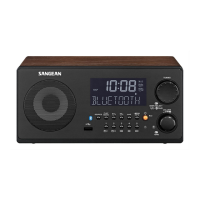
listening to. The WFT-2D has a range of equaliser modes. Alternatively you may set the treble
and bass levels to your own preferences which can be accessed from the 'Custom' settings menu
item.
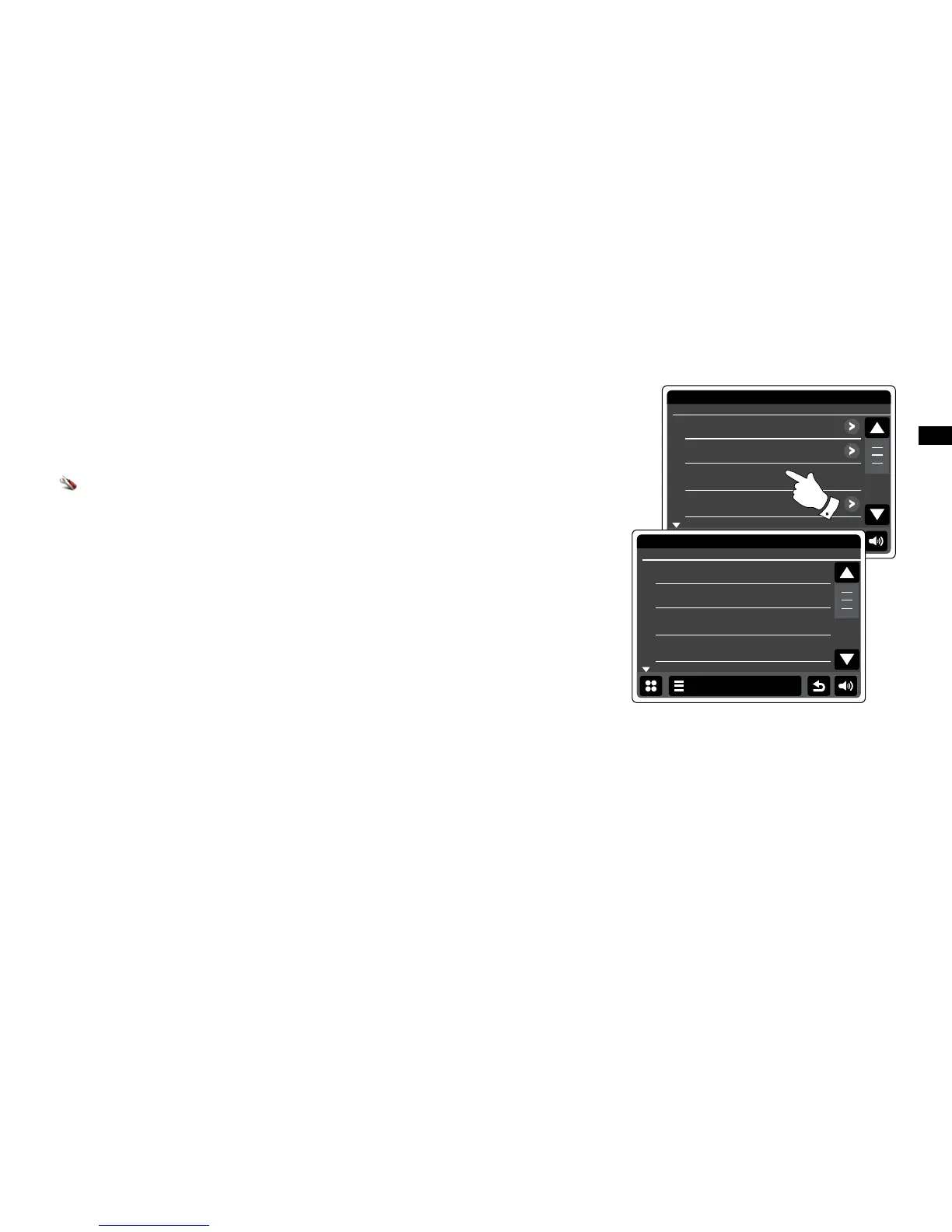
From the home menu press the Settings mode button. The main settings menu will be
displayed.
Select Equaliser settings. The current setting will appear in yellow.
Scroll through the menu and select the required Equaliser setting. The various settings are as
follows:
a - 'Custom'
b - 'Normal'
c - 'Jazz'
d - 'Rock'
e - 'Movie'
f - 'Classic'
g - 'Pop'
h - 'News'


 To Next Page