28
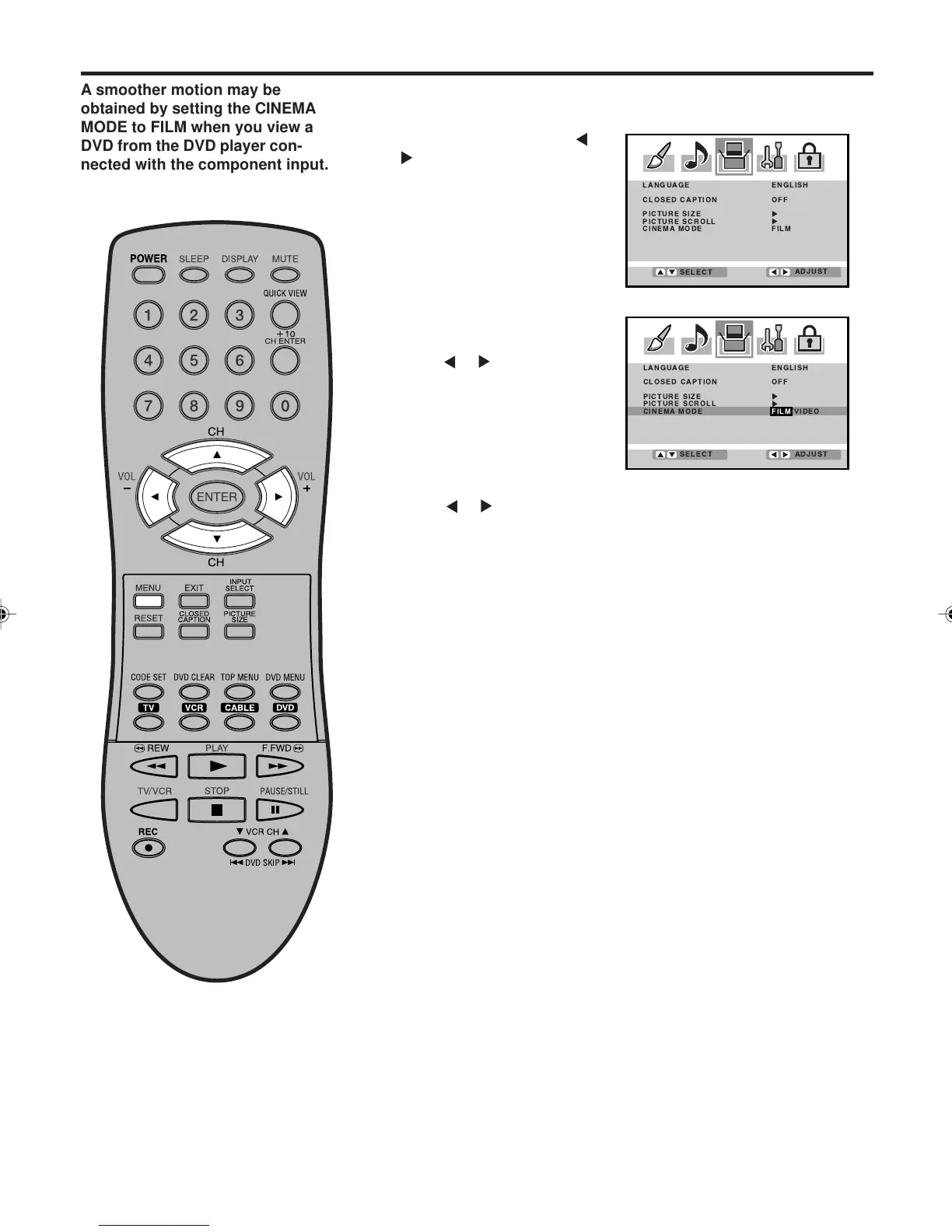
Press ▲ or ▼ to select
“CINEMA MODE”, and then
press or to select “FILM”.
Press MENU, then press
or
to select SETUP menu.
1
2
To set the CINEMA MODE to FILM
Selecting the cinema mode
To set the CINEMA MODE to VIDEO :
Press
or to select “VIDEO” in step 2 above.
A smoother motion may be
obtained by setting the CINEMA
MODE to FILM when you view a
DVD from the DVD player con-
nected with the component input.
3V03001A_En_p27-31 8/23/05, 16:3328



 To Next Page