33
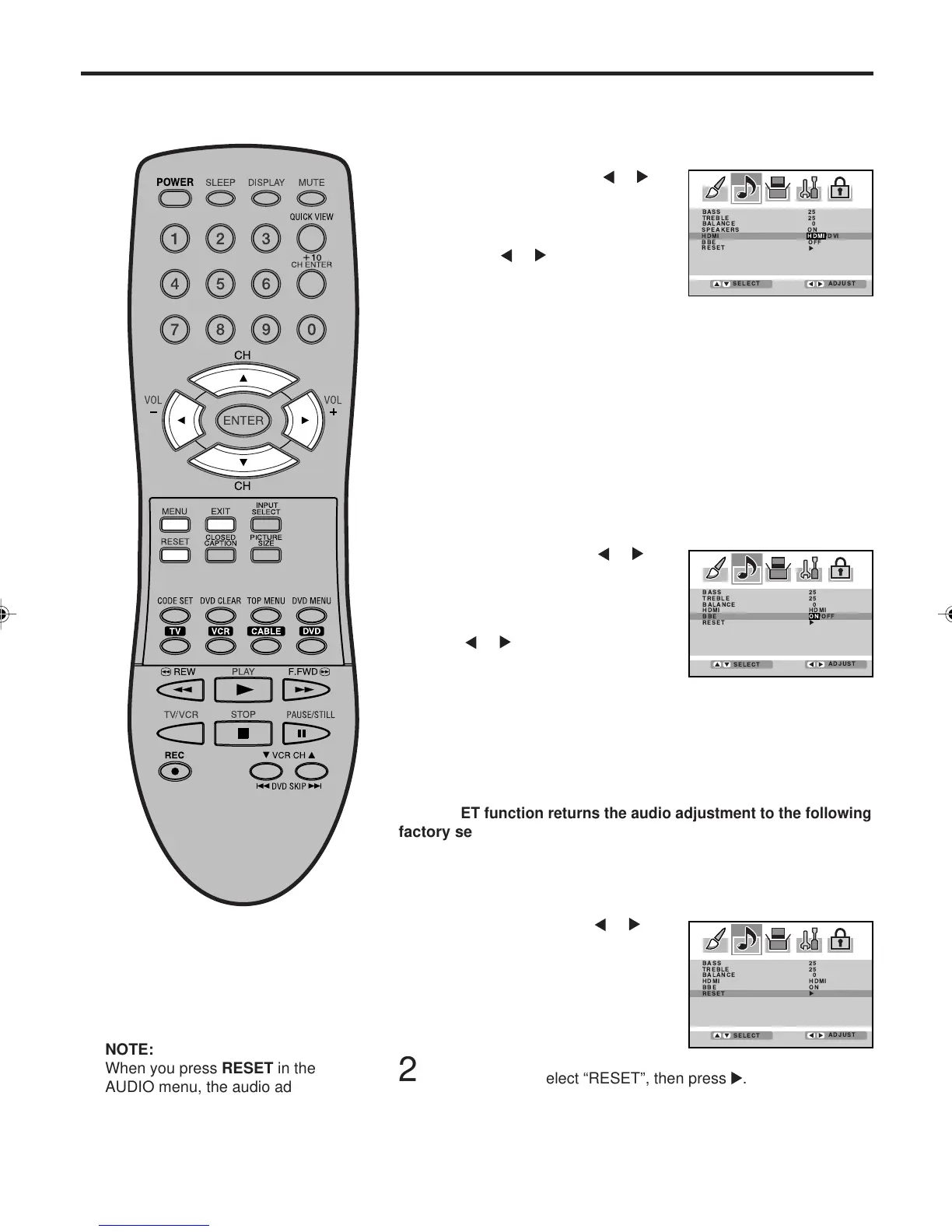
Selecting the HDMI audio input source/Selecting the BBE/
Resetting your audio adjustment
Licensed by BBE Sound, Inc. under
USP5510752 and 5736897. BBE
and BBE symbol are registered
trademarks of BBE Sound, Inc.
Selecting the BBE
By correcting the phase delay and distortion naturally generated
by speaker systems, the BBE sound feature ensures that the
sound that reaches your ears is as natural as the original sound.
Human voices are clearer and music is natural and well-defined.
Press ▲ or ▼ to select “BBE”, then
press
or to select “ON”.
Press MENU, then press
or to
select AUDIO menu.
1
2
BASS 25
TREBLE 25
BALANCE 0
HDMI
BBE
RESET
HDMI
ON/OFF
ADJUST
SELECT
NOTE:
When you press RESET in the
AUDIO menu, the audio adjustment
return to the factory preset levels.
Press ▲ or ▼ to select “HDMI”, and
then press
or to select “HDMI”
or “DVI”.
HDMI: When you connect the HDMI device to the Plasma
Display, select this setting.
DVI: When you connect the DVI device to the Plasma Display
with analog audio cords, select this setting.
2
3
Press EXIT to return to the normal screen.
Selecting the HDMI audio input source
When you use HDMI AUDIO IN jacks with HDMI or DVI device,
you must select HDMI audio input source from “HDMI” or “DVI”.
Press MENU. Then press
or to
select AUDIO menu.
1
Press MENU, then press
or
to
select AUDIO menu.
1
The RESET function returns the audio adjustment to the following
factory settings:
BASS...................... center (25)
TREBLE ................. center (25)
BALANCE ................ center (0)
Resetting your audio adjustment
BASS 25
TREBLE 25
BALANCE 0
HDMI HDMI
BBE ON
RESET
ADJUST
SELECT
Press
EXIT to return to the normal screen.
3
To turn off the BBE sound feature:
Select “OFF” in step 2 above.
Press ▲ or ▼ to select “RESET”, then press
.
2
3V03001A_En_p32-back 8/23/05, 16:3333



 To Next Page