36
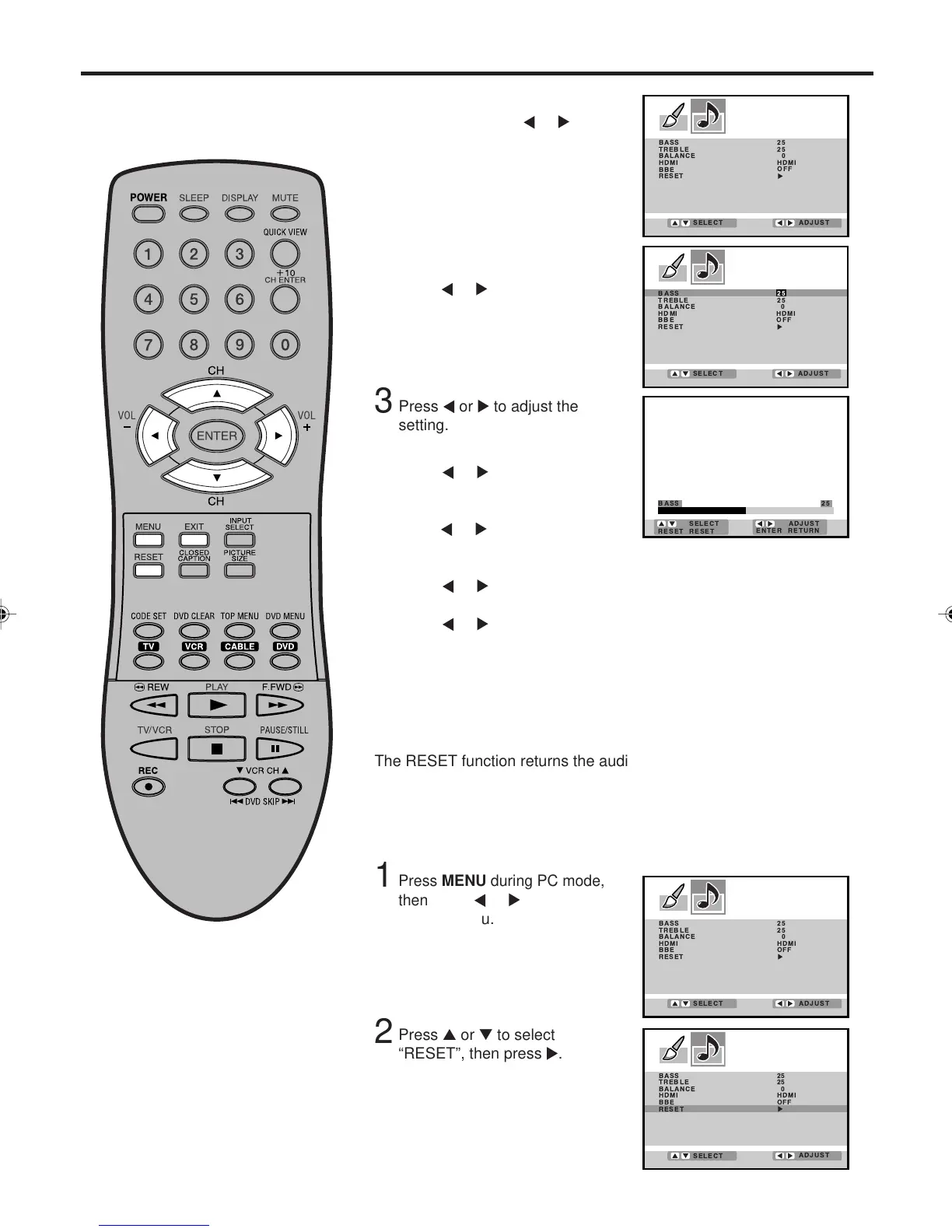
Sound control adjustment in the PC mode
BASS:
Press or to adjust the bass
sound.
TREBLE:
Press
or to adjust the treble
sound.
BALANCE:
Press
or to obtain an equal sound level from both speakers.
BBE:
Press
or to turn On or Off the BBE sound feature (see page
33 for more details).
Press MENU during PC
mode, then press
or to
select PC AUDIO menu.
1
4
After your desired setting, press EXIT to return to the normal
screen.
Press ▲ or ▼ to select the
item you want to adjust, then
press or .
2
BASS 25
TREBLE 25
BALANCE 0
HDMI
BBE
RESET
HDMI
OFF
ADJUST
SELECT
Press or to adjust the
setting.
3
Press ▲ or ▼ to select
“RESET”, then press .
Press MENU during PC mode,
then press
or
to select PC
AUDIO menu.
1
2
The RESET function returns the audio adjustment to the following
factory settings:
BASS...................... center (25)
TREBLE ................. center (25)
BALANCE ................ center (0)
Resetting your audio adjustment in the PC mode
BASS 25
TREBLE 25
BALANCE 0
HDMI
BBE
RESET
HDMI
OFF
ADJUST
SELECT
3V03001A_En_p32-back 8/23/05, 16:3336



 To Next Page