30
NOTE:
The CONTRAST default setting is
set to maximum at the factory.
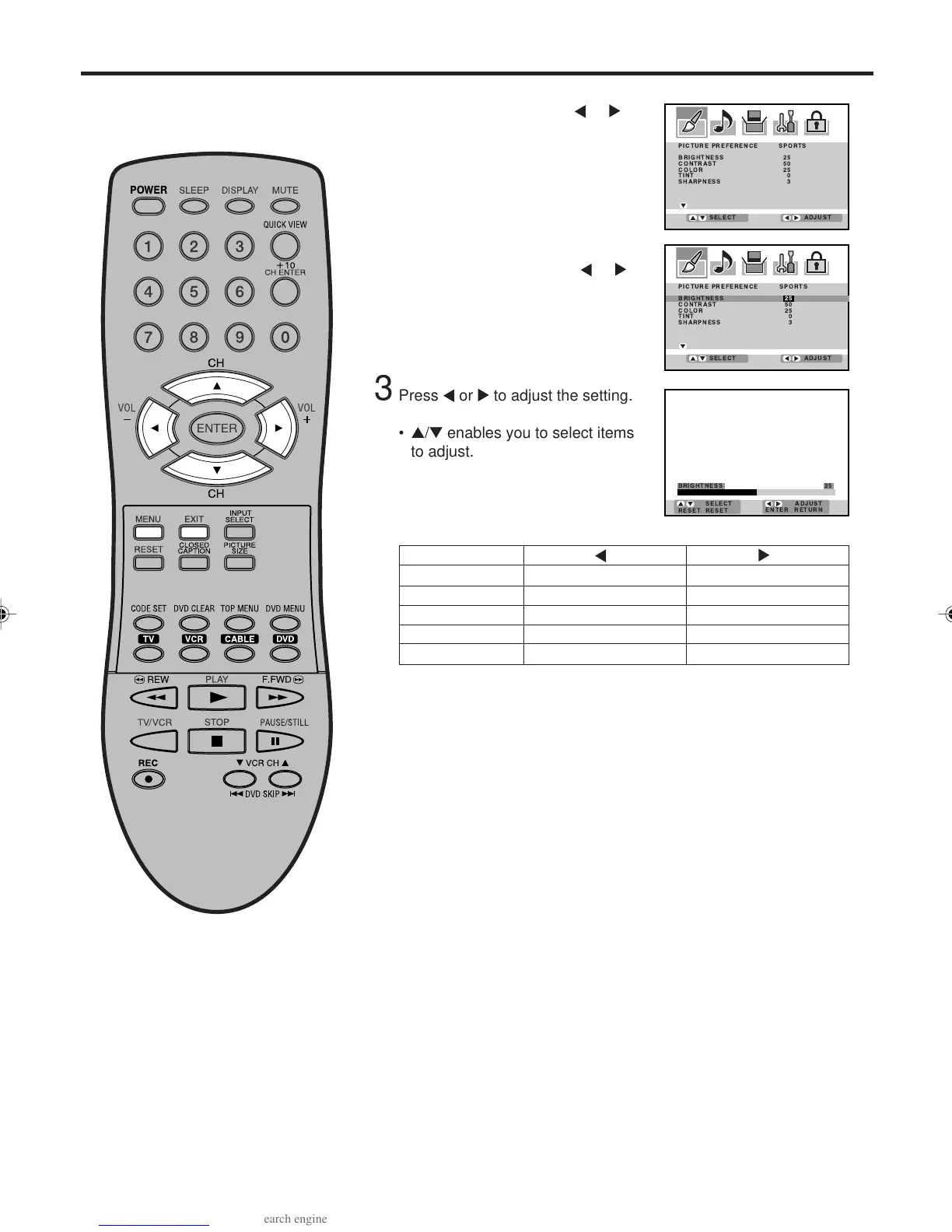
Press MENU, then press
or
to select PICTURE menu.
Press ▲ or ▼ to select the item you
want to adjust, then press
or .
1
2
4
After your desired setting, press EXIT to return to normal screen.
SHARPNESS
BRIGHTNESS
CONTRAST
COLOR
TINT
decrease brightness
decrease contrast
paler color
reddish color tint
makes picture softer
increase brightness
increase contrast
brilliant color
greenish color tint
makes picture clearer
Picture control adjustment
Press or to adjust the setting.
• ▲/▼ enables you to select items
to adjust.
3
3V03001A_En_p27-31 8/23/05, 16:3330



 To Next Page