5-8
PCU-110 Operation Manual
■
5-3-4 Installing a VCP Driver Software
To enable VCP communication, VCP driver software must be installed.
1. After installed USB driver software by 5-3-3, open “Device Manager” (Figure 5-3-
4-1), and open “Santec USB PCU-110” under “Universal Serial Bus Controllers”.
Rightclick on “Santec USB PCU-110” and click on “Properties”.
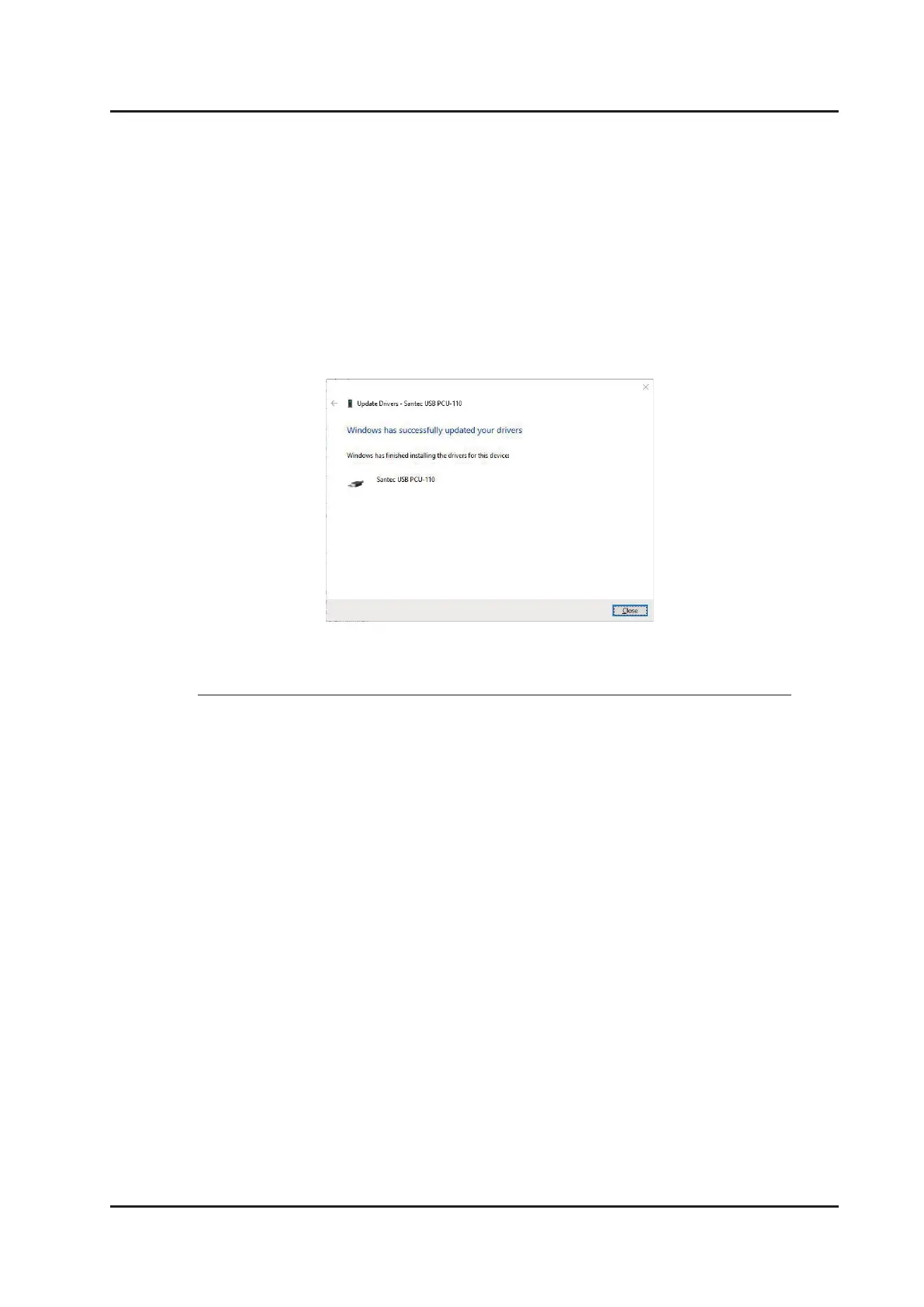
6. Installation is completed successfully when Figure 5-3-3-6 appears. Click on “Close”
to exit the installation.
Figure 5-3-3-6. Installation complete



 To Next Page