4
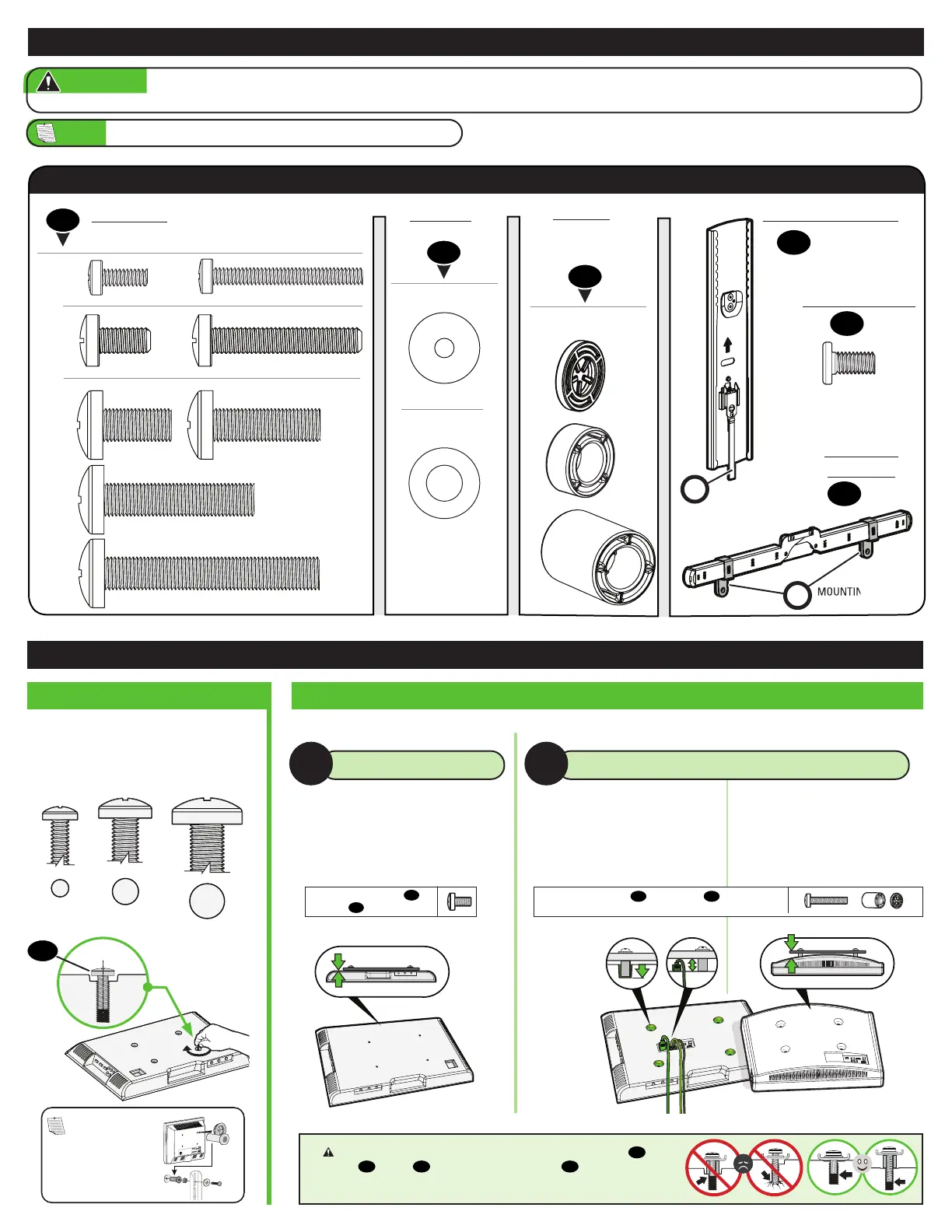
• Flat Back TV
[TV brackets lay flat on your TV]
NO SPACER SPACER NEEDED
A B
Only one screw size fits your TV.
M6
M8
01
Use short TV screws
01
.
Spacers
03
not needed.
STEP 1 Attach TV Bracket to TV
Use long TV screws
01
and spacers
03
to create
extra space between the TV and TV bracket.
• Flat Back TV with extra space needed
[for deep inset holes or cable interference]
• Rounded or Irregular Back TV
[TV brackets NOT resting flat on your TV]
CAUTION: Verify adequate thread engagement with your screw
01
,
washer
02
, spacer
03
combination AND TV bracket
06
.
— Too short will not hold your TV. — Too long will damage your TV.
1.2 Select TV Screw Length and Spacers1.1 Select TV Screw Diameter
NOTE:
If your TV
included inset spacers
or adapters, use them
UNDER the mount
hardware.
Supplied Parts and Hardware
WARNING:
This product contains small items that could be a choking hazard if swallowed. Before starting assembly, verify all parts are included
and undamaged. If any parts are missing or damaged, do not return the damaged item to your dealer; contact Customer Service. Never use damaged parts!
NOTE: Not all hardware included will be used.
M4
M8 x 35mm
M8 x 16mm
M5 x 10mm
M6 x 12mm
M6 x 35mm
M4 x 12mm M4 x 35mm
M8 x 50mm
22mm
2.5mm
5mm
M8 x 25mm
STEP 1 Parts and Hardware
TV Screws
(qty. 4 each)
[Only one size fits your TV]
Washers
(qty. 4 each)
Spacers
[If necessary]
(qty. 4 each)
03
02
01
M6/M8
M4/M6/M8
M6
M4
M4
M8
(qty. 1)
04
(qty. 4)
05
(qty. 2)
06
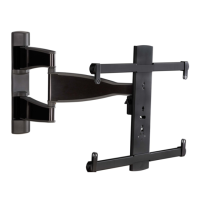
TV Bracket Vertical
Interface Screw
TV Bracket
Horizontal
MOUNTING TABS
(ATTACHED)
RELEASE CORD
(ATTACHED)
M
R


 To Next Page