62
The Sapling Company, Inc.
1633 Republic Road
Huntingdon Valley, PA 19006
USA
P. (+1) 215.322.6063
F. (+1) 215.322.8498
www.sapling-inc.com
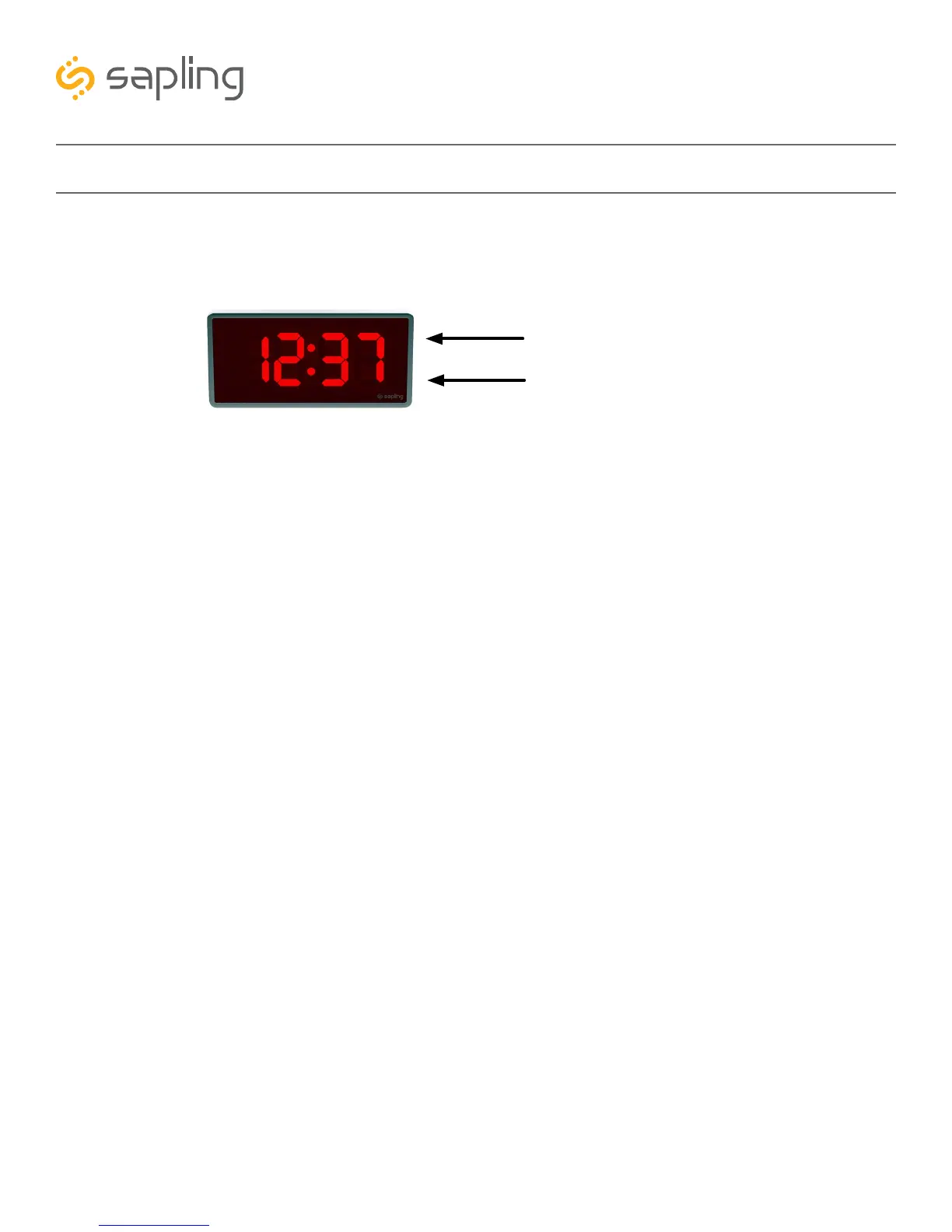
Some functions of the IP Digital Clock can be controlled through the two push-buttons on the face of
the clock. That said, it is ALWAYS preferable to use the Web Interface and IP monitor software when
commanding the clock, as these buttons become difficult to access when the clock has been installed on a
high wall.
Display IP Address
When the top and bottom buttons are simultaneously pressed and held for two seconds, the clock will
display the number groups of the IP address. For example, if the IP address of the clock is 192.168.0.80,
then the following groups will appear:
[192] [168] [000] [080]
The clock will cycle through the groups twice, then automatically return to displaying the time.
Simple Count Up
A user can set the clock to simple count-up mode by pressing and releasing the bottom button. When
activated, the clock will switch to 00:00:00 (or 00:00 on a 4-digit clock) and the colons will blink.
Pressing the bottom button again will start or resume count up if the count-up is not running, or pause the
count-up if the count up is running.
To exit this mode, quickly press and release the top button and the clock will show the time again.
Set Time
It is possible to manually set the time on the IP Clock. However, the clock will automatically override the
manually-set time whenever NTP time is acquired (usually less than a second after the time is manually
changed). To prevent the clock from acquiring NTP time, a user must either go into the web interface and
remove all the NTP server addresses, or they must disconnect the clock from the network. Either method
is not advised, as the clock relies on an internal quartz oscillator while in this mode and will drift by a few
seconds each year. A better option wild be to go into the Clock Settings on the Web Interface and adjust
the displayed time through the GMT Offset and Bias Seconds fields.
However, if a user still wishes to manually adjust the time on an IP clock without a network connection,
then the user can enter manual time configuration by pressing and holding the top button.
Press the bottom button to cycle through hr (Hours), m (Minutes), SC (Seconds), SET (sets the time to the
values entered in the previous three groups and exits to the time display), and CLr (clears the changes to
the time and exits to the time display without making any changes)
Press the top button to advance the value listed for Hours/Minutes/Seconds, or to execute the SET or
CLr command.
Manual Controls
Top Button
Bottom Button



 To Next Page