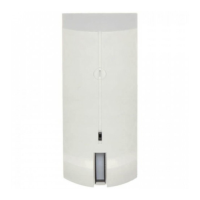
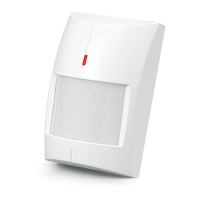
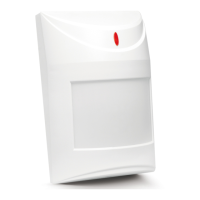
SATEL OPAL 7
Wall mounting
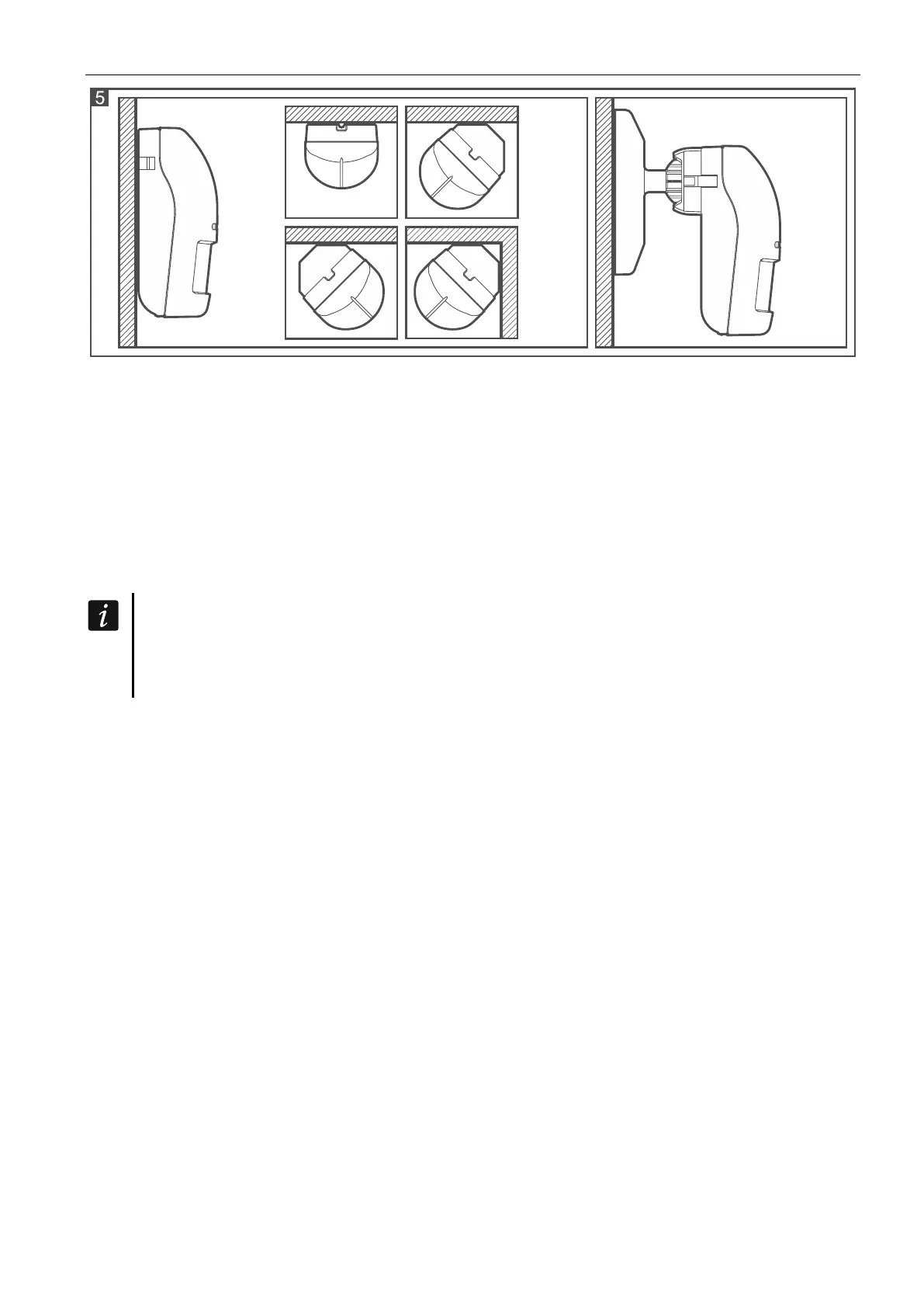
1. Run the cable through the opening in the enclosure base.
2. Using wall plugs (screw anchors) and screws, fasten the enclosure base to the wall.
Angle bracket mounting
1. Attach extra tamper switch:
– screw the holder to the tamper switch (Fig. 6-I),
– screw the tamper unit to the enclosure base (Fig. 6-III).
Figure 6 shows mounting the tamper switch in one of two available positions.
The place of tamper switch installing depends on the way of angle bracket mounting.
If the tamper switch is to be installed in the other position, place tamper switch holder
on the other side.
2. Prepare openings in the bracket for screws and a cable.
3. Pass the cable through the prepared opening.
4. Using wall plugs (screw anchors) and screws, fasten the bracket to the wall.
5. Run the cable through the opening in the enclosure base.
6. Using screws, fasten the enclosure base to the bracket (Fig. 6-IV).


 To Next Page