13
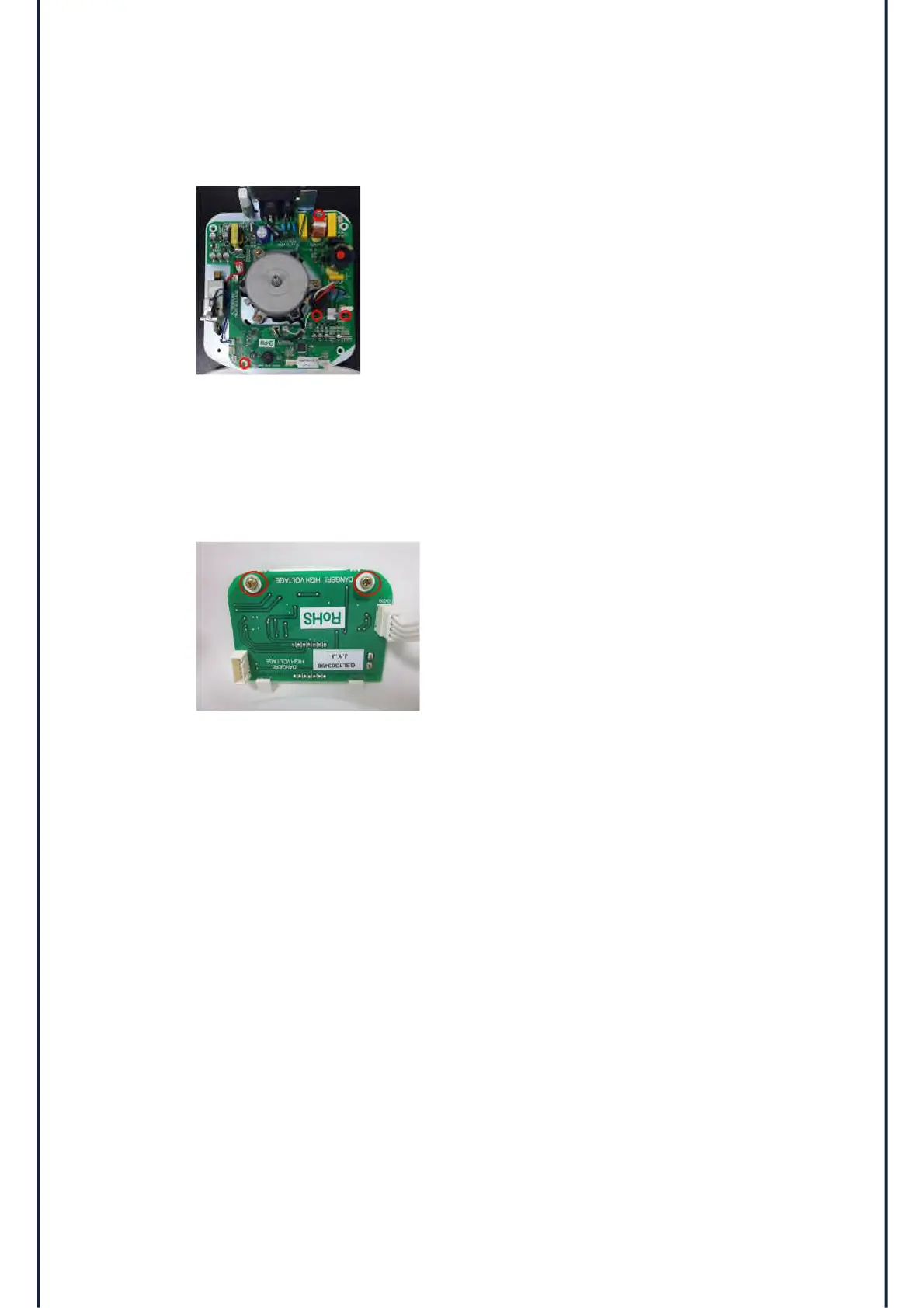
4.3 Main Controller Board
1) Disconnect all cables from the Main PCB.
2) Remove the 4 screws(red circle).
3) Disassemble the main controller board from the case bottom.
4.4 Display Controller Board
1) Disconnect the display cable.
2) Remove the 2 screws.
3) Disassemble the Display board from the case top.


 To Next Page