Schaerer Coffee Art C - Generic 24mo Preventative Maintenance SOP
6. Additional Adjustments
1. Insert Service card (PIN 1000), press “System” tab, then press
“System Parameters.” Verify that the “0) Machine Number” matches
the machine number on the physical machine.
• The machine number can be found on either the back of the ma-
chine, on the left side of the automat compartment, and next to the
main board behind the left panel.
2. Record the machine’s total “Amount of cleanings” onto the checklist
(this MUST be done for each machine).
There are two ways of accessing this information:
• Insert the Service Card (PIN 1000), press “Information” then “Count-
ers and Statistics.” Select “Machine counters” then scroll down until
“Amount of cleanings”. Record the TOTAL amount from the rightmost
box.
• Put the machine on standby mode and press the menu icon in the
bottom left corner. Press “Quick Menu” then press “Counters and
Statistics.” Select “Machine counters” then scroll down until “Amount
of cleanings”. Record the TOTAL amount from the rightmost box.
3. Reset brewer counter.
• Insert service card and type pin (1000)
• Tap “Counters & Statistics”
• Tap “Service Counters”
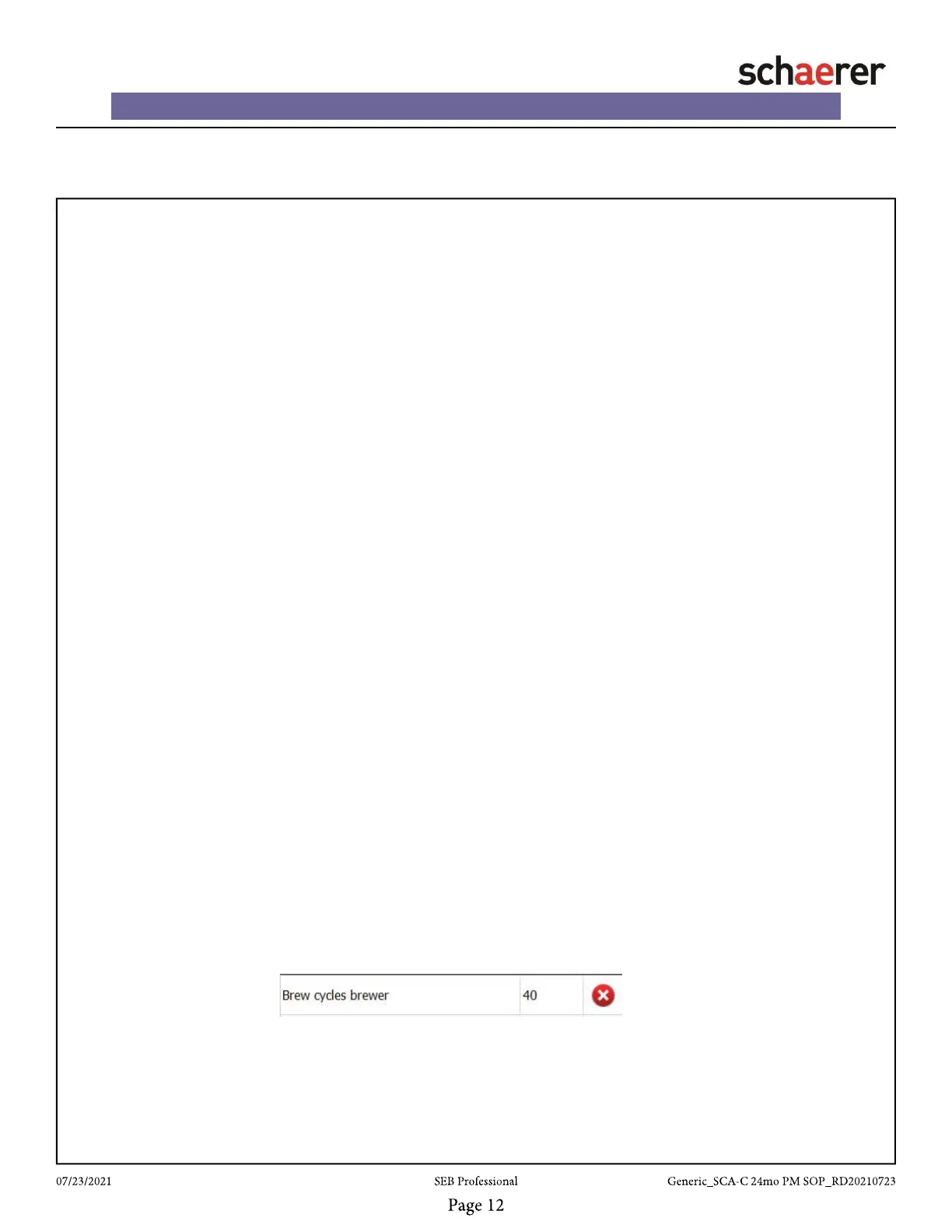
• Locate “Brew cycles brewer” and tap the red x on the right to clear
the counter














 To Next Page