Getting Started P746/EN GS/G31
(GS) 3-
8
MiCOM P746
GS
1.4 Introduction to the user interfaces and settings options
The relay has three user interfaces:
− The front panel user interface via the LCD and keypad
− The front port which supports Courier communication
− The rear port which supports five protocols:
− Courier
− DNP3
− IEC 60870-5-103
− IEC 61850-8.1
− MODBUS..
− The optional Ethernet port which supports IEC 61850
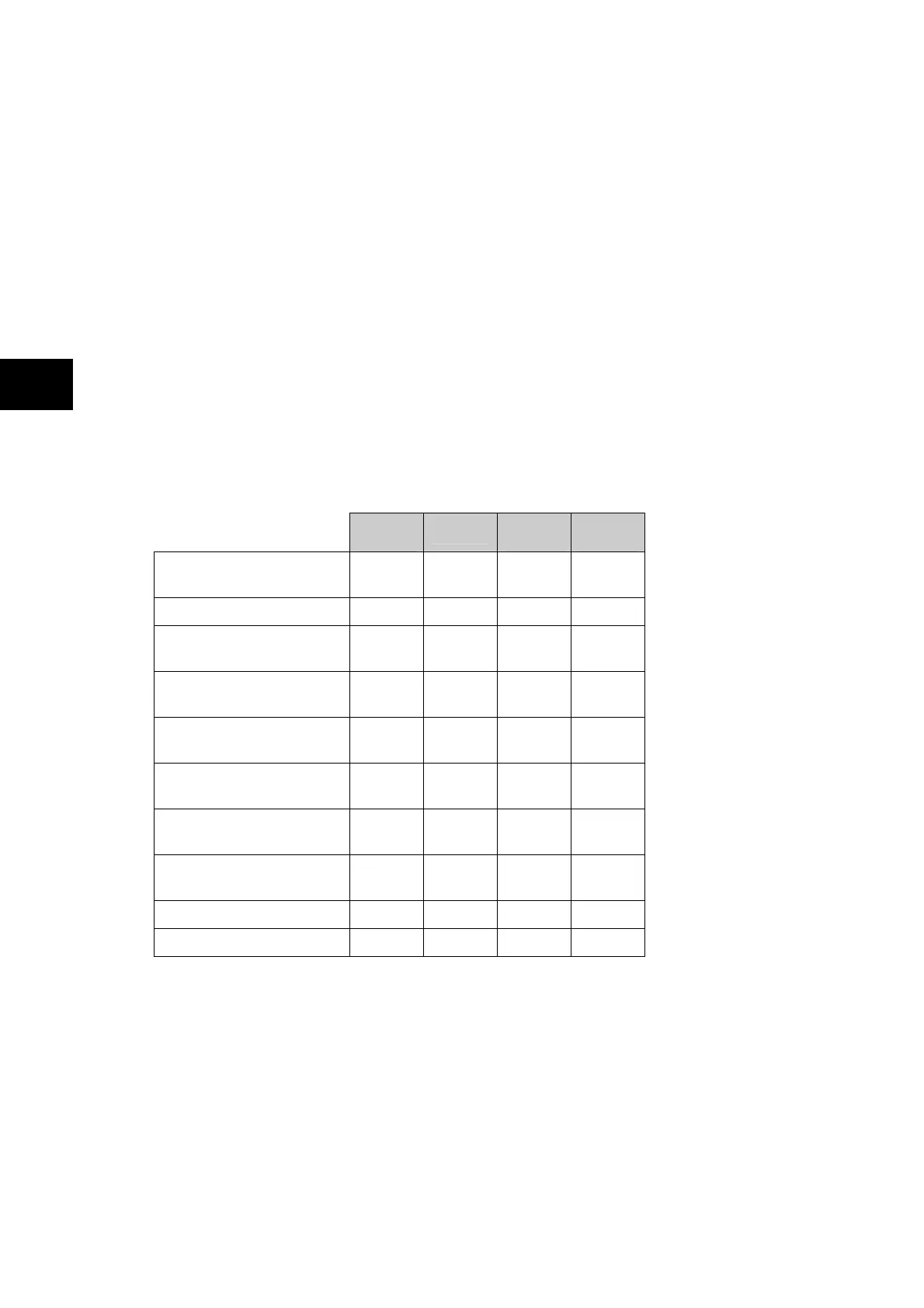
The measurement information and relay settings that can be accessed from the four
interfaces are summarized in Table 1.
Keypad/
LCD
Courier
IEC870-5-
103
IEC
61850
Display & modification of
all settings
• •
Digital I/O signal status • • •
•
Display/extraction of
measurements
• • •
•
Display/extraction of fault
records
• •
•
Extraction of disturbance
records
• •
•
Programmable scheme
logic settings
•
Reset of fault & alarm
records
• • •
Clear event & fault
records
• •
Time synchronization • •
•
Control commands • • •
Table 1



 To Next Page