Page 1.7
Chapter 1
Operating Elements
SCHILLER AT-2plus 6-Channel ECG Unit
SERVICE HANDBOOK Issue d May 2002
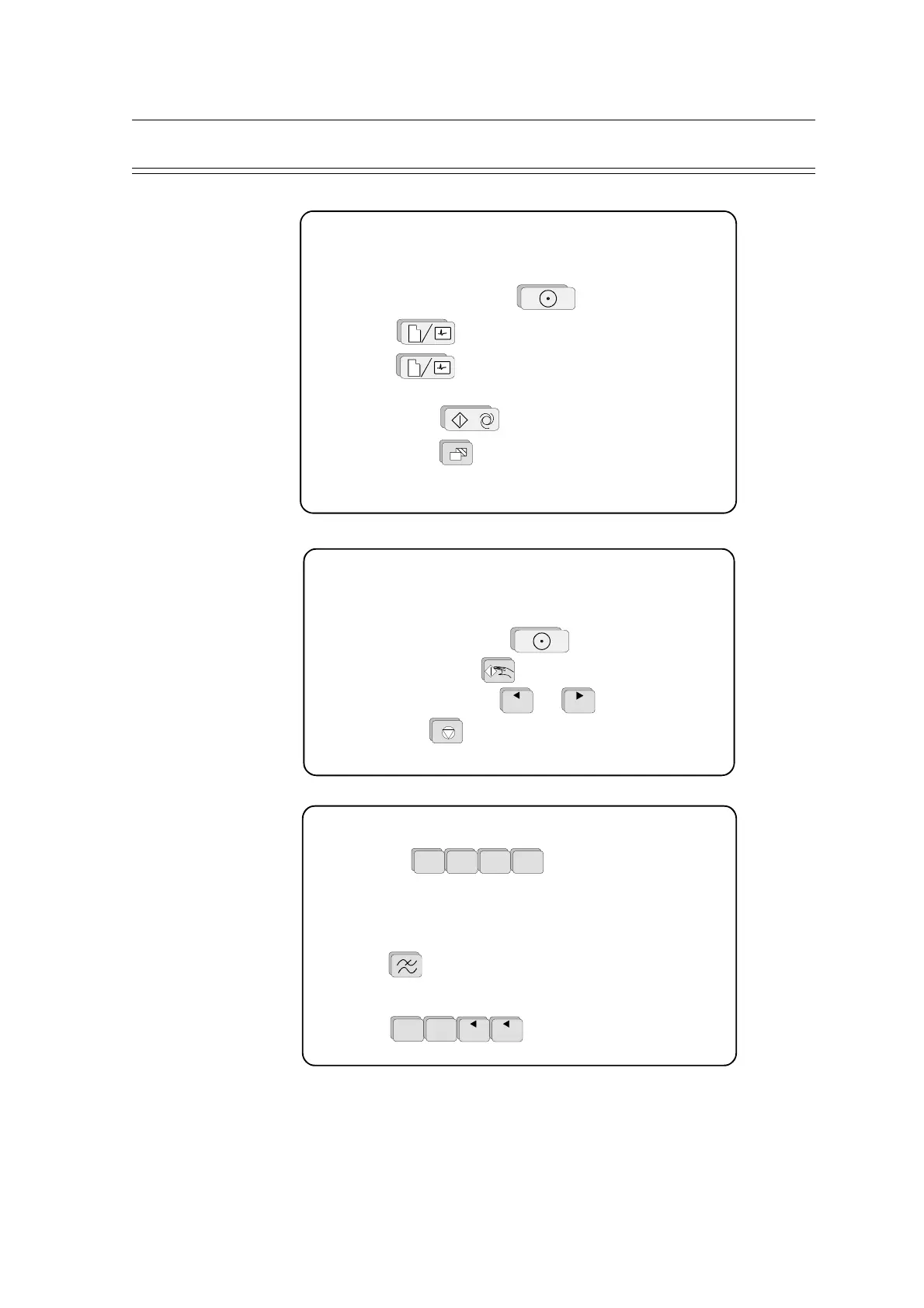
Automatic ECG Recording
• Prepare skin, hook up patient.
• Switch unit on, press ON .
• Press and enter patient data.
• Press again and wait for at least 10 seconds until
a clear and stable trace is displayed.
• Press AUTO to record and print.
• Press COPY for additional copies.
AT-2plus Short Form Operating Instructions
Manual ECG Recording (Rhythm Strip)
· Prepare skin, hook up patient.
• Switch unit on, press ON .
• Press MAN START .
• Change lead group with
1
and
2
.
• Press STOP to stop the printout.
Electrode hook-up check
· Press
ALT
0
1mV
3
AUTO
3
AUTO
for electrode check.
Best results are obtained when the electrode voltage readings
(right column) are between ±50mV.
Filter On/Off
• Press to switch the (Myogram) filter On / Off.
System Configuration
• Press
ALT
0
1mV
1 1
to print system settings.













 To Next Page