Page 1.18
SCHILLER AT-2plus 6-Channel ECG Unit
SERVICE HANDBOOK Issue d May 2002
Chapter 1
Operating Elements
Settings (cont.)
Defining Lead Sequence & Printout
The required settings can be selected as follows:
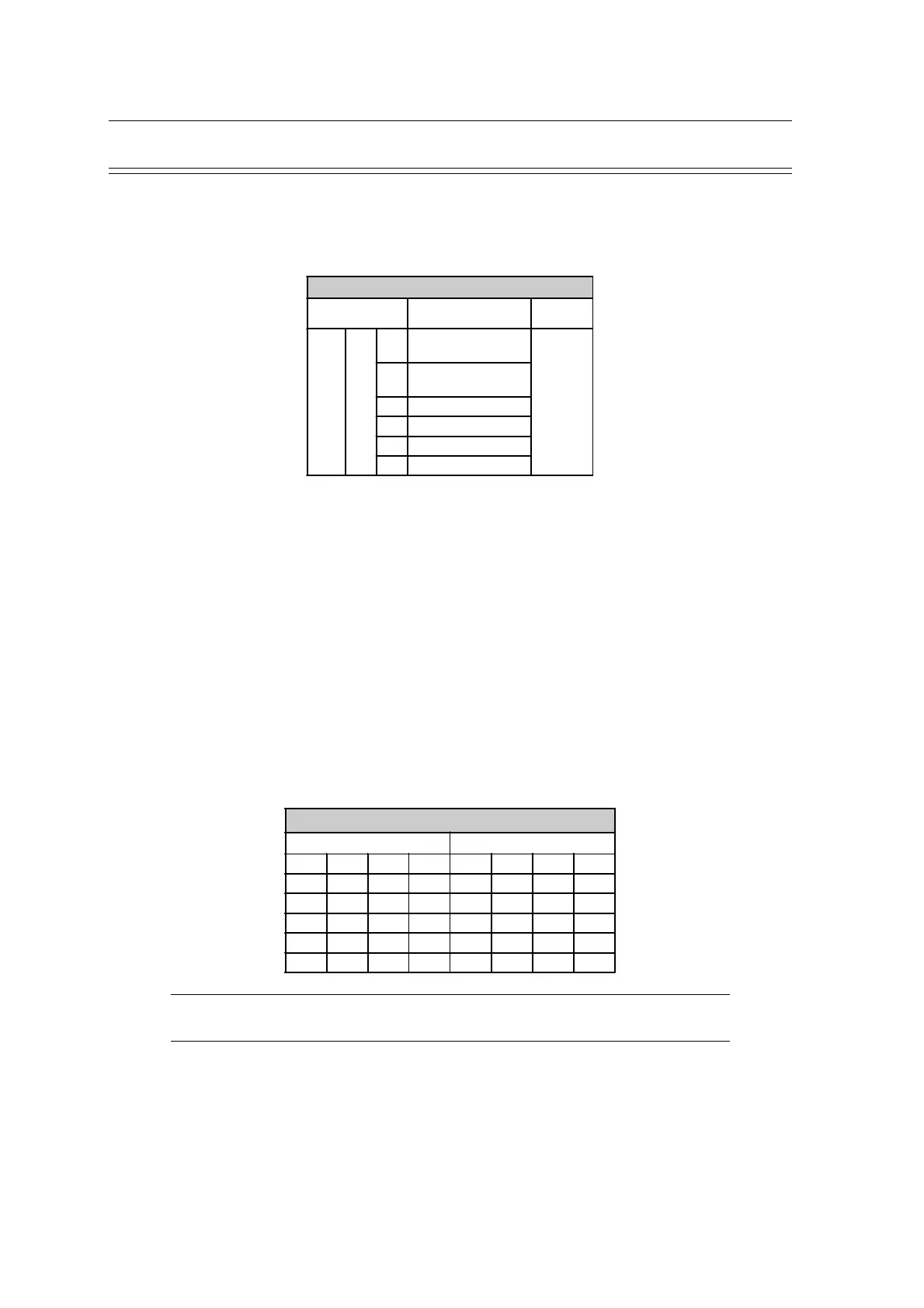
Sequences, Print & Auto-centering
Entry Key
Sequence
Definition Confirm
ALT 7
1
Standard Lead
Sequence
Press
STOP
key
2
Cabrera Lead
Sequence
3 Simultaneous Print
4 Sequential Print
5 Auto-centering ON
6 Auto-centering OFF
Confirm the selection by pressing the STOP key
STOP
The selectable printout forms are:
Simultaneous All ECG leads are printed in the same time segment (in automatic
mode only).
Sequential Each group is a contiguous time segment of approximately 2.5 or
5 seconds (in automatic mode only).
Auto-Centering ON All ECG traces are centred dynamically for optimal use of paper
width.
Auto-Centering OFF ECG traces are set to a fixed baseline position and may possibly
overlap.
The Standard and Cabrera lead groups available for the AT-2plus are:
Lead Groups
Standard Cabrera
I V1 II V4 aVL V1 II V4
II V2 aVF V5 I V2 aVF V5
III V3 III V6 -aVR V3 III V6
aVR V4 V2 V7 II V4 V2 V7
aVL V5 V4 V8 aVF V5 V4 V8
aVF V6 V5 V9 III V6 V5 V9
Note: If the unit is reset to the default settings (see previous page), the user identification
must be re-entered













 To Next Page