EasyManua.ls Logo

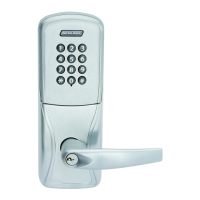
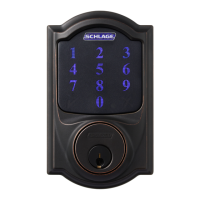
Schlage AD-302 - User Manual

Schlage AD-302
16 pages
Print Icon
To Next Page IconTo Next Page
Loading...
*P516-128*
P516-128
AD-300
AD-302
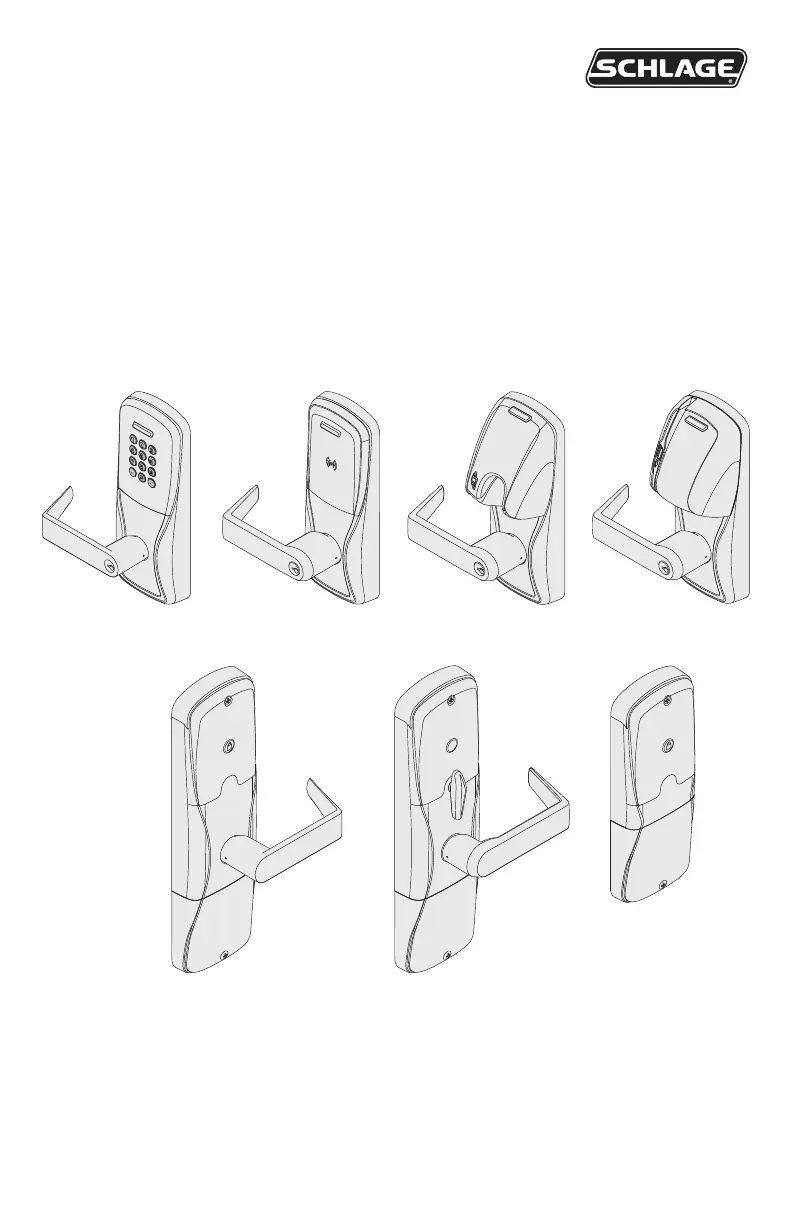
Networked hardwired lock user guide
Instructions for adaptable series networked hardwired locks
Para el idioma español, navegue hacia www.allegion.com/us.
Pour la portion française, veuillez consulter le site www.allegion.com/us.

Questions and Answers

  • D
    Daniel KeithSep 12, 2025
    Why does Schlage AD-300/ AD-302 door lock not grant access immediately?
    • J
      Jesse CampbellSep 12, 2025
      The delay in granting access is managed by the access control panel. You should verify the configuration of the access control panel to resolve this issue.
  • J
    jwoodwardSep 14, 2025
    What to do if Schlage AD-300/ AD-302 door lock is not communicating with the access control panel?
    • B
      Bryan RamirezSep 15, 2025
      If the Schlage button blinks red once, or the IPB LED blinks red four times with rapid beeps, it indicates a communication problem. Ensure the RS485 Communication Module is correctly installed and fully seated without any bent pins. Also, verify that the lock is properly wired to the access control panel and that the access control panel software is correctly configured for the AD-300/AD-302 door. For a 993 exit trim, confirm the Request To Exit switch is installed.

Schlage AD-302 Specifications

General IconGeneral
BrandSchlage
ModelAD-302
CategoryLocks
LanguageEnglish

Related product manuals