6.5.2 Changing the password
It is only possible to change the password if the edit mode has not yet been re-
leased (a password has not yet been entered for an open project). In order to
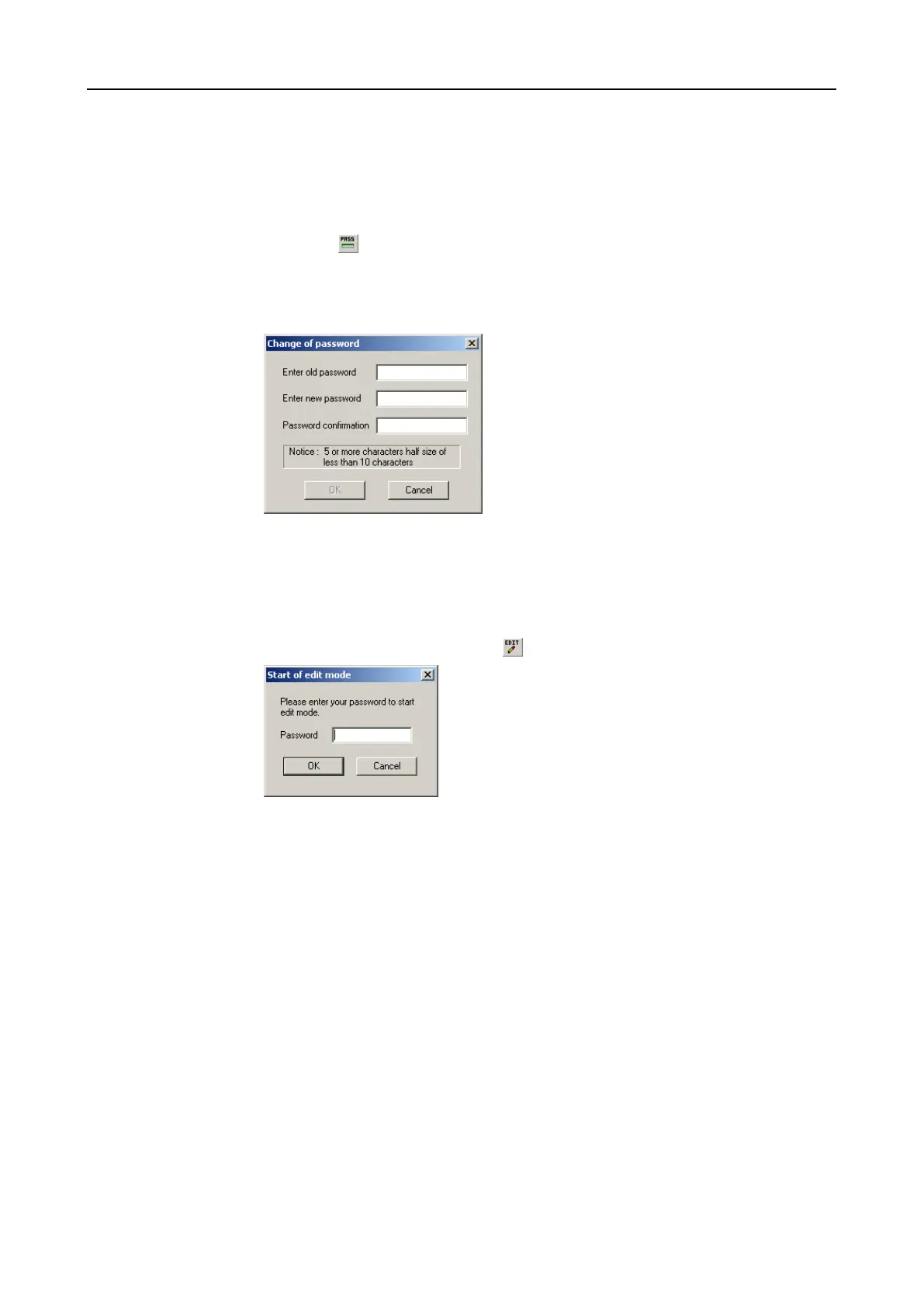
change the password, use the menu entry [Setup]-[Password] – [Change] or the
tool button . Now enter the old password (on first start-up protect1...protect4)
and the new password in password dialogue. For safety purposes the new pass-
word must be confirmed once again. The password must have at least 5 charac-
ters and may be a maximum of 10 characters long. Small and capital letters are
viewed to be different characters.
6.5.3 Release to edit
After starting the program every time, a valid password must be entered in order to
release a project for editing. This can either be done under the menu option [Edit]
[Start Edit Mode] or the tool button .


 To Next Page
 Loading...