[Register PN]
Only transfers the memory areas determined for the PN program (EL00W..ELBFW,
EM00W..EM7FW, PN-P00W..PN-P1FW, PN-K00W..PN-K2FW, PN-V00W..PN-
V0FW, PN-TC00W..PN-TC1FW). This makes it possible to initialise data for the PN
program.
PROTECT-PSCsw now prepares for program transfer. Finally, a dialogue appears
that shows you the project to be transferred once again and the selected transfer
option. You can now decide whether you would like to continue or discontinue
transfer.
The transfer procedure contains a so-called read-back routine for safety relevant
data. After transfer the data are read back once again and compared with the data
sent.
6.7.5 Program comparison
The menu entry [CPU]-[Compare with CPU] offers several options to perform a da-
ta comparison:
[Program + Paramter]
Compares the PS and PN user programs (machine code and source text), the
function blocks (if present) and the parameters with the data stored in the CPU.
[Register]
Compares all registers (with the exception of the R-register)
[PSV]
Compares only the PSV (Program Specific Value) of the user program.
The PSV can also be read out directly on the CPU modul by PROTECT-PSCsw:
PROTECT-PSCsw automatically inserts the PSV into the cover sheet of the docu-
mentation.
6.7.6 CPU Status
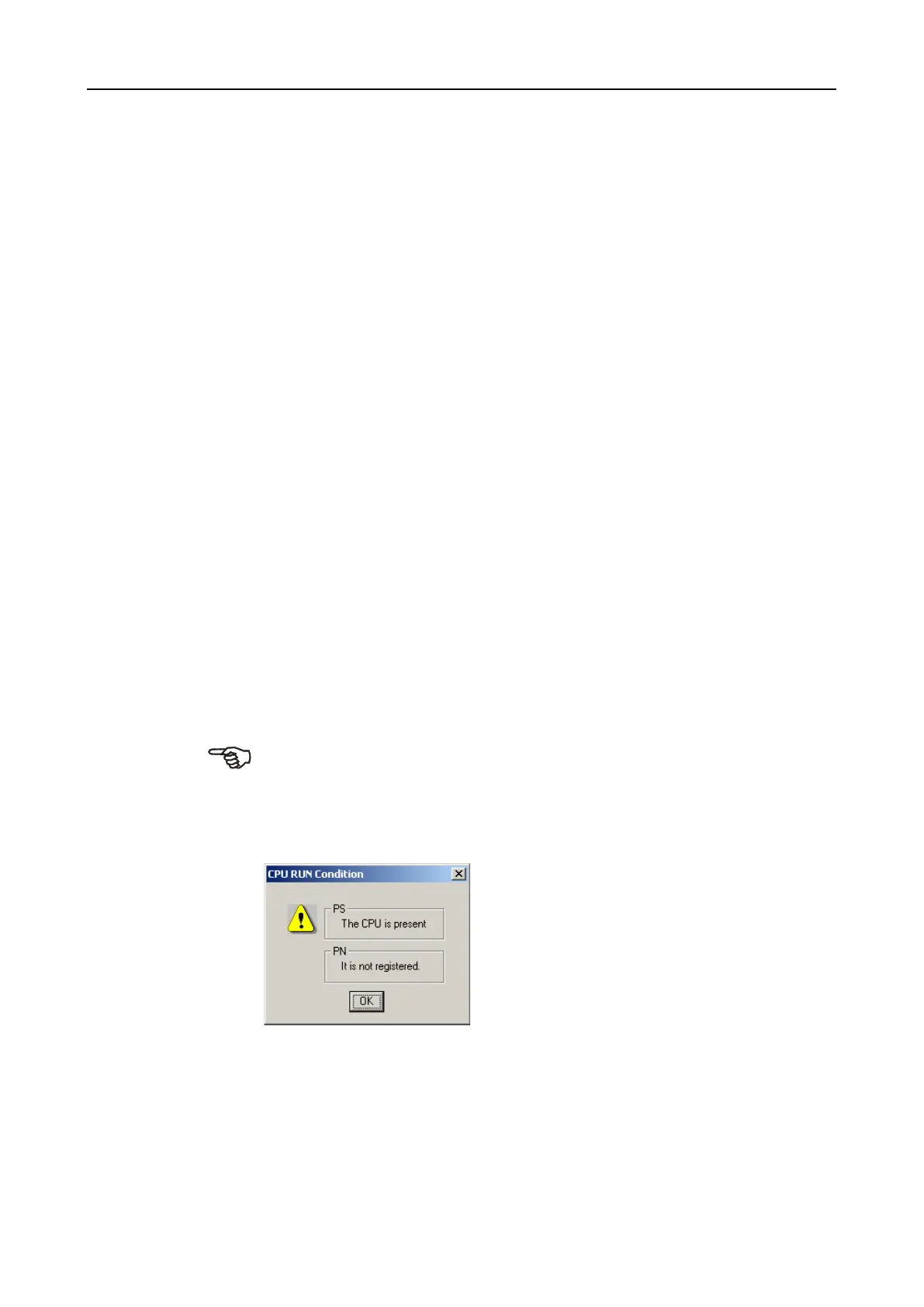
The menu entry [CPU]-[Status] shows the current status of the CPU.


 To Next Page