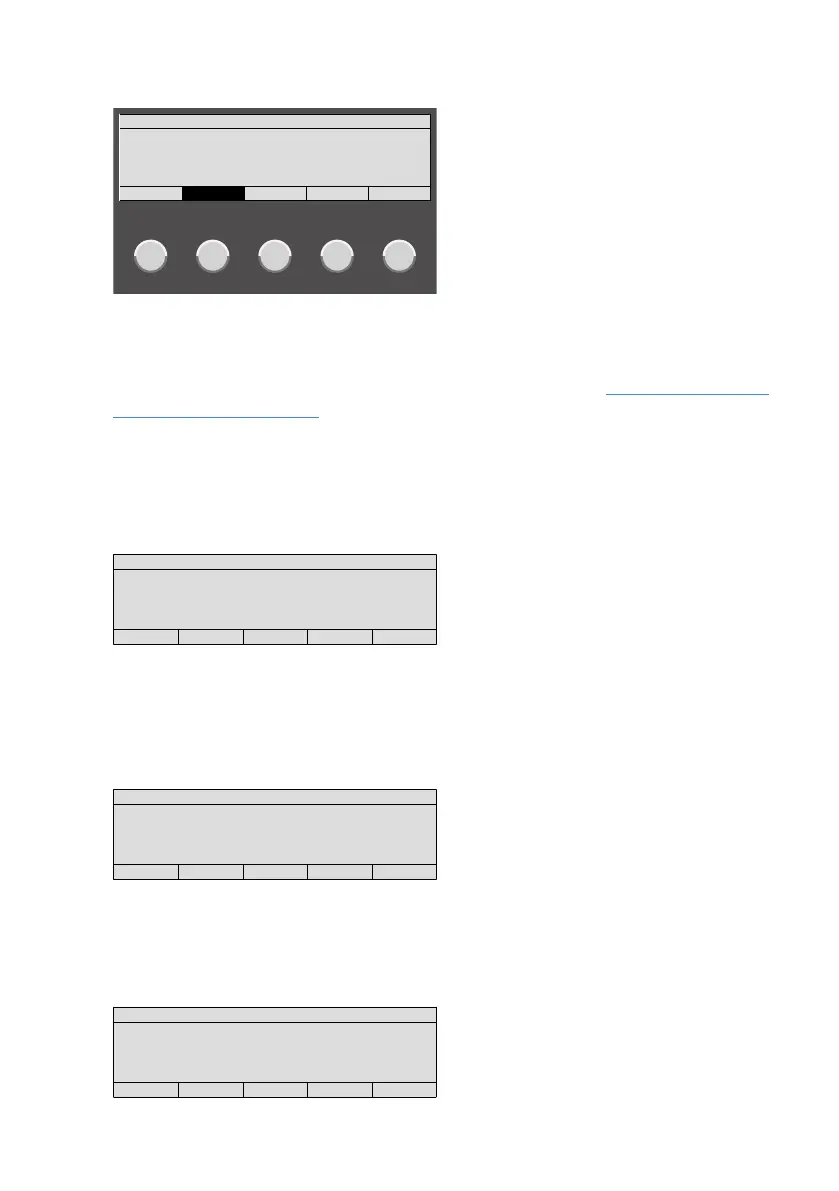
Overview|Display and buttons in operation region
B-HB-0133EN Operating panel Integral MAP|User manual 11
3.3.1.2 Display in list mode
Alarms Faults Disablements Actuations Other Lists
FAULTS 09:58
OUTPUT 110 0001
INPUT 22 0002
OUTPUT 22 0003
ZONE 1/6 0007
0000 0007 0000 0000 0000
If a list contains entries, the relevant display is shown inversely and the number of entries
is indicated. Pressing the corresponding button
S
–
W
shows the entries in the list. If no
button is pressed for a prolonged period of time, then the display automatically reverts to
the list with the highest priority (e.g. alarms). Further Information: Chapter Alarms, faults
and additional lists, Page19
3.3.1.3 Display in element operation
Pressing on of the buttons
N
–
Q
selects a list with the individual elements types (de-
pending on programming and authorisation level). Entering the number of an element will
show the element's status.
ELEMENT OPERATING
ZONE 101
IDLE
0000 0000 0000 0000 0001
The LED on the right next to the numerical keypad flashes when other commands can be
selected for the element (depending on the authorisation level).
3.3.1.4 Display with additional information
Pressing the button Additional Information
Y
displays additional information.
ADDITIONAL INFO
ZONE 103
AUTOM-DETECTOR
OFF
29.01.2020 04:30
0000 0000 0001 0000 0001
3.3.1.5 Display with site information
Pressing the button Site Info
J
displays site information.
Site information for a detector
SITE INFO
ZONE 103/1
CUSTOMER TEXT FOR DETECTOR 103/1
E.G. BUILDING, ROOM
0000 0000 0001 0000 0001



 To Next Page