Service Manual
Remote Control Cable/Radio
582
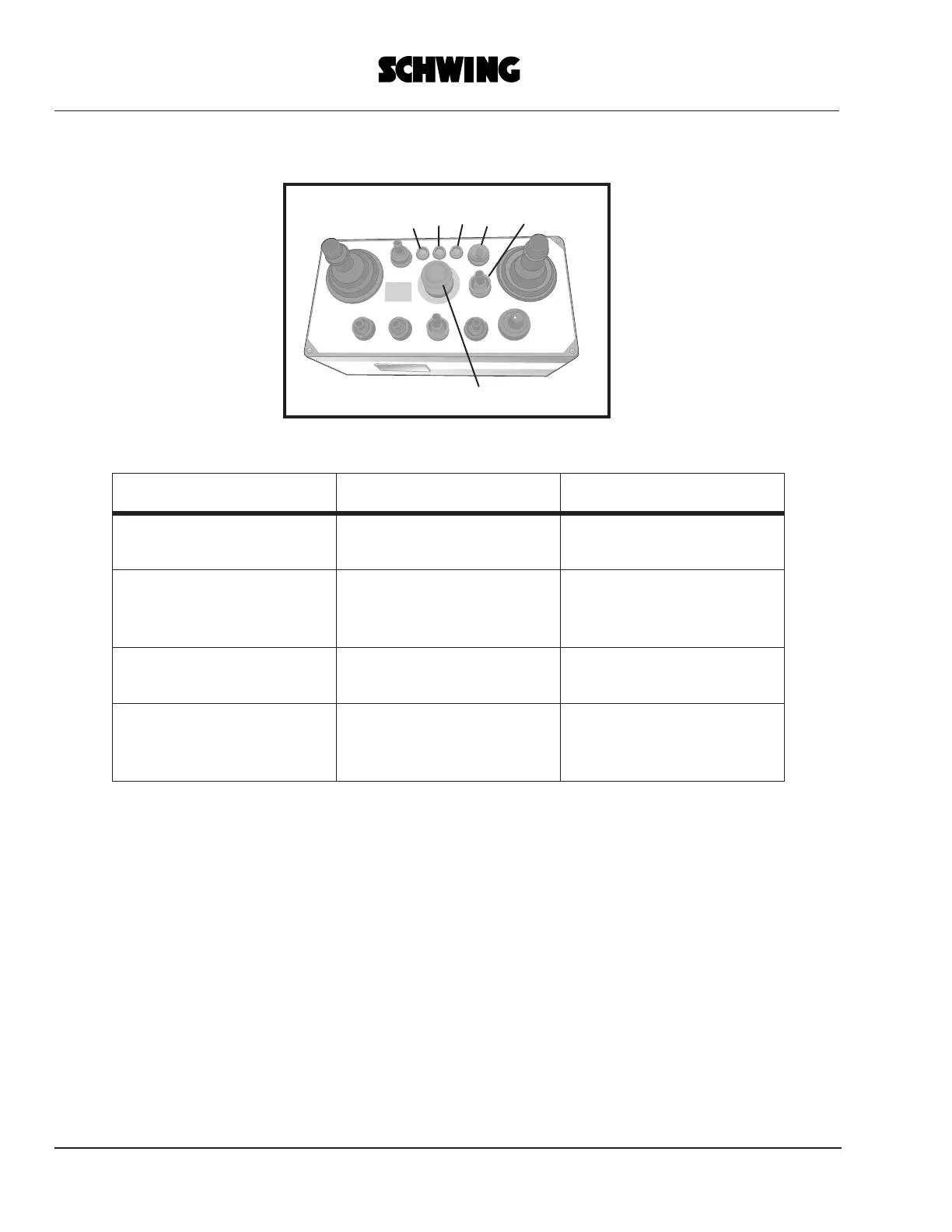
• Put the transmitter into operation:
2
3
4
5
6
1
ACTION LED EFFECT
Set all control elements of
transmitter to “0” position
all LEDs off
putting into operation oth-
erwise not possible
Switch on power supply
with selector-switch 5
LED 4 flashing
request to test the EMER-
GENCY SHUT-OFF but-
ton
Push EMERGENCY
SHUT-OFF button
LED 4 flashing faster
EMERGENCY SHUT-
OFF O.K.
Unlock EMERGENCY
SHUT-OFF button
LEDs 2+4 off; 3 perma-
nently lit
transmitter ready for opera-
tion, empty messages are
being transmitted



 To Next Page