Service Manual
Remote Control Cable/Radio
600
Start-Up
START-UP
Remote-control system
Transmitter and receiver are each equipped
with an identification plate.
To permit communication between
transmitter and receiver it is necessary that
both devices have the same serial number
and frequency.
Proceed as follows to put the system into
operation:
1. Switch on the receiver:
- Switch on
the ignition and the power take-
off of the truck.
- Apply the parking brake.
- Switch on the machine control unit with the
key-switch in the driver’s cab.
- Set the selector switch on the local control
panel to "Remote".
- Insert charged battery pack into the
transmitter housing and lock the battery
case.
2. Make sure all switches are in their basic
(or neural) position before switching on the
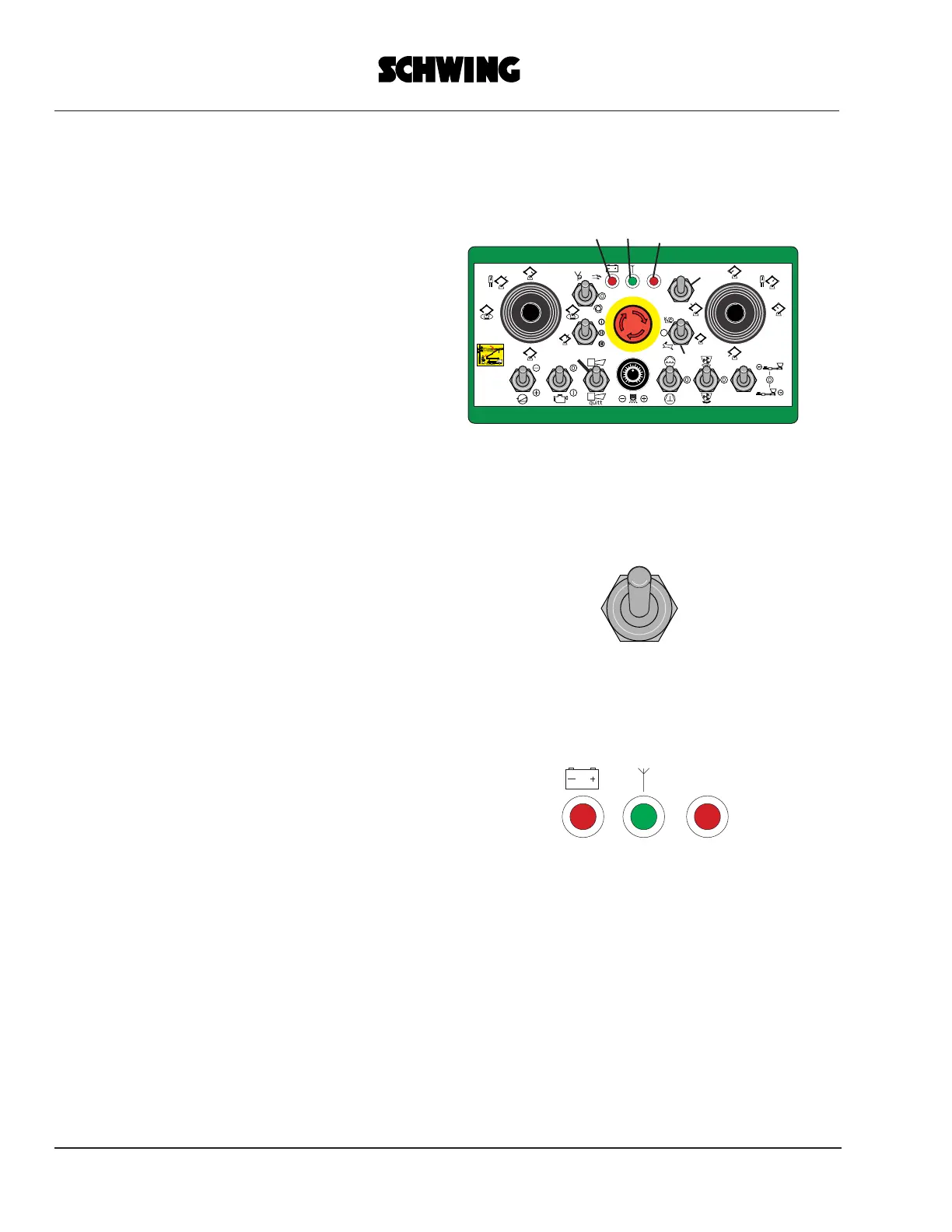
transmitter (Fig. 1)
Fig. 1 shows only those control and
monitoring elements as a are typical of
radio remote-control unit.
All other elements correspond to those of
the standard cable remote-control.
Refer to the machine operating instructions.
Unlock the EMERGENCY SHUT-OFF
button. Without unlocking, starting of the
system is inhibited for reasons of safety.
3. Switch on the transmitter with "Power"
switch 4 by setting the switch to "HF 1" or
"HF 2
" (frequency selection).
The red light-emitting diode (LED 3) now
starts flashing at a slow rate.
4. Perform the emergency shut-off test:
-Depress the emergency shut-off test,
-The red LED 3 now flashes at a fast rate.
- Release the emergency shut-off button
(unlock).
FW24rmbx.eps
0
FW24-ID.eps
POWER
HF1
HF2
POWER
HF1
HF2
Stop
Fig.1
6
Stop
6
1
2
3
4
5



 To Next Page