Service Manual
Remote Control Cable/Radio
602
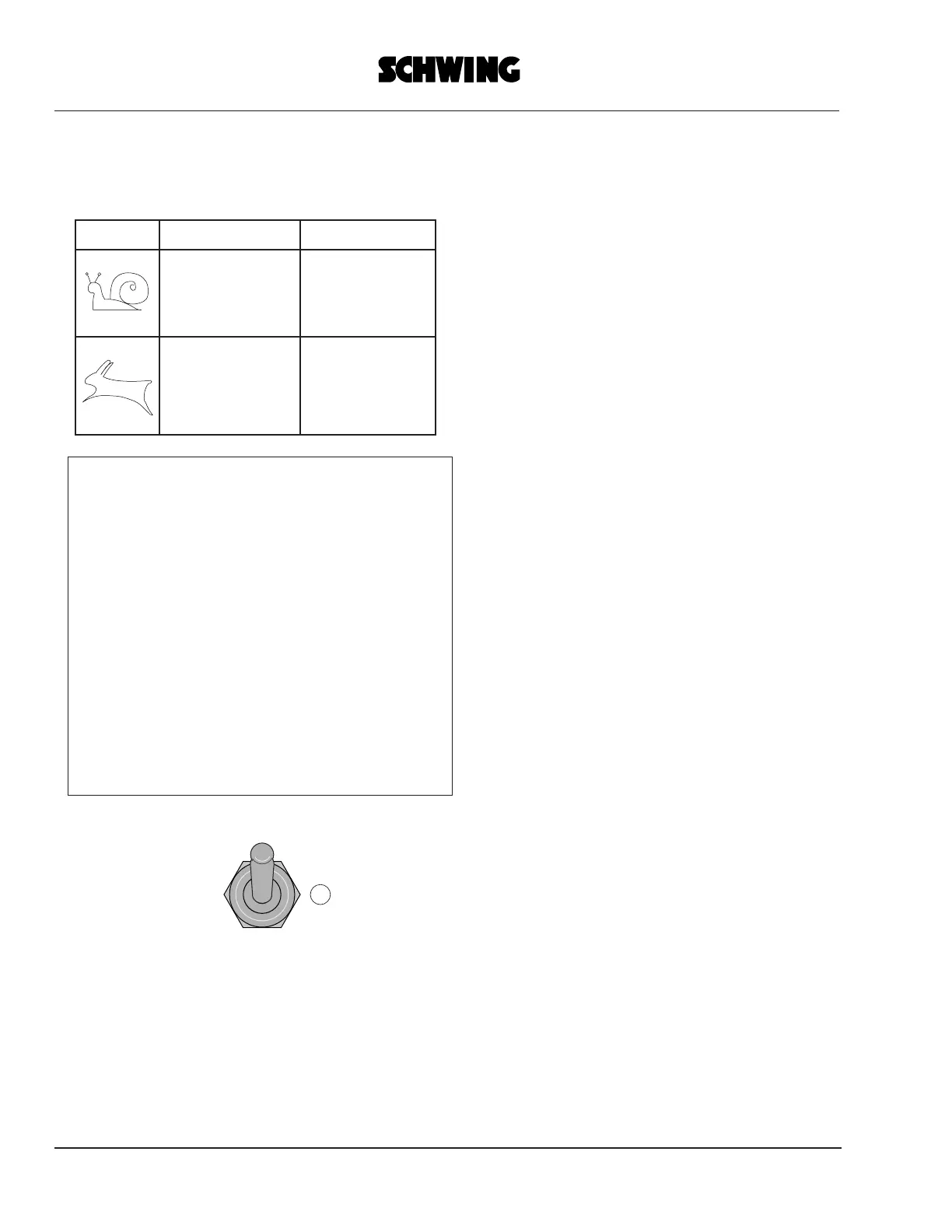
Depending on the type of control, the
selection of either "Snail" or "Hare" has a
different effect:
Note:
In the neutral position of switch (6) all
functions are available except the placing
boom functions.
This is important when the placing boom is
connected to a stationary delivery line (by a
hose bridge) and must therefore be
prevented from being moved by accident.
2. Changing the transmit channel
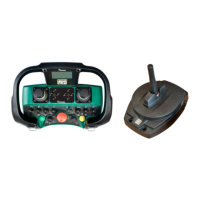
If the radio channel in use is disturbed
(transmission of control commands
interrupted or no transmission at all) you
can use the "Power" switch (5) to select
between "HF 1" and "HF 2".
This switch selects the transmission
channel.
After switching over to another channel, the
transmitter must be re-activated as
described on page 3.1 (EMERGENCY
SHUT-OFF test etc.).
The receiver will be switched over
automatically to the new transmission
channel.
In the event of persisting radio transmission
disturbances or other defects, the
system
shuts itself off automatically and passes into
the protected EMERGENCY SHUT-OFF
state.
POWER
HF1
HF2
0
Control digital
reduced slewing-
gear speed
0-50% speed for
all boom func-
tions
0-100% speed
for all boom func-
tions
full slewing-gear
speed
proportional



 To Next Page