25
Profile Programs
These programs automate different resistances and workout levels. You can use the Program Menu to start a Profile
Program or use the buttons on the console to make a quick selection.
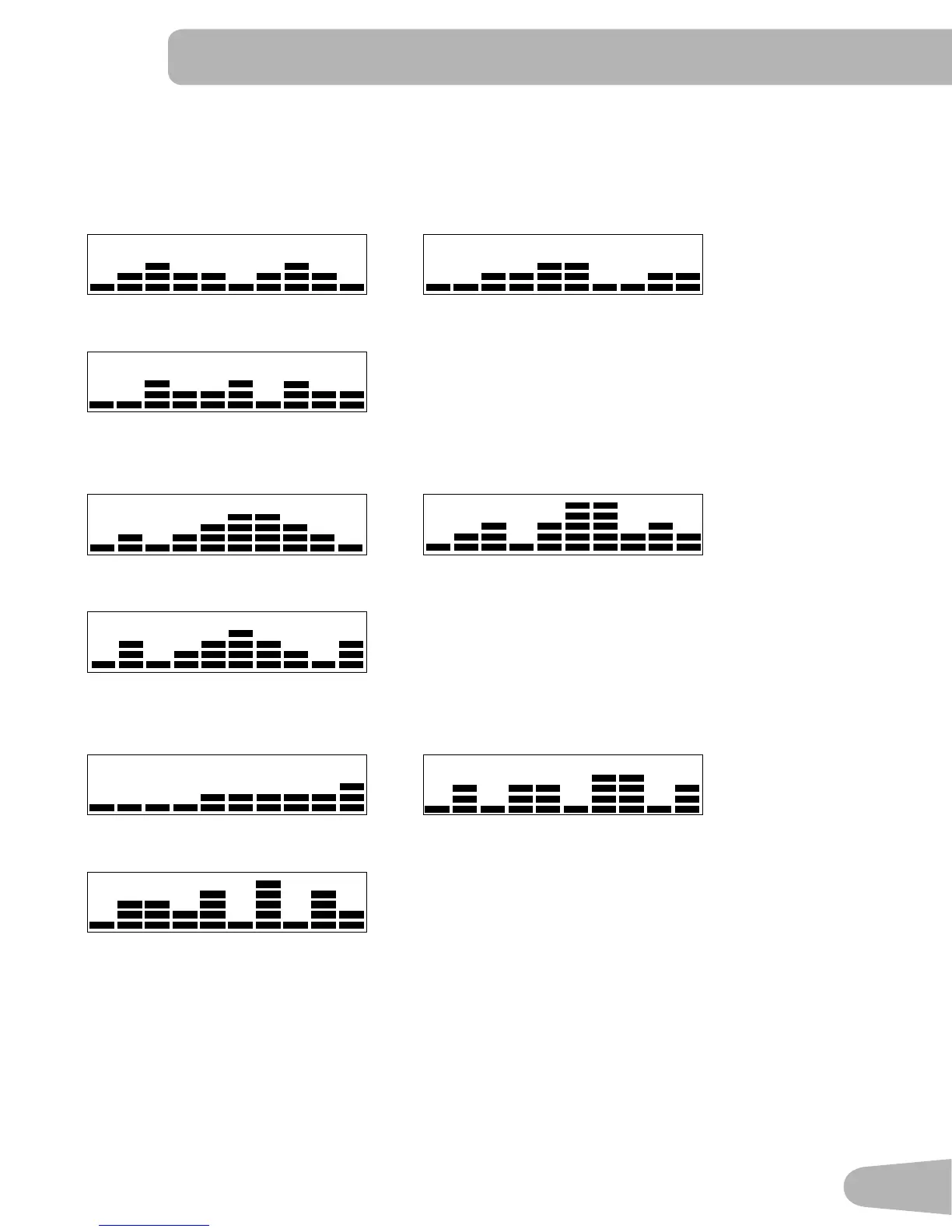
Fun Rides
Rolling Hills Ride in the Park
Easy Tour
Mountains
Pike’s Peak Mount Hood
Pyramids
Challenges
Uphill Finish Cross-Training
Interval
To start a Profile Program without user setup data:
1. Sit on the machine.
2. Push the button for the desired Profile Program type: Fun Rides, Mountains or Challenges. The display shows the first
optionforthattype—forexample,theRollingHillsprogramfortheFunRidestype.Pushthebuttonagaintocycle
throught the options for that type.
3. To adjust the time of the workout, push START/ENTER. The default value is 15 minutes. Use the Increase() or
Decrease() buttons to change it, and push START/ENTER.


 To Next Page