EasyManua.ls Logo

SciCan HYDRIM C61w G4 - Service Manual

SciCan HYDRIM C61w G4
79 pages
Print Icon
To Next Page IconTo Next Page
Loading...
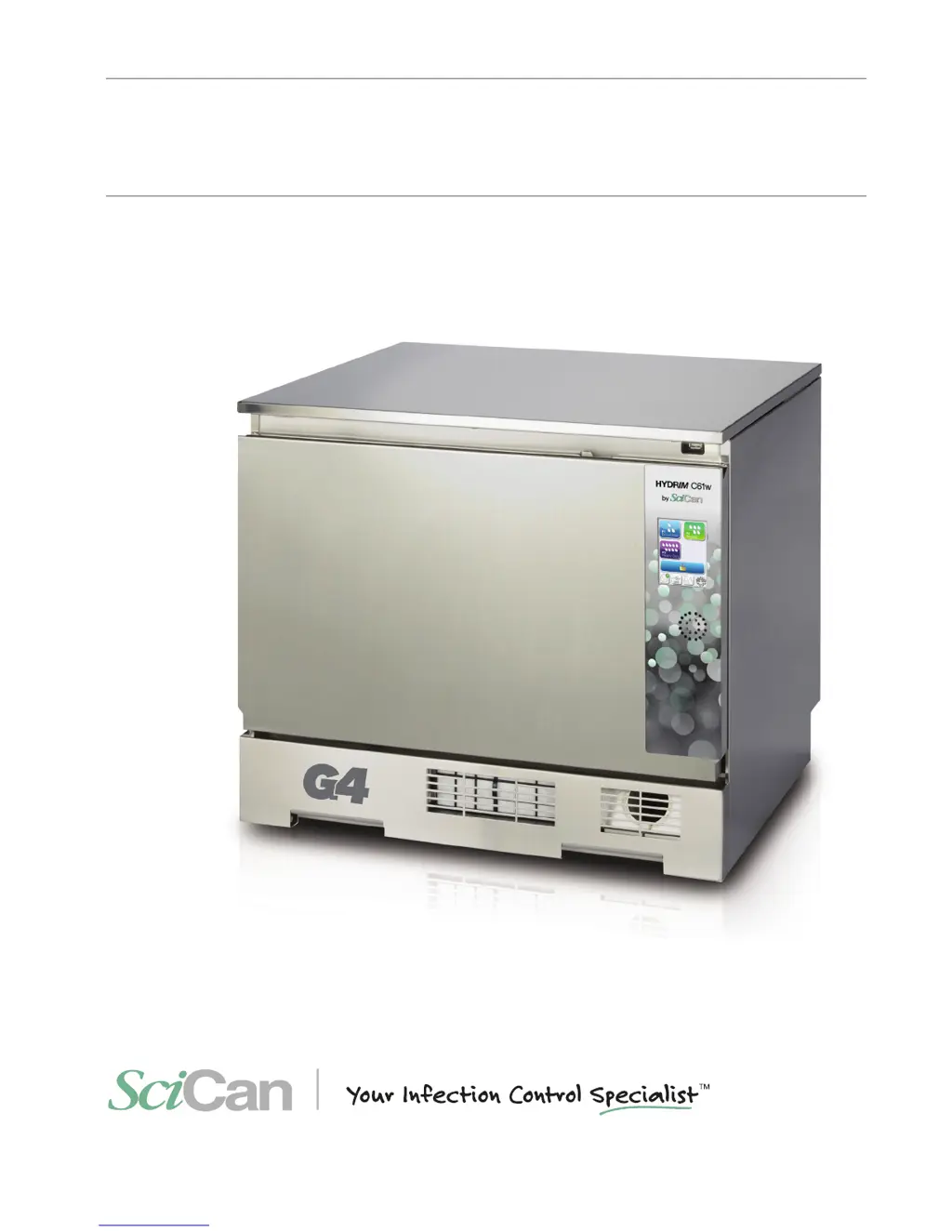
HYDRIM C61w G4
INSTRUMENT WASHER
HYDRIM C61w G4 Service Manual 95-113023 Rev. 1.0 Copyright 2013 SciCan Ltd . All rights reserved.
• Service Manual
• Manuel de l’utilisateur

Table of Contents

Other manuals for SciCan HYDRIM C61w G4

Questions and Answers

Summary

Introduction

1.1 Overview

This guide provides instructions for the servicing and repair of the HYDRIM C61w G4 Instrument Washer.

1.2 HYDRIM Unit at a Glance

Overview of the HYDRIM C61w unit with its main components and connections identified.

1.3 Specifications

Detailed technical specifications including dimensions, weight, noise, power, and environmental limits.

1.4 Safety Information

Critical safety precautions for operating and servicing the HYDRIM unit, including hazard symbols.

1.5 Tools and Hardware

Lists tools required for servicing and the types of hardware used in the HYDRIM unit.

1.6 Shipping and Installation

Procedures for shipping preparation and essential requirements for HYDRIM unit installation.

1.7 Configuration Settings

Guides for setting water softener, language, country, time, date, screensaver, and other unit configurations.

1.8 User Management and Network Setup

Creating user names/PINs, setting up process enforcement, and connecting to wired/wireless networks.

Routine Procedures and Maintenance

2.1 Cleaning Solution and Filter Replacement

Steps for replacing the cleaning solution and changing the HEPA filter.

2.2 Chamber, Filter, and Wash Arm Maintenance

Procedures for cleaning the chamber, filters, and checking wash arms.

2.3 Unit Draining, Firmware Upgrade, and Remote Access

Guidance on draining unit, upgrading firmware, and using remote access function.

2.4 Annual Service Requirements

Recommended checks, component tests, and parts list for annual maintenance.

Diagnostics and Troubleshooting

3.1 Service, Setup, and User Menus

Navigating service, setup, and user menus for diagnostics, configuration, and basic operations.

3.2 Software Tools and Cycle Faults

Using diagnostic tools and troubleshooting common cycle faults and error codes.

3.3 Other Troubleshooting Issues

Resolving issues related to touchscreen, USB storage, and email communication.

Removing and Replacing Panels

Panel Removal Warnings and Top;Left Panels

Safety warnings for panel removal and steps for top and left panel replacement.

Right, Back, and Bottom Panel Removal

Procedures for removing and reinstalling the right, back, and bottom panels of the HYDRIM unit.

Front Components

Front Component Warnings and Kickplate

Safety warnings for front components and steps for kickplate removal and installation.

Power Switch Removal

Procedure for removing and reinstalling the main power switch on the HYDRIM unit.

Door Components

Door Component Warnings and Fascia

Safety warnings for door components and steps for door fascia replacement.

Door Springs and Door Assembly

Instructions for replacing door springs and removing/reinstalling the entire door assembly.

LCD, Speaker, and Latch Mechanisms

Steps for replacing LCD, fan, speaker, and door latch components.

Door and Chamber Seals

Guide to removing and replacing the door seal and the chamber seal.

Right Side Components

Right Component Warnings and Power Source

Safety warnings for right side components and steps for DC power source replacement.

Pumps and Reservoir

Procedures for replacing reservoir filling pump, dosing/bellows pump, and dosing reservoir.

I;O Board and Chemical Bracket

Steps for replacing the I/O board and the chemical bracket.

Pressure Switch Removal

Procedure for removing and reinstalling the pressure switch.

Left Side Components

Left Component Warnings and Air Gap

Safety warnings for left side components and steps for air gap replacement.

Dryer Heater and Assembly

Procedures for replacing the dryer heater and the entire dryer assembly.

Rear Components

Rear Component Warnings and Power Fan

Safety warnings for rear components and steps for power source fan replacement.

Air Gap Pump and Exhaust Duct

Procedures for replacing the air gap pump and the exhaust duct assembly.

Top Components

Top Component Warnings and USB Port

Safety warnings for top components and steps for USB port replacement.

Wash Arm Inlet and Sensor

Procedures for reinstalling the upper wash arm inlet and replacing the upper wash arm sensor.

Bottom Components

Bottom Component Warnings and Recirculation Pump

Safety warnings for bottom components and steps for recirculation pump replacement.

Water Heater and Drain Pump

Procedures for replacing the water heater and the drain pump.

Sump Sensor, RPM Sensor, Dryer Motor

Steps for replacing sump temperature sensor, bottom RPM sensor, and dryer motor.

Water Softener, Valves, and AC Inlet

Procedures for replacing water softener, water valves, and AC power inlet.

Spare Parts List

Spare Parts Catalog

Comprehensive list of available spare parts for the HYDRIM C61w unit with part numbers.

Appendices

Appendix A: Electrical Schematic

Detailed electrical schematic diagram for the HYDRIM C61w G4 instrument washer.

Appendix B: Flow Diagram

Schematic illustrating the flow of water, air, and chemicals within the HYDRIM C61w G4.

SciCan HYDRIM C61w G4 Specifications

General IconGeneral
BrandSciCan
ModelHYDRIM C61w G4
CategoryLaboratory Equipment
LanguageEnglish

Related product manuals