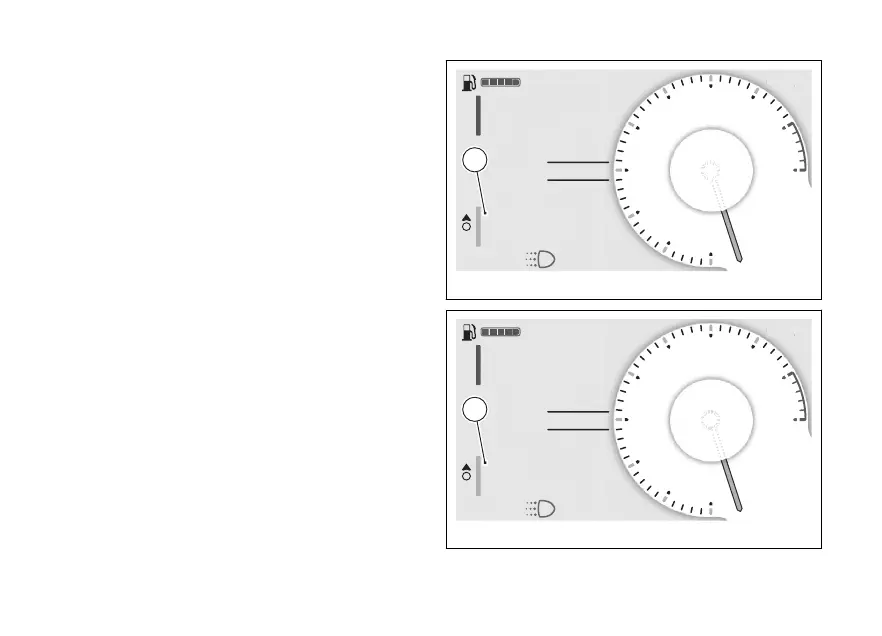
Trip 1 information
The “Trip 1”, "Ø cons.1", "Ø speed 1" and "Trip 1 time"
information can be reset by pressing the ENTER
(3) when selected: "Reset trip 1 info?" will be
displayed. (C).
To confirm, press the ENTER (3). To exit
without making any changes, keep (1)
pressed for a long time.
When the Trip 1 information is reset, all the meters
that refer to it are reset as well.
Trip 2 information
The “Trip 2” information can be reset by pressing the
ENTER (3) when selected: "Reset Trip 2 info?"
will be displayed. (D).
To confirm, press the ENTER (3). To exit
without making any changes, keep (1)
pressed for a long time.
N
Gear
A
Air 22°C
0
km/h
ROAD
DTC 3
DQS ON
Setting menu
Fig 74
N
Gear
A
Air 22°C
0
km/h
ROAD
DTC 3
DQS ON
Setting menu
Fig 75
103



 To Next Page