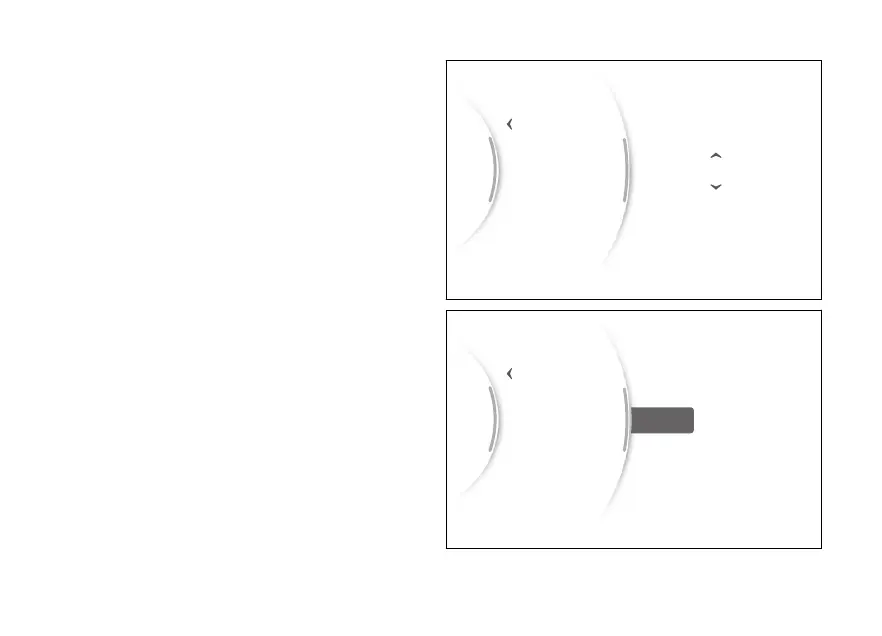
The arrows and available values appear for the third
parameter, which is the day in the example shown
here (Fig 128). Use (1) and (2) to scroll and
select the desired value. Press ENTER (3) to confirm.
When the last date parameter is confirmed, if the
date just entered is not valid, the message “Wrong”
is displayed for a few seconds (Fig 129). it
will be possible to enter the correct date.
...
Back
Set time
Date format
Set date 2023/08/20
18
19
21
22
Gear
N
Fig 128
...
Back
Set time
Date format
Set date Wrong
Gear
N
Fig 129
151



 To Next Page