Paired devices
This function allows viewing and erasing paired
Bluetooth devices.
Note
Maximum of 2 1 rider earphone, 1
passenger earphone, 1 satellite navigator can be
paired up.
●
From the Interactive Menu, use (1) and
(2) to select the item menu" and press
ENTER (3).
●
Select the “Bluetooth” item and press ENTER
(3).
●
Select the “Paired devices” item and press
ENTER (3).
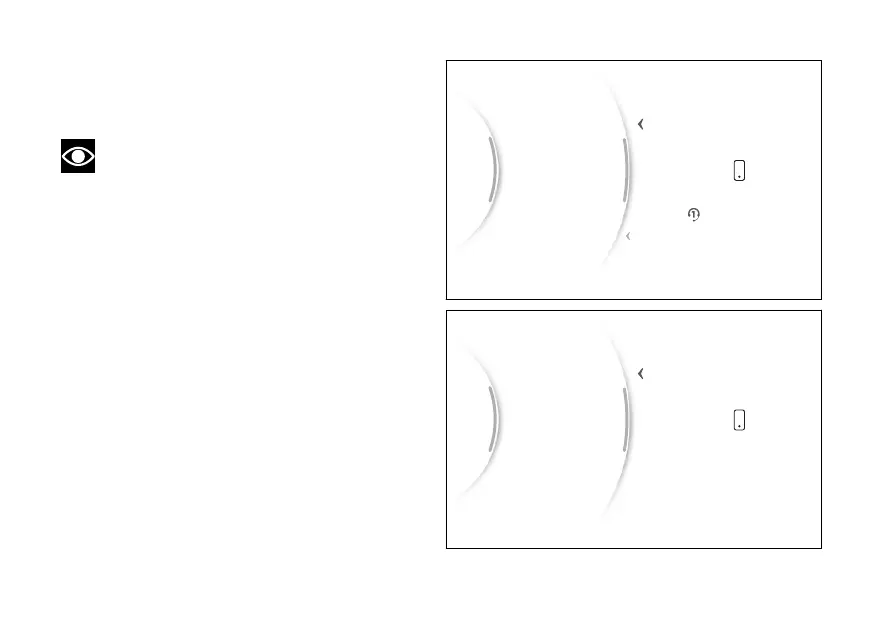
The paired devices (Fig 5) are listed. Press (1)
and (2) to select the desired device and press ENTER
(3).
The message “Delete?” is shown on the right,
(Fig 6)press ENTER (3) to delete the selected device
from the list: the message “Wait...” is displayed for a
few seconds and then the list of paired devices is
updated.
...
Scala Q3
Samsung S21Paired…
Back
Back
Gear
N
Fig 5
...
Samsung S21Paired devices
Back
Fig 6
26



 To Next Page