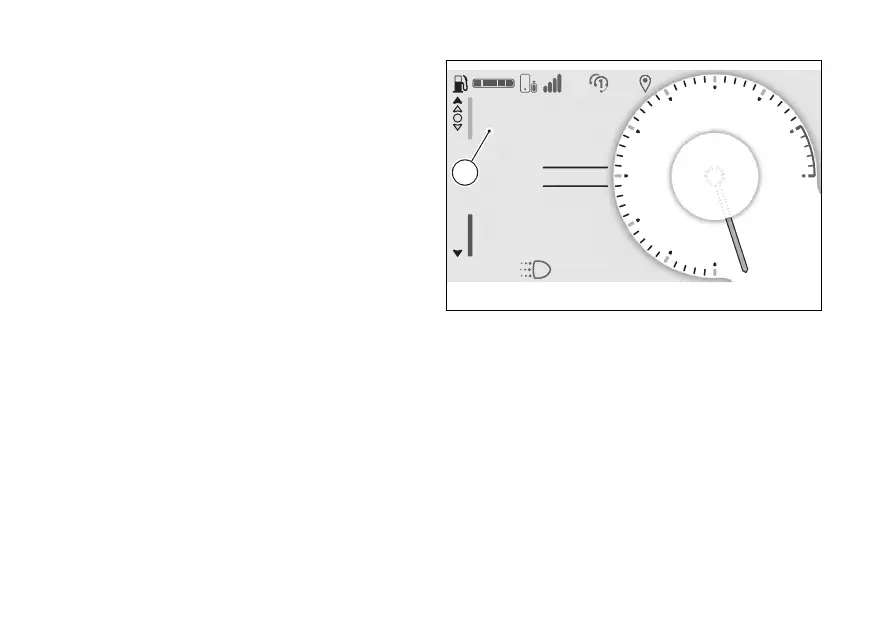
The window (C) is shown listing the last 7 calls made,
received or missed and item “Back”. If a number or
contact is present several times among the last calls,
this is displayed only once.
Use (1) and (2) to scroll through the calls in
the list. Press ENTER (3) to make a call to the number
or contact selected in the list.
To close the window and return to the previous
screen, hold (1) long pressed or select the
“Back” item and press the ENTER (3).
N
Gear
A
Air 22°C
0
km/h
ROAD
km1229
Total
DTC 3
DQS ON
Fig 10
30



 To Next Page