Page 6 - G777,G27,A777,A20
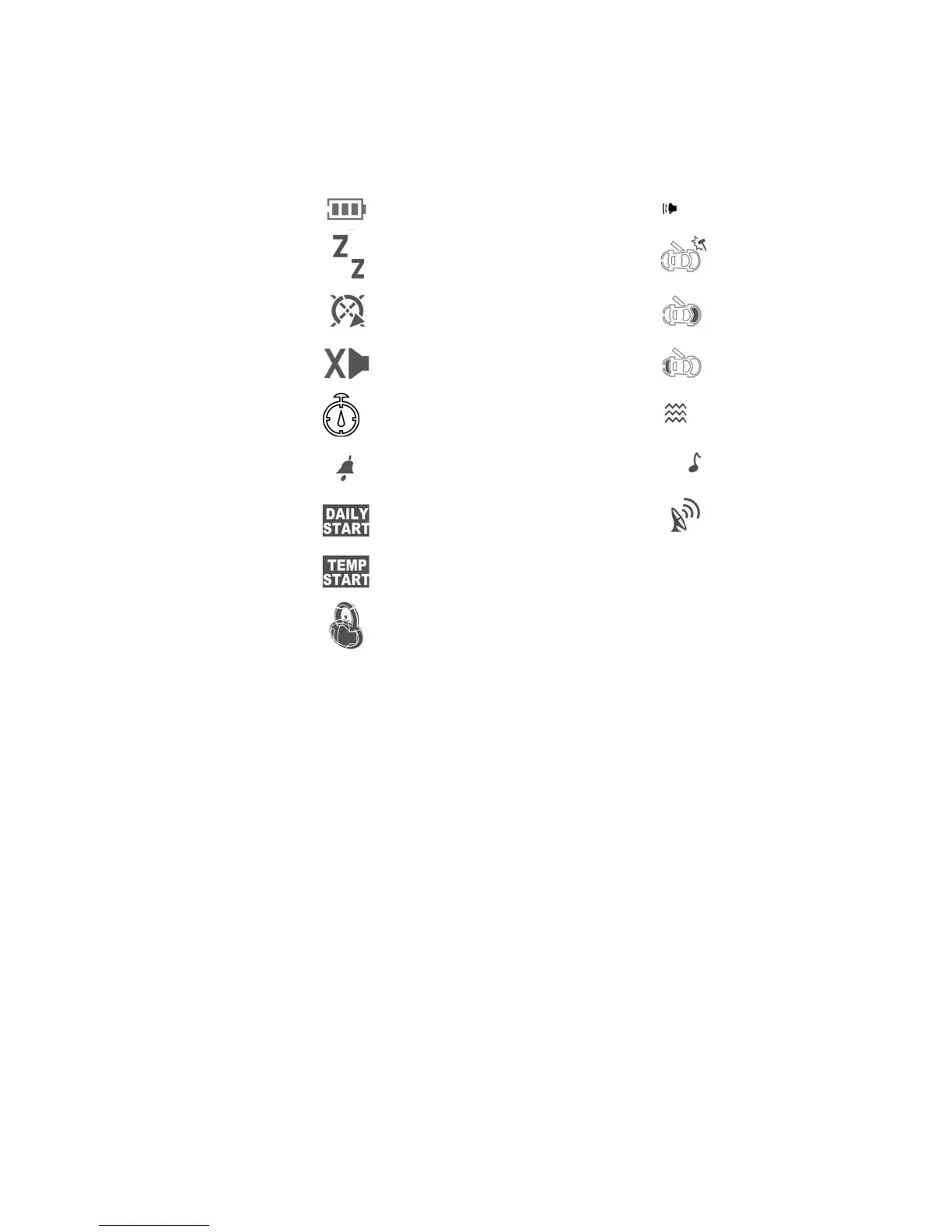
Pager Icon Description
Battery Status
Valet
Starter Status
Chirp Disable
Timer Start Enabled
Alarm Clock
Daily Start Enabled
Temperature Start Enabled
Lock/Unlock Status
Siren On
Vibration SensorTriggered
Hood Sensor Triggered
Trunk Sensor Triggered
Vibration On/Sound Off
Sound On/Vibration Off
Transmit
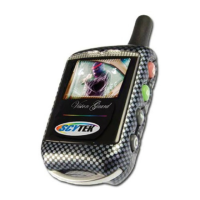
Adding/Replacing 2-way LCD Transmitters
(2 LCD remotes maximum)
When adding an optional 2-way LCD transmitter to the system, follow these steps:
1. Turn on the ignition key On, Off, On, Off, On, Off, and back On. (Key On 4 times)
· The siren will chirp 4 times.
2. Press and hold the Override switch for 5 seconds.
· The siren will chirp 4 times.
· The LED will illuminate.
3. Press Button 1 on the first transmitter, then on the second transmitter.
· The siren will chirp once for each transmitter learned.
4. Turn off the ignition key.
5. The siren will chirp 3 times to indicate the system has exited programming mode.




 To Next Page