FUNCTION MENUS
36
UP
UP
DN
DN
SETUP MENU OPTIONS
Options in the setup menu contain some settings that rarely need changing.
After determining the best settings for a given installation, these options will
very seldom be changed.
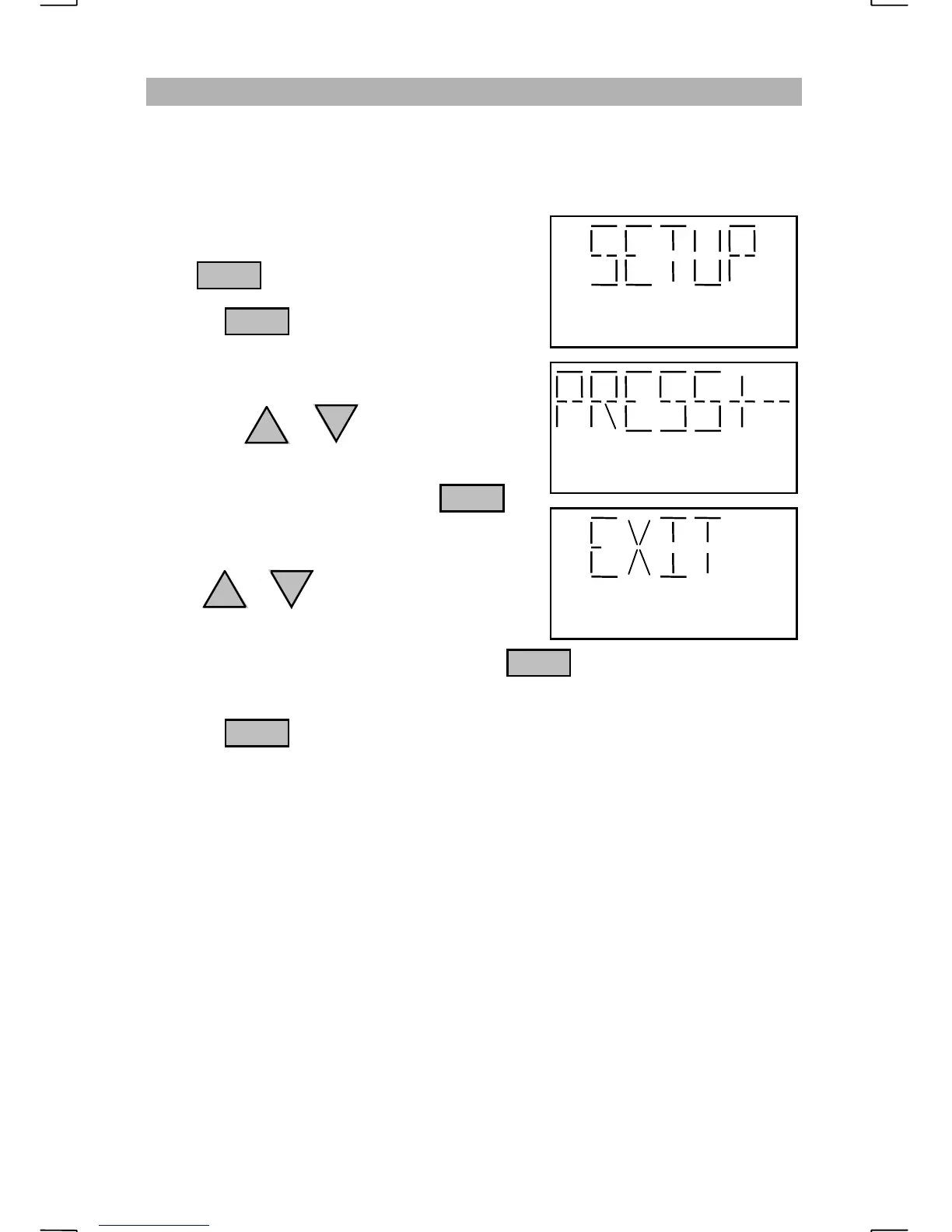
To enter the setup menu, repeatedly
press until “SETUP” is displayed.
Pressing with “SETUP” displayed
will prompt the operator to “PRESS+-”.
The different displays that appear with each
press of the or key are the options
that may be adjusted.
When the option is displayed, press .
The display will show the current setting for
the selected option.
Using or will cycle through the
available settings.
The displayed setting will be selected when is pressed.
The radio will return to normal operations after the selection has been entered.
Pressing when “EXIT” is displayed, will not change the option setting
and the radio will return to normal operations.
The setup options are “
BEEP
”, “
TUNER
”, “
UNIT
”, “
SSB AF
”, “
TLX AF
”,
“
SSB AGC
”, “
TLX AGC
” and “
VOGAD
”.
ENT
ENT
ENT
ENT
FNC


 To Next Page