FUNCTION MENUS
39
UP
UP
DN
DN
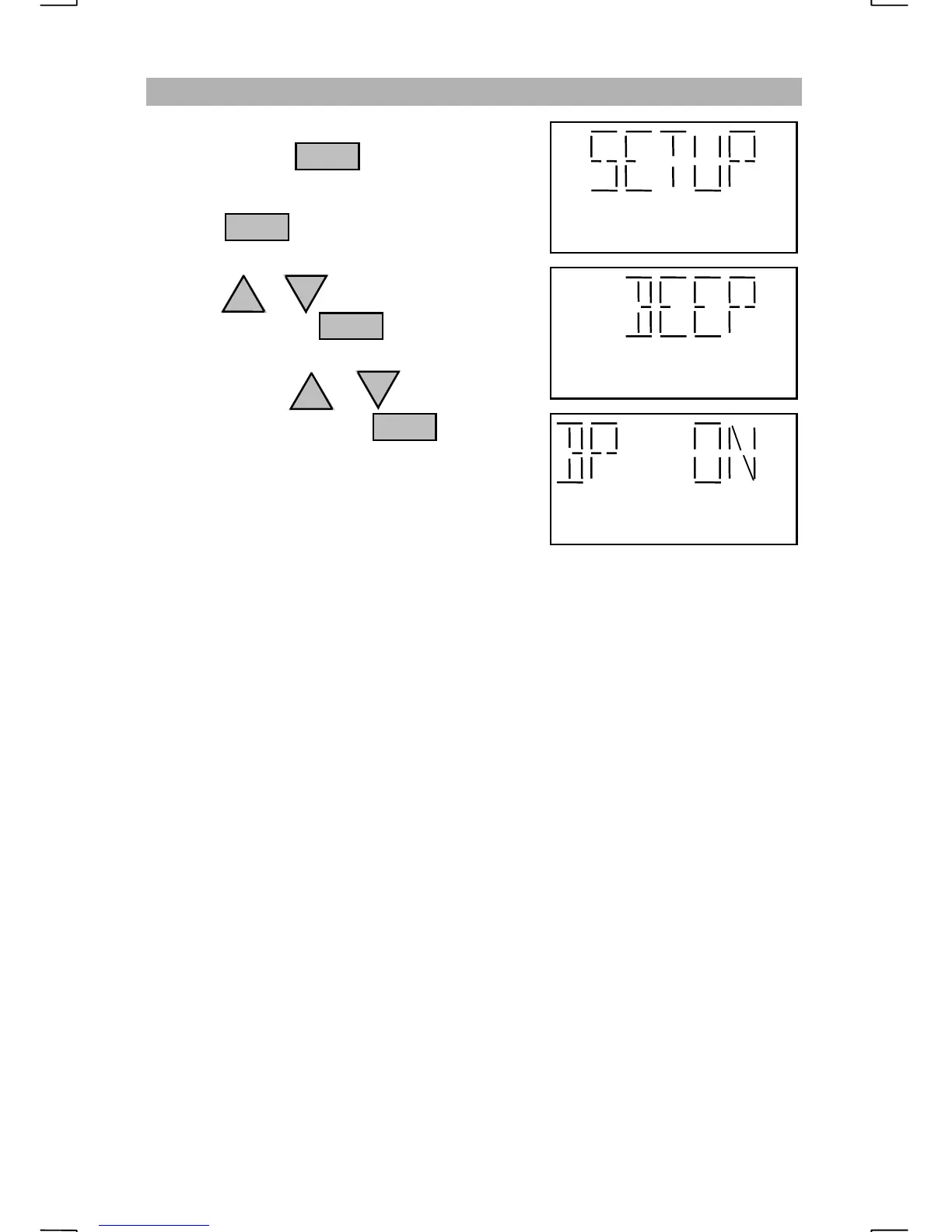
CHANGING THE KEY BEEP SETTING
Repeatedly press until “SETUP” is
displayed.
Pressing with “SETUP” displayed
will prompt the operator to “PRESS+-”.
Press the or key until “BEEP” is
displayed then press
Each press of the or key will change
the key beep setting. Press to select
the setting of “ON” or “OFF”.
With the key beep turned on, a beep will be
heard from the speaker with every key press.
ENT
FNC
ENT
ENT


 To Next Page