| Page 44 | SEABOB Operation Manual |
5
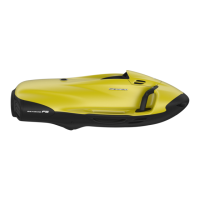
To enter the PIN, you must use the four buttons and
confirm your entry with the Powergrip:
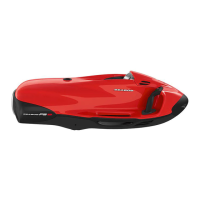
1. Tap the red button (repeatedly) to change the first
digit of the PIN.
2. Tap the blue button (repeatedly) to change the sec
-
ond digit of the PIN.
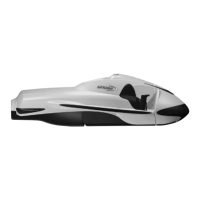
3. Tap the silver* button (repeatedly) to change the third
digit of the PIN.
4. Tap the green button (repeatedly) to change the
fourth digit of the PIN.
5. Pull the Powergrip against the Controlgrip. Entry of
the PIN is confirmed, and the system checks to make
sure the PIN is correct.
6. If the PIN is invalid, the display is reset to "0000" and
the PIN must be entered once again.
Note: If a valid PIN is not entered within 30 seconds, the
system reverts to Sleep mode.
5.4.13 Settings
1. The system is in Stand-by mode or On mode. The op-
eration display is shown in the display.
2. Tap the button combination silver*– blue – red in
quick sequence. The Owner-PIN prompt will appear.
3. Enter your Owner-PIN and confirm your entry by
pulling the Powergrip (see Chapter 5.4.12 "Entering
PIN"). The setting for the operating time limit (Timer)
appears.
4. Switch between the settings (Timer for limiting the
operating time, maximum diving depth, maximum
power, display brightness) with the blue or silver*
button and select the setting you want.
5. Enter the desired value. To increase the displayed
value, tap the green button (repeatedly). To decrease
the displayed value, tap the red button (repeatedly).
6. Pull the Powergrip to confirm the new settings and
return to the operation display.
Note: If you do not want to limit the operating time,
leave the Timer deactivated (setting: operating time =
"0:00"). If the Timer has been activated, the SEABOB
switches to the greatly reduced emergency mode imme
-
diately after the operating time has elapsed, regardless
of the remaining accumulator charge state.
* or black



 To Next Page